3.5.4 Procedure 14 VERIFY CONFIGURATIONS

Table 3-18 Procedure 14 VERIFY CONFIGURATIONS

STEP # This procedure verifies the E5APPB configurations.Note: Estimated time of completion is 5 minutes.Check off (✓) each step as it is completed. Boxes have been provided for this purpose under each step number.Should this procedure fail, Contact Oracle technical services and ask for FULL UPGRADE ASSISTANCE.

1.

☐

MPS A:

Login to serial console as root.

login: root
Password: <root_password>

2.

☐

MPS A:

Switch user to elapconfig.

# su - elapconfig

3.

☐

MPS A:

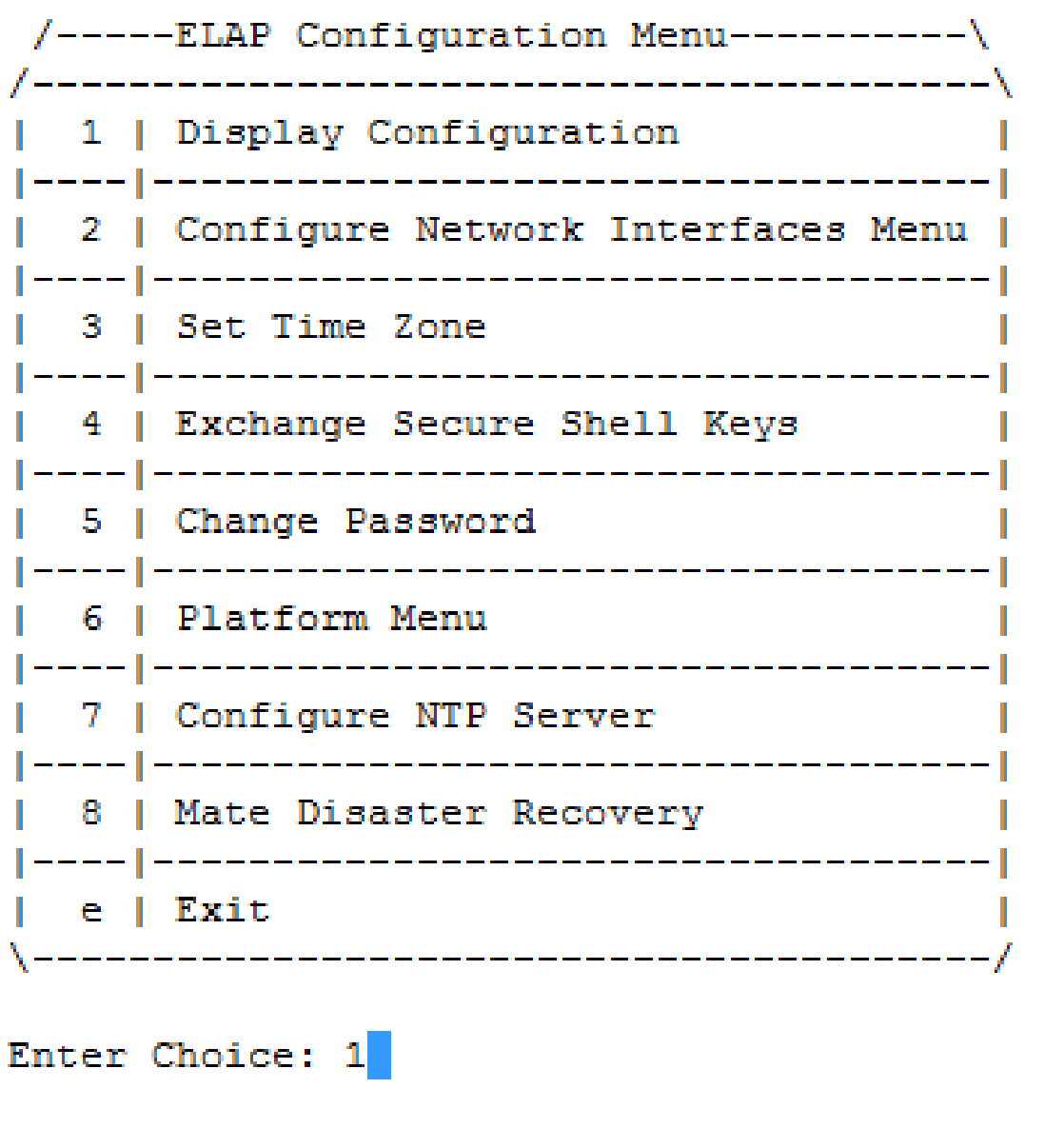
Enter option 1 to display the current configuration.


ELAP Configuration Menu with option 1 entered to display the configuration.

4.

☐

MPS A:

Verify the configuration data with the data recorded earlier

Press Return to continue.

ELAP A Provisioning Network IP Address = 192.168.59.9 
–LAP B Provisioning Network IP Address = 192.168.59.10 
Provisioning Network Netmask           = 255.255.255.0 
Provisioning Network Default Router    = 192.168.59.250 
Provisioning VIP                       = 192.168.59.22 
ELAP A Sync Network Address            = 169.254.1.100 
ELAP B Sync Network Address            = 169.254.1.200 
ELAP A Main DSM Network Address        = 192.168.120.100 
ELAP B Main DSM Network Address        = 192.168.120.200 
ELAP A Backup DSM Network Address      = 192.168.121.100 
ELAP B Backup DSM Network Address      = 192.168.121.200 
ELAP A HTTP Port                       = 80 
ELAP B HTTP Port                       = 80 
ELAP A HTTPS Port                      = 443 
ELAP B HTTPS Port                      = 443 
ELAP A Banner Connection Port          = 8473 
ELAP B Banner Connection Port          = 8473 
ELAP A Static NAT Address              = Not configured 
ELAP B Static NAT Address              = Not configured 
ELAP A LSMS Connection Port            = 7483 
ELAP B LSMS Connection Port            = 7483 
ELAP A EBDA Connection Port            = 1030 
ELAP B EBDA Connection Port            = 1030 
Time Zone                              = America/New_York  
Press return to continue... ...<return> 

5. ☐

MPS A:

Enter option e to Exit.

/-----ELAP Configuration Menu----------\ 
/----------------------------------------\ 
|  1 | Display Configuration             | 
|----|-----------------------------------| 
|  2 | Configure Network Interfaces Menu | 
|----|-----------------------------------| 
|  3 | Set Time Zone                     | 
|----|-----------------------------------| 
|  4 | Exchange Secure Shell Keys        | 
|----|-----------------------------------| 
|  5 | Change Password                   | 
|----|-----------------------------------| 
|  6 | Platform Menu                     | 
|----|-----------------------------------| 
|  7 | Configure NTP Server              | 
|----|-----------------------------------| 
|  8 | Mate Disaster Recovery            | 
|----|-----------------------------------| 
|  e | Exit                              | 
\----------------------------------------/ 
Enter Choice: e 
 

* Note if this menu is not exited properly root access via ssh will not be disabled