3.8.6 Procedure 24 Accept the upgrade
Table 3-29 Procedure 24 – Accept the upgrade.
| S T E P# | A | B | This procedure will accept the upgrade. Estimated time: 5 minutes | |
|---|---|---|---|---|
|
1. |
☐ |
☐ |
MPS X: Log in to the server as the user “root”. |
|
|
2. |
☐ |
☐ |
MPS X: Start platcfg utility. |
# su - platcfg |
|
3. |
☐ |
☐ |
MPS X: Accept Upgrade |
On the “Main Menu”, select Maintenance and press [ENTER]. 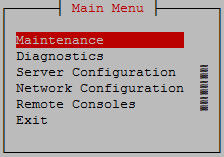 Select the “Upgrade” menu and press [ENTER]. 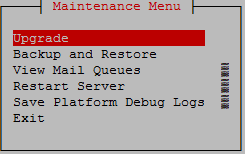 Select the “Accept Upgrade” menu and press [ENTER]. 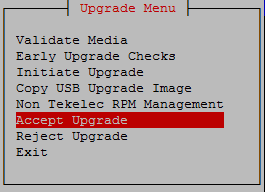 Note: The “Reject Upgrade” menu is also available after the LSMS installation. However, this option should not be used after the first installation of application. It should be used in subsequent upgrades to return to a previous application release. Select Yes and press [ENTER]. 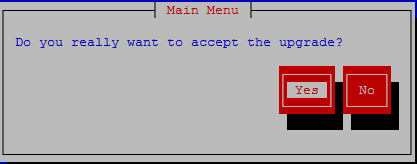 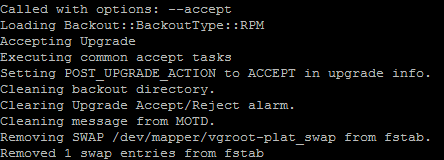 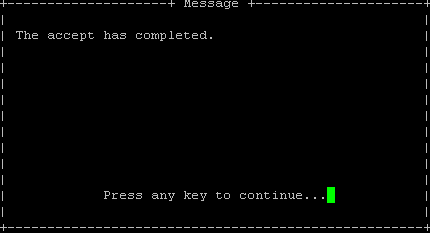 |
|
This procedure is complete! |
||||