Working with Notebooks
Use the Notebooks dialog box to view additional information relevant to your activity.
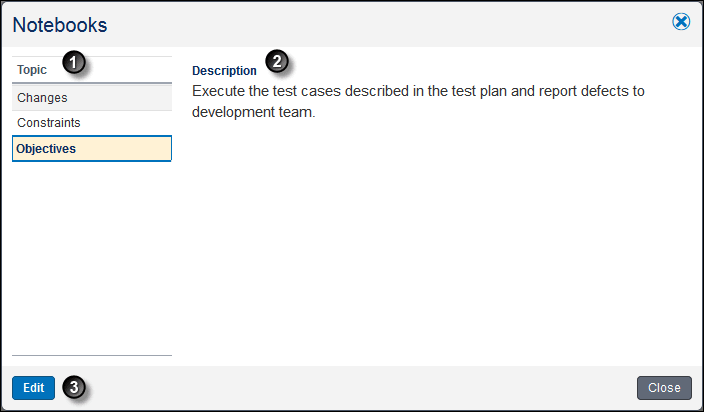
Table of Screen Highlights
| Item | Description |

|
Topic: Information your project manager shares that is relevant to the activity is divided into separate notebook topics. Select a topic name to view the notes for the topic. |

|
Description: The description area includes all the notes for the selected notebook topic. These notes can include text, links, and pictures. To launch a link, right-click on the link and open it from the shortcut menu. |

|
Edit button: You can edit the text and format of Notebooks if your Project Manager has configured the project to allow it. |