Working with Submittal Exchange for Outlook
Using the Submittal Exchange plugin for Outlook, you can upload files (email attachments) to Submittal Exchange directly from Outlook.
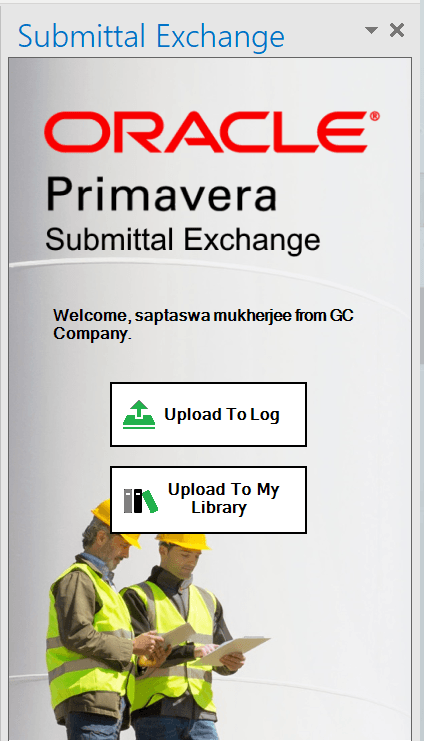
You can upload files to individual logs (log types 1–8) or My Library.
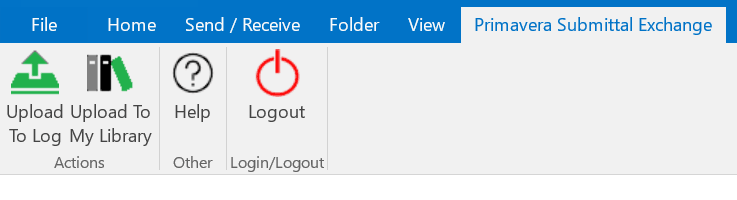
From the top banner on Outlook, select Primavera Submittal Exchange to view the menu options.
- Upload to Log: Select this option to upload documents to a specific log (log types 1–8).
- Upload to My Library: Select this option to upload files to My Library.
- Help: Select to view if there are updates available for this plugin.
- Logout: To logout of your Submittal Exchange session.
Right Pane
Use the right pane to upload files into My Library or to a log.