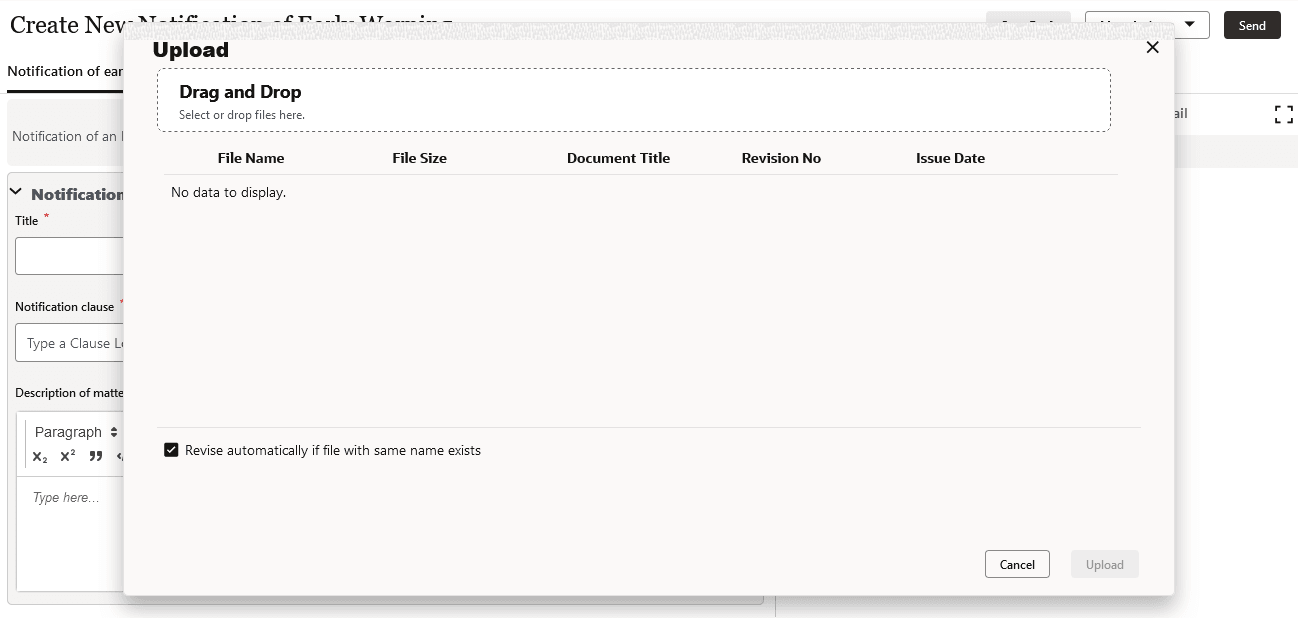
Adding Attachments to a Notification You can upload attachments to every notification. To add an attachment: Select the Attachments tab. From the Attachments panel, select the paper clip icon. Either: Drag and drop files Use the Browse button to find a file. After adding your files, select Upload. All added attachments are added to the Attachment panel in the workflow.