17 Submitting a Plan
To submit a plan:
- Navigate to your Contract Shell.
- From the left Navigator, select Submissions, and then select Plans.
- Select Create.
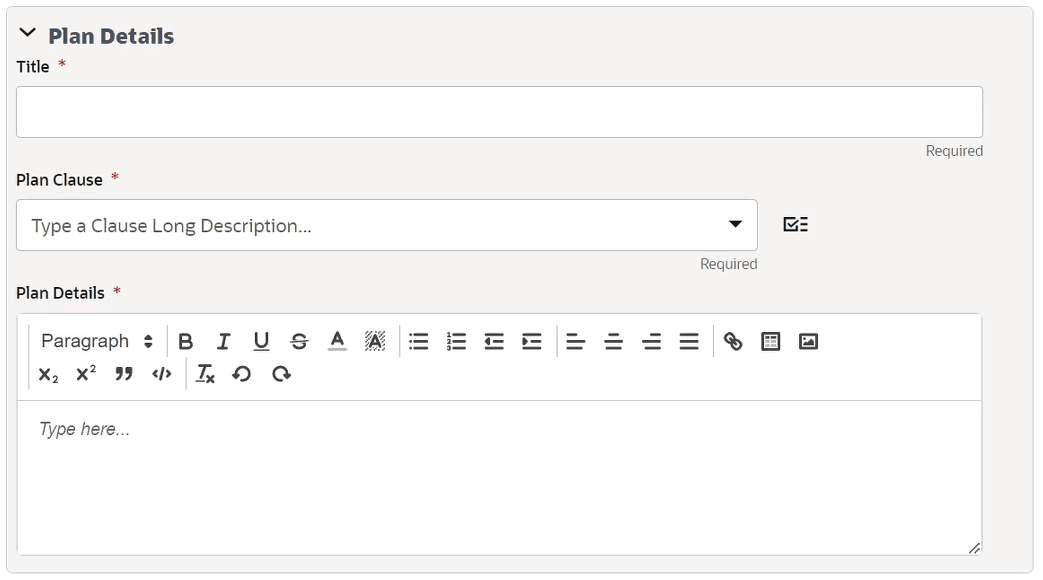
The Plans form is displayed.
- Complete all the required fields in the notification.
You cannot send the form without completing the required fields.
- Select the clause picker icon next to Plan clause to view all clauses available for selection on this notification.
- Optional. Select the Additional Information tab to enter more details.
If required, you can add multiple line item records.
- Once you complete all fields, select Send to submit the plan.
You can now access the plan from the left Navigator by selecting Submissions, and then selecting Plans.