Bill or Usage Forecast
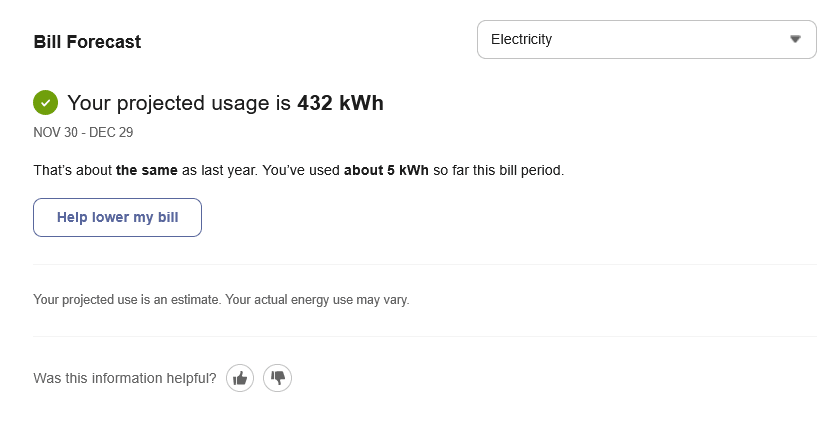
The Bill or Usage Forecast shows business customers their energy use or cost so far in the billing period, projected total energy use or cost for the period, and typical energy use or cost for the period based on their past energy use. Use the images and tables below to review the available configuration options.
Bill or Usage Forecast Example
The following image is an example of the Bill or Usage Forecast feature.
Configuration Options
For each element listed in the table, indicate the desired configuration in the Input Value column. If you do not provide an input for optional configurations, the default will be used.
| Configuration Option | Input Value |
|---|---|
|
Rounding Cost Values to Multiples of Five The forecast cost value can be rounded to the nearest multiple of five. For example, a forecast of $14 would be rounded to $15. Default: Disable rounding of cost values. |
Optional Choose one of the following: Use the default. Round values to multiples of five. |
User Experience Variations
The user experience of the feature may vary for customers and utilities depending upon their service types (gas, electricity, dual fuel, and so on), available data, costs, locale, and other factors. For more information, see Bill Forecast - User Experience Variations in the Business Customer Engagement Digital Self Service - Energy Management Overview.