Understanding the Flex Operations Workspace
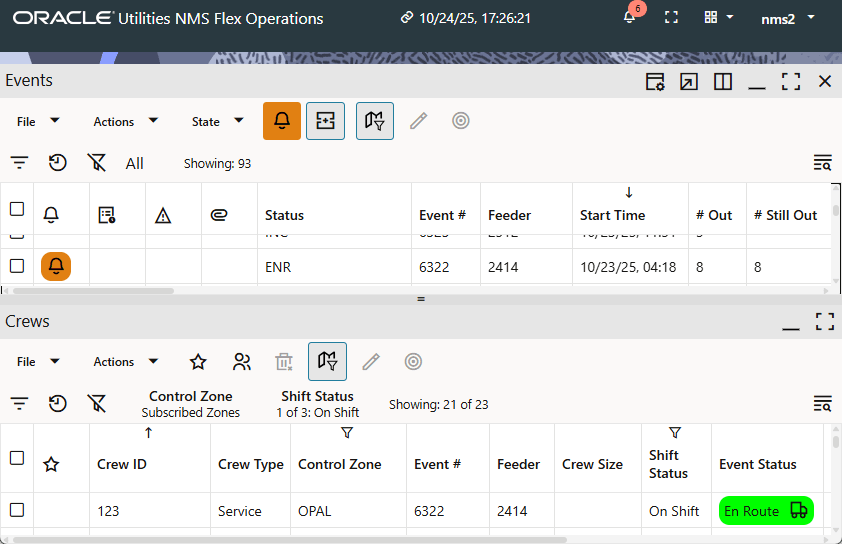
The Flex Operations workspace is displayed after successfully logging on.
The workspace is comprised of a banner and panels for displaying tools (for example, Events and Crews).
Understanding the Workspace Banner
The Flex Workspace banner displays connection information and access to the tools you need to manage outages:

The banner contains the following information and interaction buttons.
1. Application Name
2. Connection Indicator
3. Notifications Indicator (without [a] & with [b] notifications)
4. Full Screen Mode Toggle (change to full screen [a]/exit full screen [b])
5. Tools Selection Menu
6. User Menu