Understanding the Safety Document Toolbar
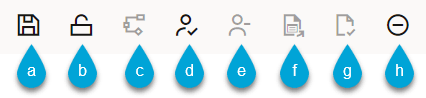
The toolbar screen capture displays the actions available. The toolbar provides the following options (toggle states shown):
a. Save
b. Lock / Unlock (Only found on Stand-alone safety documents)
c. Stop Device Selection Recording
d. Issue
e. Unissue
f. Release
g. Complete
h. Abort