Request Follow Up
The Follow Up section allows you to add details for customer communications, appointments, and meetings with others involved in the event.
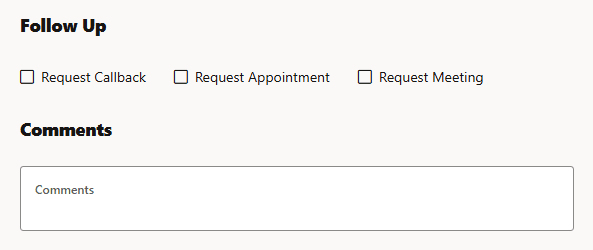
The section updates depending on whether one or more Follow Up types are selected.
• Request Callback: Provides options to enter the reason for the callback, the callback method, and the callback number or email address. Depending on your configuration, the Callback Reason field may have default values loaded when you select the checkbox or you may have to click in the field to expose the options. To remove an option from the field, click the close button ( ) to the right of the selected option.
) to the right of the selected option. When the Callback Reason field is populated with one or more of the available options, the Callback Method field will have a drop-down list of options (for example, Text, Phone, or Email), and its value field will update with a prompt for the corresponding type of information to add (Callback Text Number, Callback Phone Number, or Callback Email).
• Request Appointment: Provides a drop‑down list for entering appointment details, such as Call Before Arriving or Arrive After, and a corresponding time range. See Callback Request for additional details.
• Request Meeting: Provides a drop-down list that allows you to indicate whether emergency or other personnel should be met on the scene.