Scripted Call Entry: Review and Submit
Before you can submit a call in Scripted Call Entry, you are prompted to review the entered details. All of the Manual Call Entry fields are visible below the listed responses. Scroll to the bottom of the page to complete the review. The Submit button then becomes active.
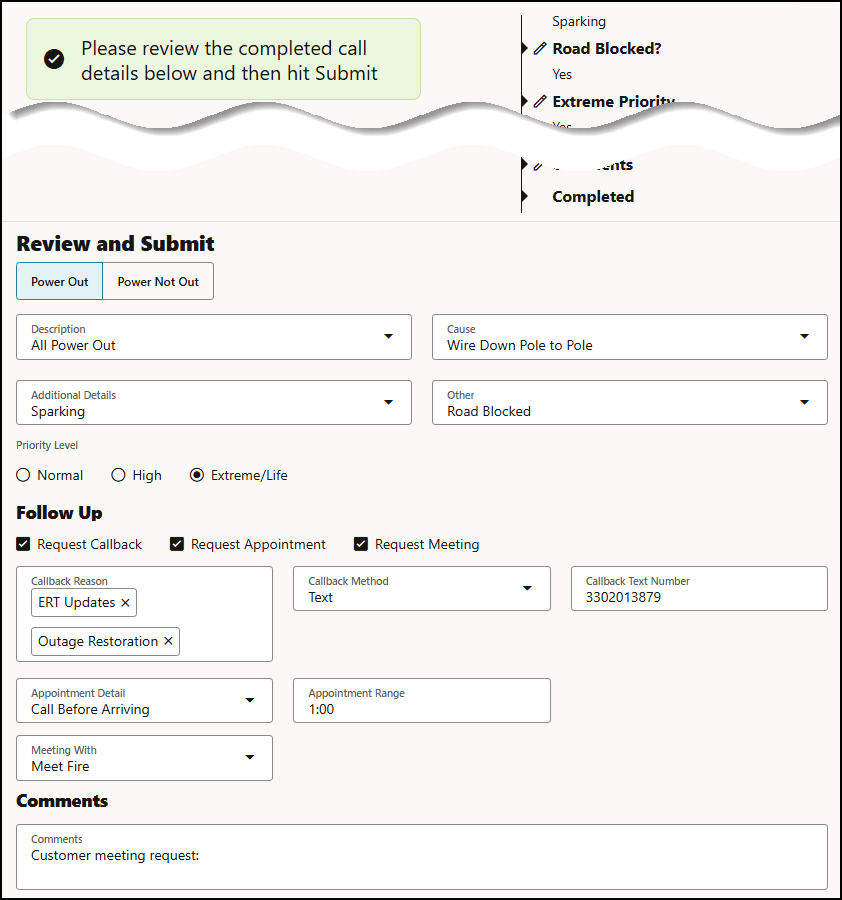
Click Submit to enter the call in the system.
Resetting Call Entry
If you wish to reset the form to its state prior to searching and/or adding Request information, click the Clear button.