getinfo
Query Parameters
• type: "event", ... (required)
• id: Event ID to get information for (required)
• responseurl: template for the custom URL
This request allows other applications to retrieve information from OMA. Parameter type specifies the type of the object from where information will be retrieved (only valid type: event). Parameter id specifies the object identifier. The responseurl parameter contains the template for the custom URL that will be used to deliver the response to the other app. Template parameters enclosed in {} will be substituted with data values.
Example:
nmsoma://getinfo?type=event&id=2130&responseurl=http://xxx.us?cause={cause} or https://localhost:9595/oma/getinfo?type=event&id=2130&responseurl=http://xxx.us?cause={cause}
Deep Link Tester
The Deep Link Tester is located in the NMS_BASE/sdk directory as the file DeepLink.zip. It is an OJET web application that you can build to test deep links on any device. Simply host the web app and access it using your browser.
The Deep Link Tester has two primary pages:
• Logins
• Scenarios
The Logins page allows you to configure Oracle Identity Cloud Service (IDCS) login configuration and supports two IDCS logins to get tokens to use by the tester. In addition to the IDCS logins, it also supports two basic logins and it will base64 decode them when used by the tester.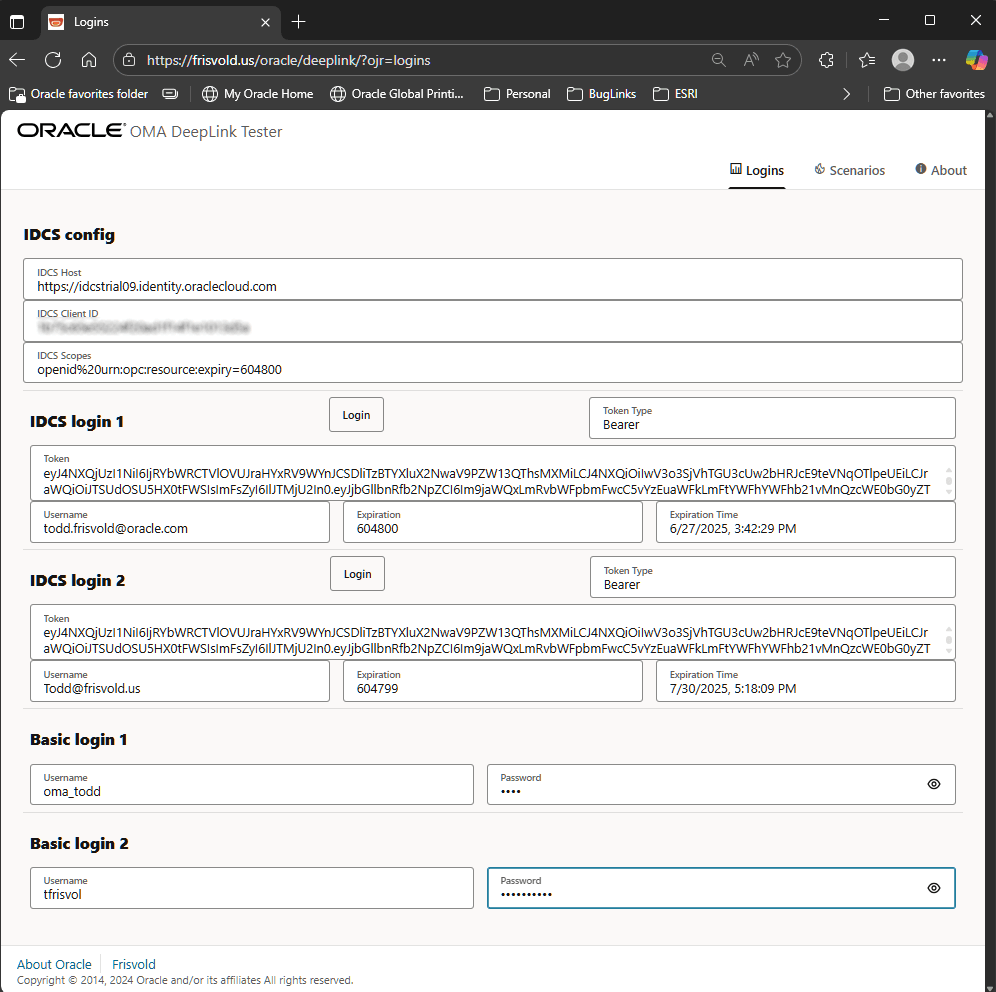
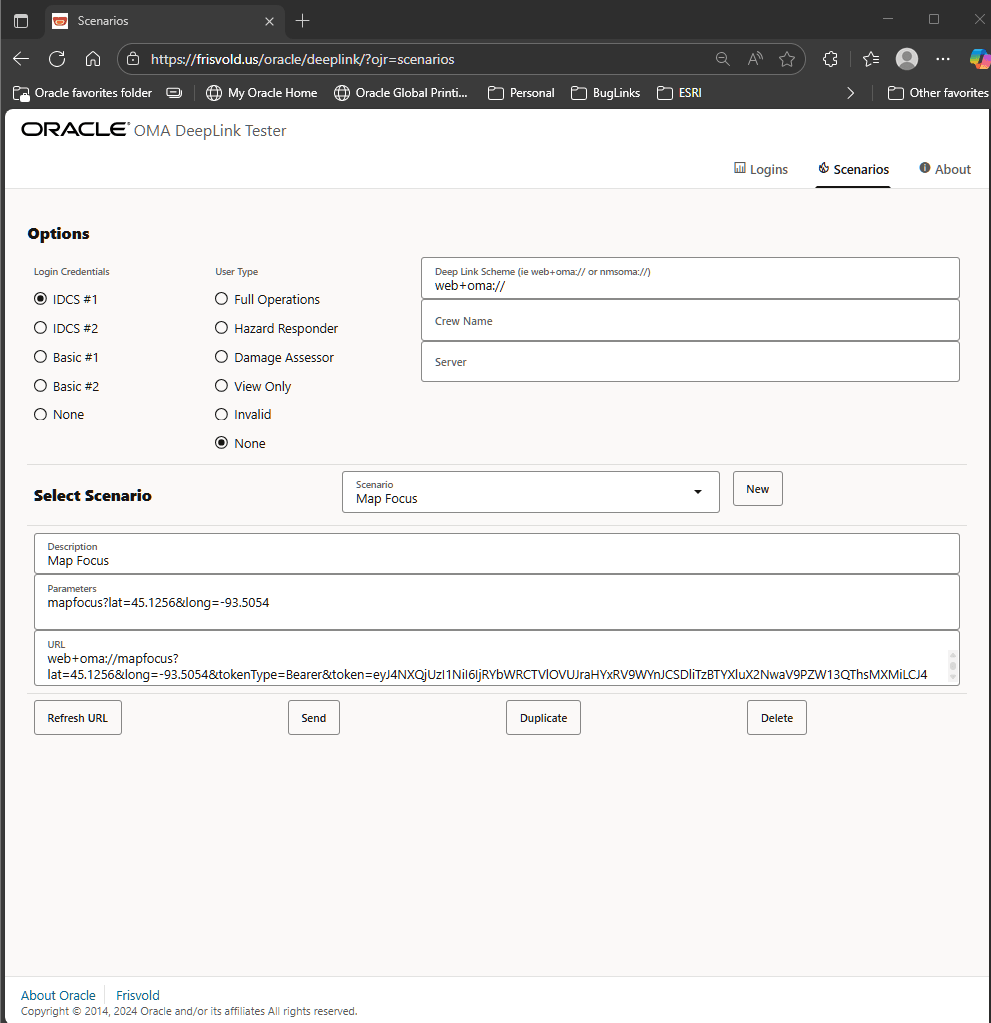
The Scenarios page allows you to define deep link tests, as many as you like. For each scenario, name it, add a description, add the deep link parameters, and select Refresh URL and it will generate a deep link using the values you supplied and the options in the top section (Login Credentials, User type, Deep Link schema, Crew Name, and Server). To send the deep link, click the Send button.