13.2 View Handoff Parameters
This topic describes the systematic instructions to view handoff parameters.
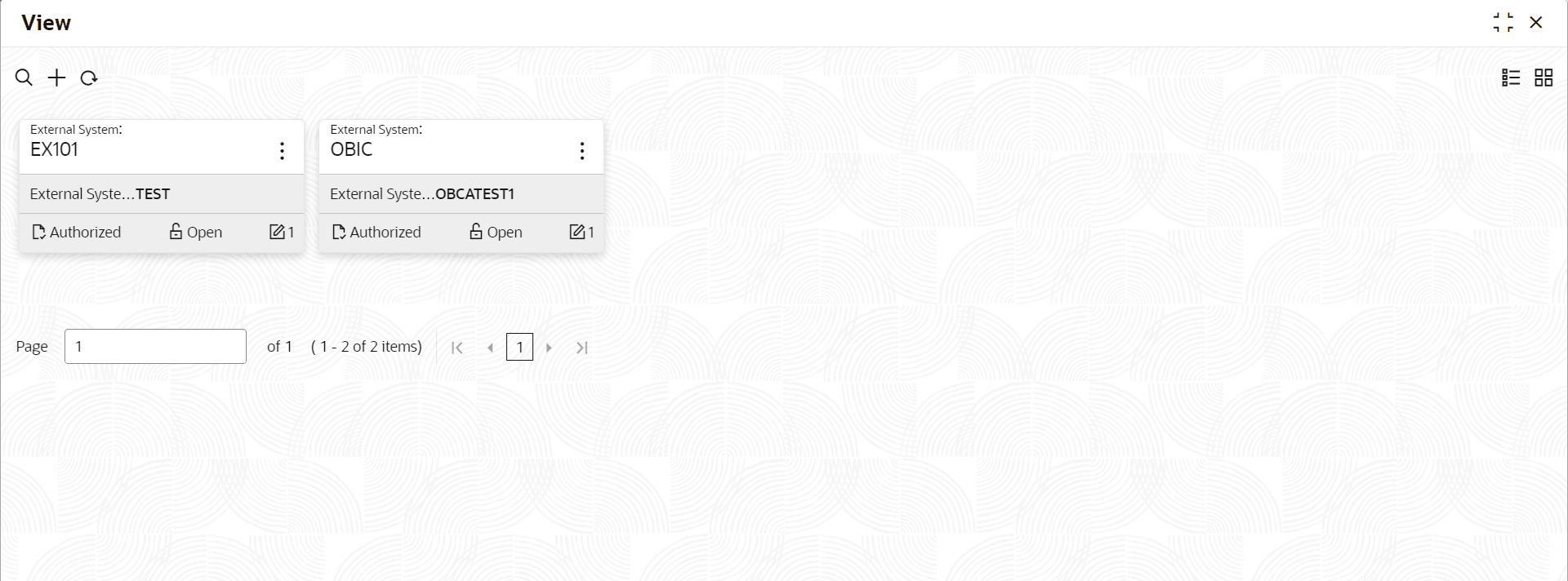
- Under Interest and Charges, click Handoff Parameters. Under Handoff Parameters, click View.The View screen displays.
For more information on fields, refer to the field description table.
Table 13-2 View Handoff Parameters - Field Description
Field Description External System Displays the external system. Authorization Status Displays the authorization status of the record. The available options are:- Authorized
- Rejected
- Unauthorized
Record Status Displays the status of the record. The available options are:- Open
- Closed
Modification Number Displays the number of modifications performed on the record.
Parent topic: Handoff Parameters