8.2 View State Group Parameters
This topic describes the systematic instructions to view the list of configured State Group parameters.
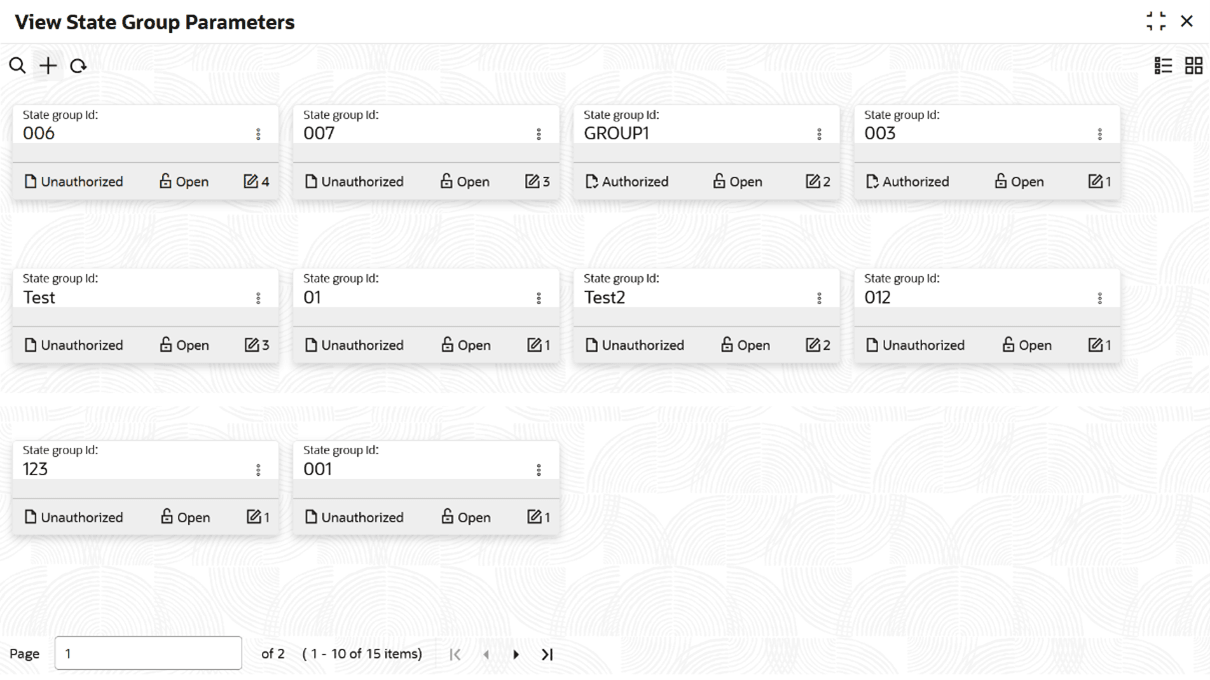
- Click Account Configurations, and under Account Configurations, click State Group Parameters, then click View State Group Parameters.The View State Group Parameters page displays.
Note:
Table 8-2 State Group Parameters Tile - Field Description
Field Description State Group ID Displays the State Group ID. Note:
- View the details of a State Group Parameters tile.
- Click
 and select View.The State Group Parameters page displays.
- Click
- Unlock and update State Group Parameters.
- Click and select Unlock.The State Group Parameters page displays.
Note:
The fields that are grayed out cannot be updated.
- Click
Parent topic: State Group Parameters