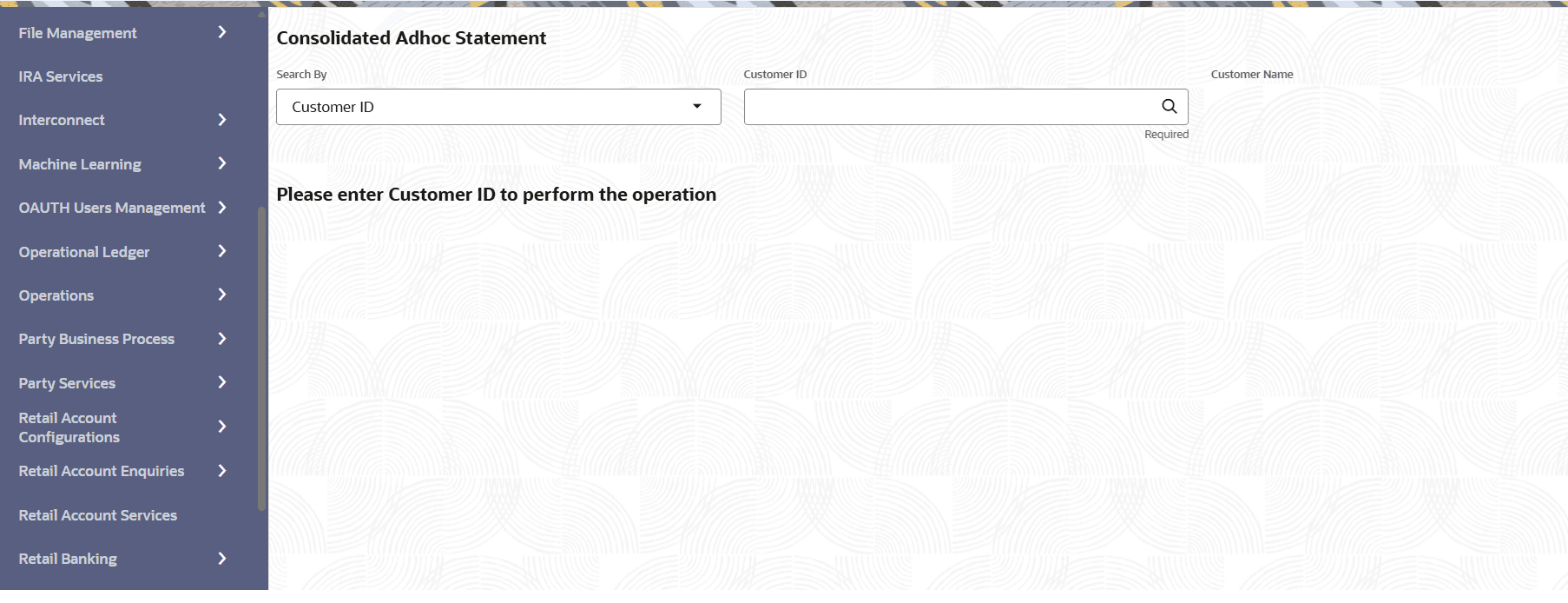
This topic describes the systematic instruction to generate a consolidated adhoc statement that covers multiple accounts of a customer. The Adhoc statements are statements that do not fall within the periodic statement generation frequency.
Note:
This screen is applicable for IRA Accounts and IRA Deposits.To generate a consolidated adhoc statement:
- On Home screen, from IRA Services click Consolidated Adhoc Statement, or specify the Consolidated Adhoc Statement in the Search icon bar.The Consolidated Adhoc Statement screen is displayed.
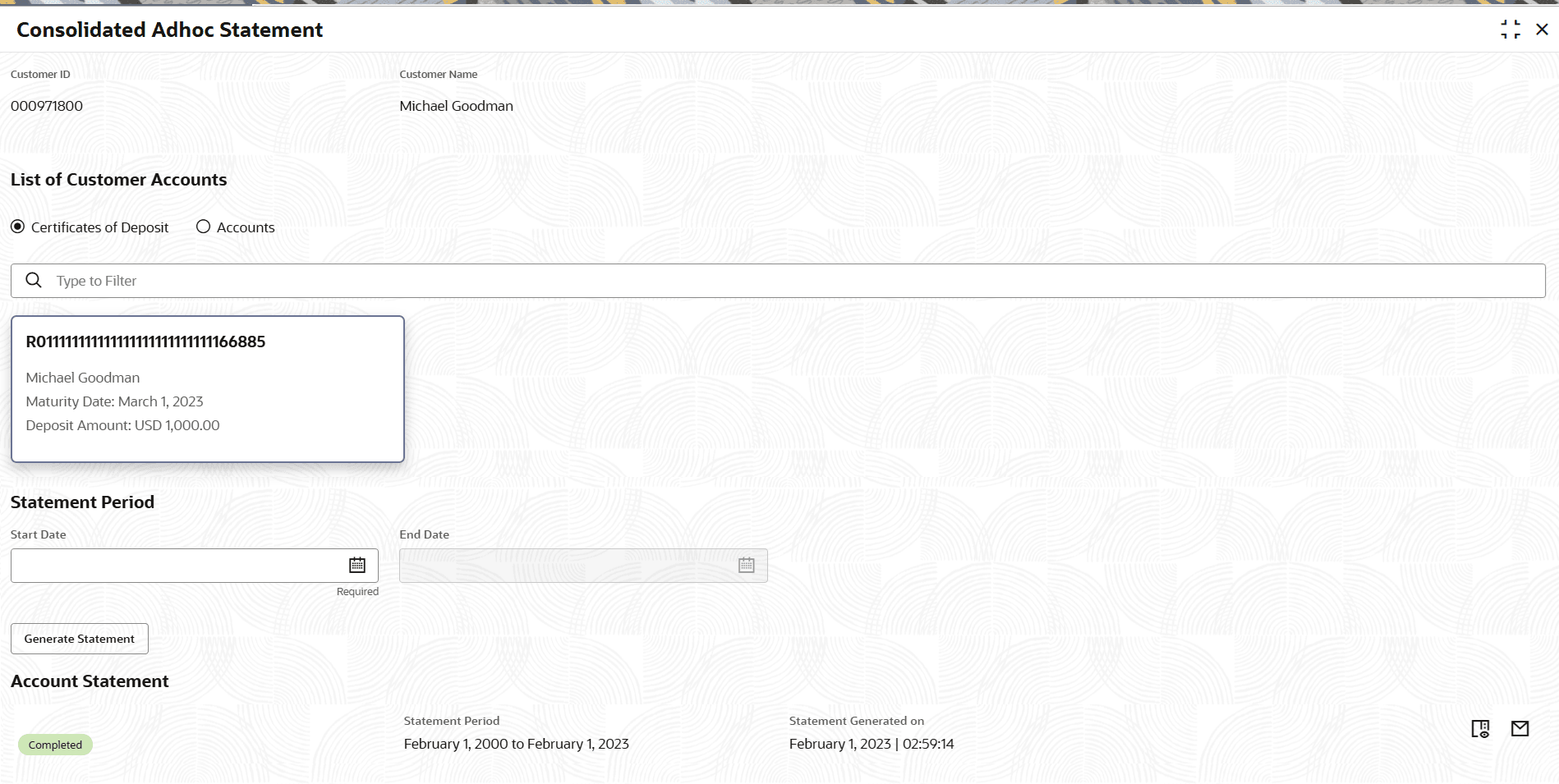
- In the Statement Period section, click Generate Statement to generate the account statement for the selected accounts and period.The Account Statement Details section is displayed.
For more information on fields, refer to field description table below:
Table 5-2 Consolidated Adhoc Statement - Field Description
Field Description Customer ID Enter the Customer ID or click the search icon to view the Customer ID pop-up window. By default, this window lists all the Customer Numbers present in the system. You can search for a specific Customer ID by providing Customer ID, or Customer Name and clicking on the Fetch button. Note:
The Customer Name is displayed adjacent to this field as the customer ID is selected.List of Customer Accounts Select the type of account to generate the adhoc statement. The options are: - Certificate of Deposit
- Accounts
Once the user toggles between Deposits or Accounts, all accounts belonging to the customer under the respective domain are listed. User can either select a single account or multiple accounts to generate the Ad hoc statement.
Statement Period This section displays the statement period details. Note:
This section is displayed if the user clicks on any account widget displayed.Start Date Select or specify the start date to generate the statement. Note:
The start date cannot be future dated.End Date Select or specify the end date to generate the statement. Note:
The end date cannot be lesser than start date.Account Statement This section displays the statement details that are generated for the customer. Note:
This section is displayed as the user clicks Generate Statement.<Status> Displays the statement generation status. Statement Period Displays the period for which the statement is generated. Statement Generated on Displays the date on which the statement is generated.