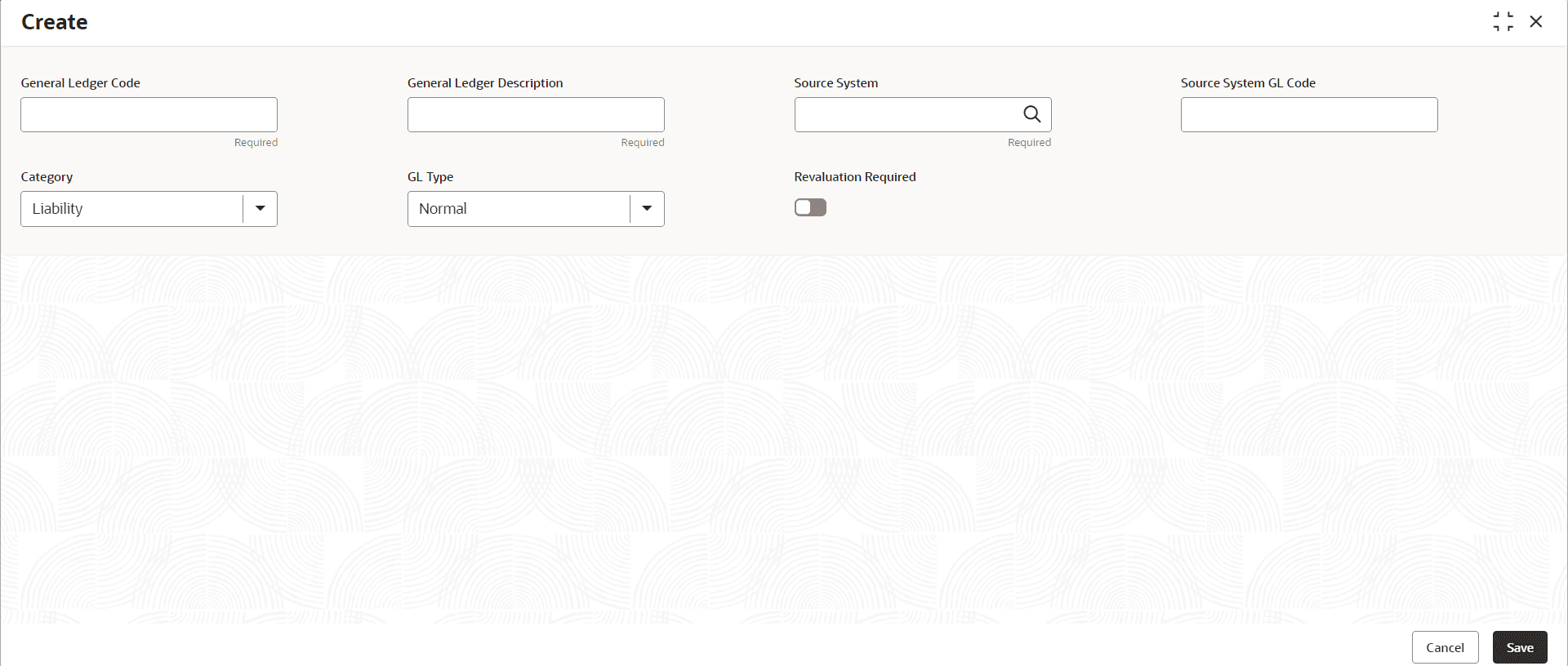
This topic describes the systematic instructions to create customer GLs.
Figure 3-1 Create Customer GL
Note:
A Fields marked as Required are Mandatory.Table 3-1 Create Customer GL - Field Description
| Field | Description |
|---|---|
| General Ledger Code | Specify the general ledger code. |
| General Ledger Description | This field is auto-populated based on the general ledger code you select. |
| Category | This field is auto-populated based on the general ledger code you select. |
| GL Type | Specify the GL Type from the drop-down list. The available options are:
|
| Revaluation Required | Specify whether revaluation is required for customer GLs or not. The default value is No. |
Note:
At this point, the status of the Customer GL is Unauthorized. A user with a supervisor role has to approve the Customer GL. After approval, the status changes to Authorized and the Customer GL is available for use by another process.Note:
As a maker of this configuration, User cannot approve it. It has to be approved by another user with a Supervisor role.
