1.15.1 Create IRA External Parameter Configuration
This topic describes the systematic instructions to Create External Parameter Configuration .
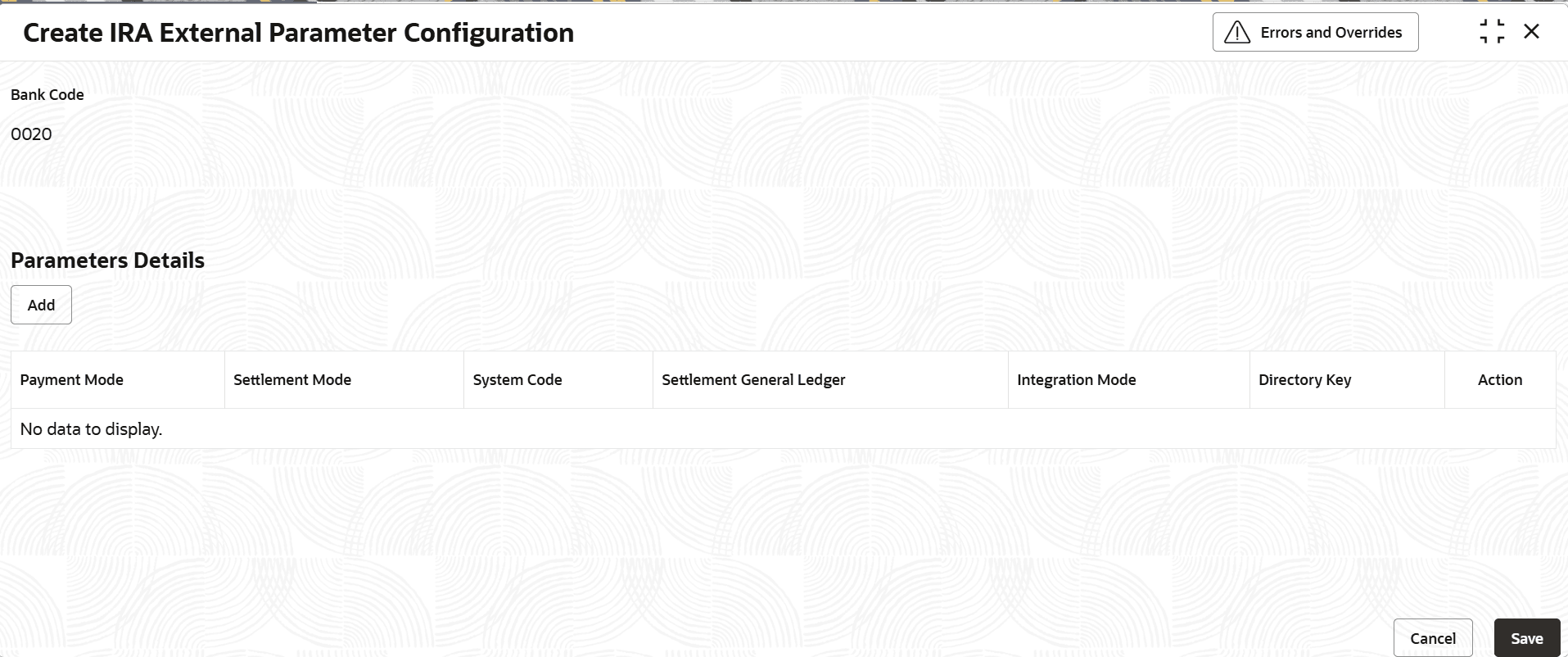
- Under IRA External Parameter Configuration, click Create IRA External Parameter Configuration.The Create IRA External Parameter Configuration screen displays.
Figure 1-63 Create IRA External Parameter Configuration
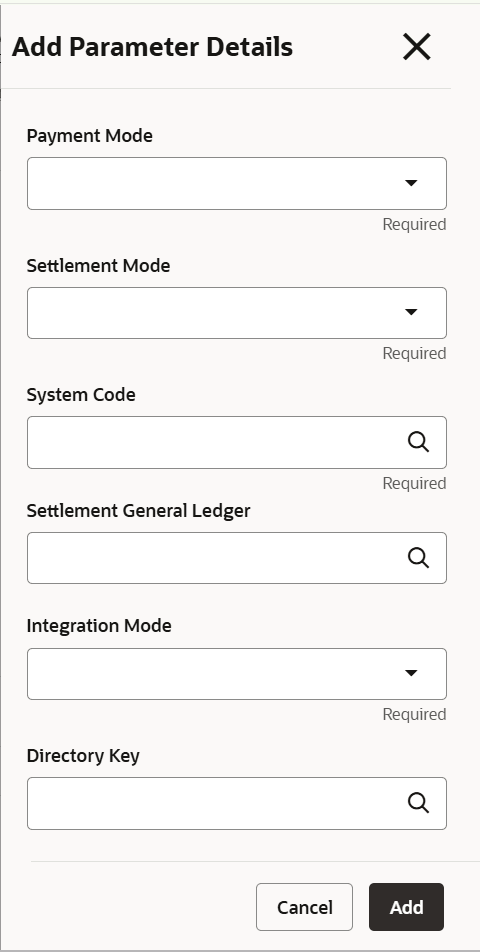
- Specify the fields on Parameters Details screen. Click the Add button in the Add Parameters Details. The Add Parameters Detail screen displays.The Add Parameters Details screen displays.
For more information on fields, refer to the field description table below.
Table 1-67 Add Parameters Details - Field Description
Field Description Payment Mode Select payment mode from the drop-down list. The available options are:- PAYIN
- PAYOUT
- BOTH
Settlement Mode Select system code from the drop-down list. The available options are:- Account
- GL
- Cheque
- ACH
- Fedwire
System Code Click Search icon and select system code from the list. Settlement General Ledger Click Search icon and select settlement ledger from the list. Integration Mode Select Integration Mode from the drop-down list. The available options are:- HANDOFF
- Rest API
Directory Key Click Search icon and select Directory Key from the list.
Parent topic: IRA External Parameter Configuration