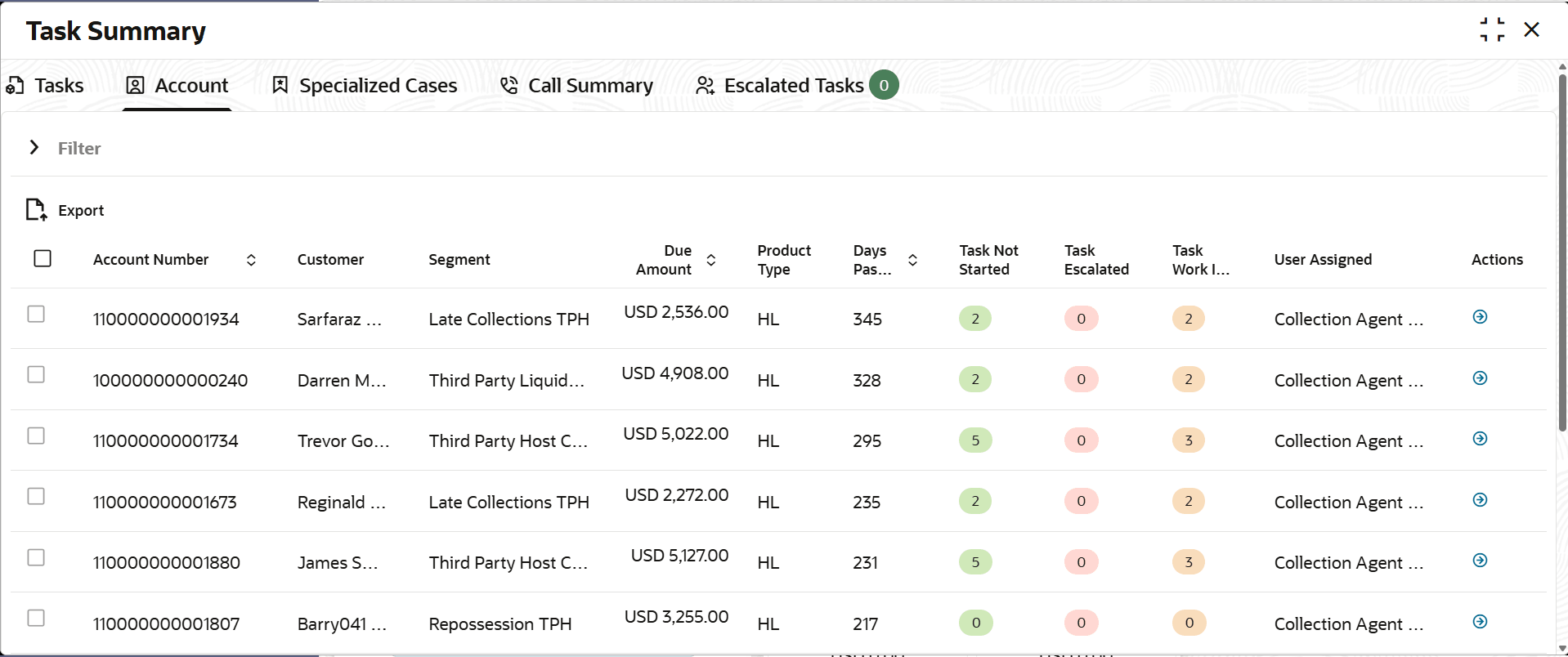
5.2.2 Reassigning Account Specific Tasks
If user are a supervisor, user can reassign accounts to any other collector
within user user group. When user assign an account to another collector, all tasks
associated with that particular account are assigned to the collector.
To reassign account specific task:
- From the main menu, navigate to Collections and then click Task Summary.The Task Summary page is displayed. By default, Task tab is displayed.
Parent topic: Account