5.1.1 Searching for a Task
User can search for tasks with specific search criteria, such as follow-up
date, task type, and expiry date.
To search for a task:
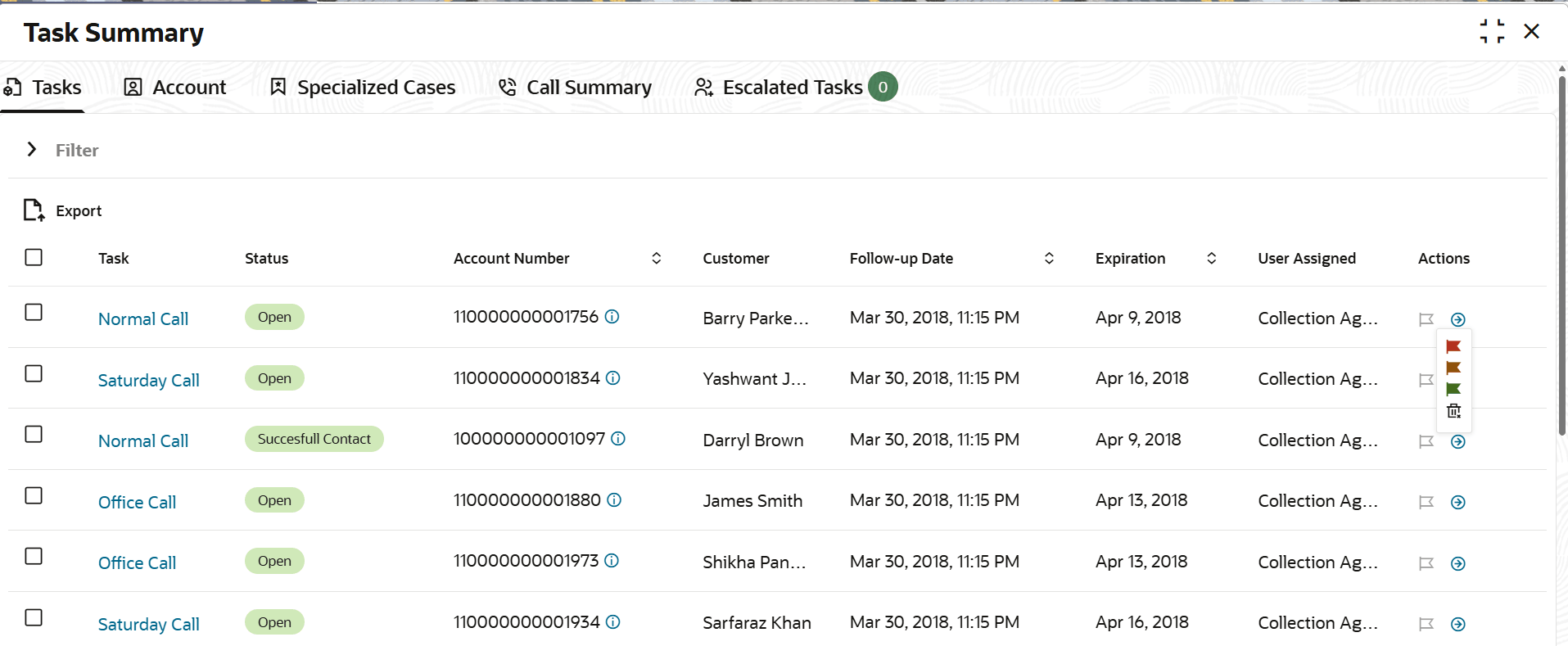
- From the main menu, navigate to Collections and then click Task Summary.The Task Summary page is displayed. By default, Task tab is displayed.
Parent topic: Tasks