1.24 Maintain Roles for Users
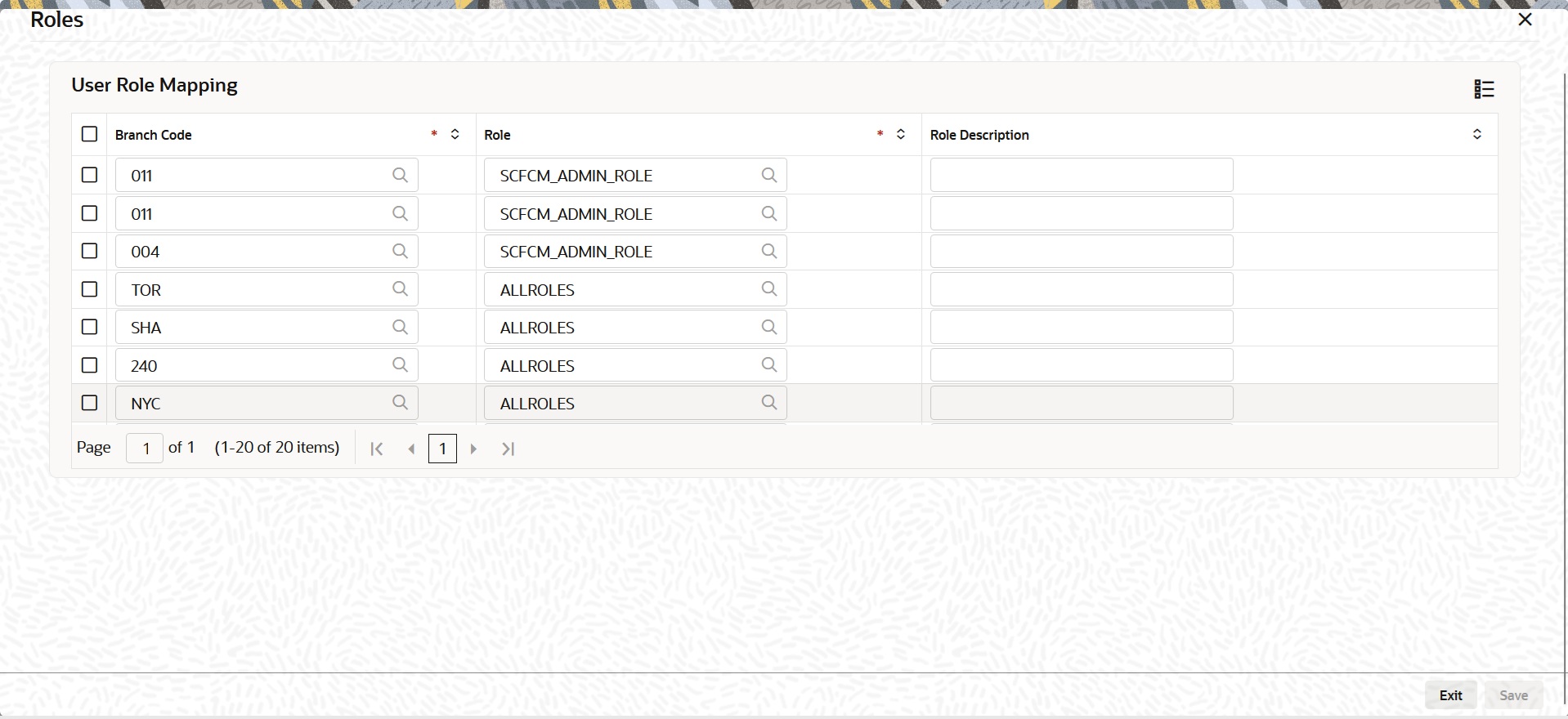
This topic explains how to view the roles assigned to a user profile and see which roles are mapped to the user.
A Role is always associated with a user for a specific Branch. The values set at the role level are directly inherited by the user for that branch, like Functions IDs, Account Class and Branch Restrictions, Input and Authorization Limits, and so on.
Note:
The fields which are marked in asterisk are mandatory.Log in to the User Maintenance screen.
- On the User Maintenance screen, click Roles.The Roles screen displays.
Parent topic: Security Management