1.1.2.2.1 Facilities and Collateral for Existing Customer
This topic describes the systematic instructions to facilities and collateral screen.
Facilities and Collateral details can be added for the application in the Enrichment Stage.
Figure 1-8 Facilities and Collateral Details Screen
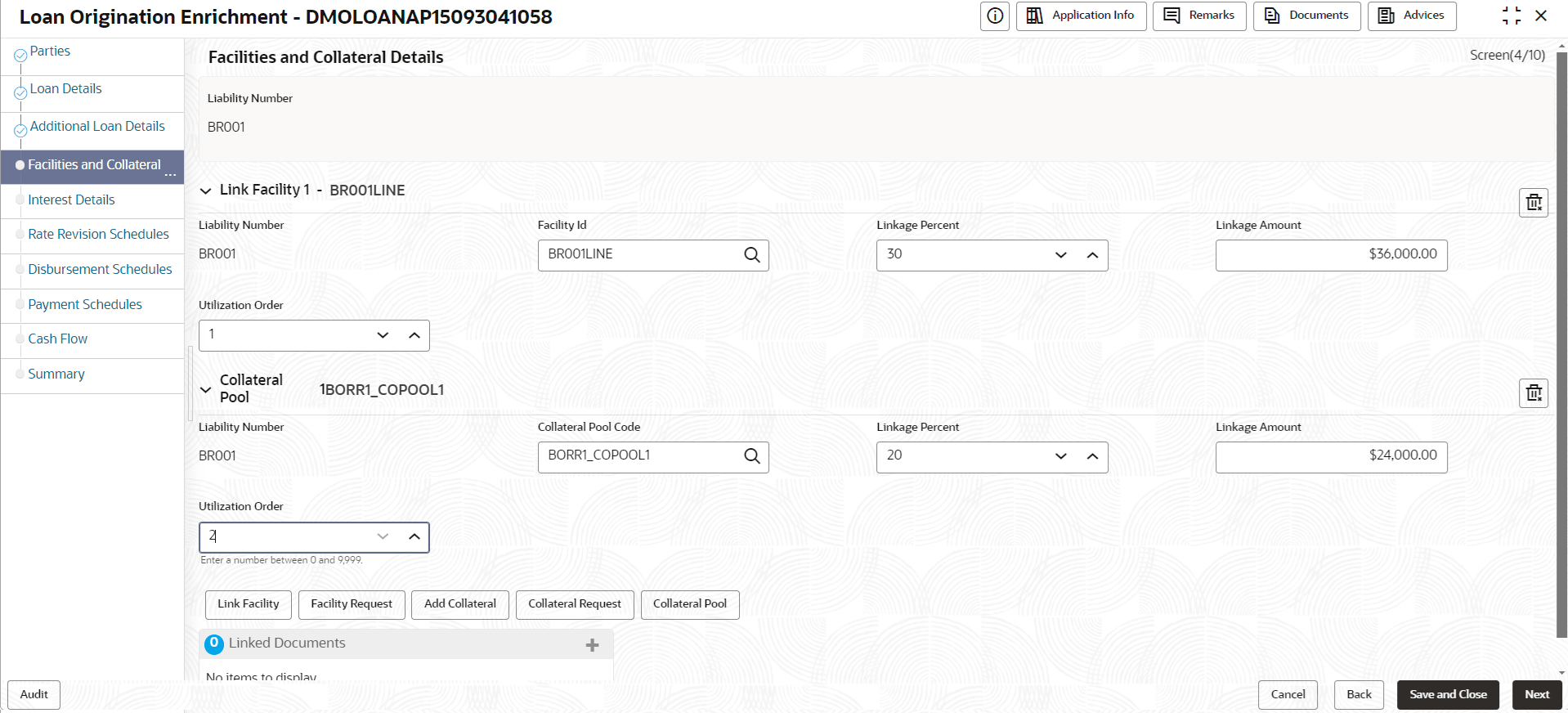
Description of "Figure 1-8 Facilities and Collateral Details Screen"
Figure 1-9 Facilities and Collateral Details - Adding Link Collateral
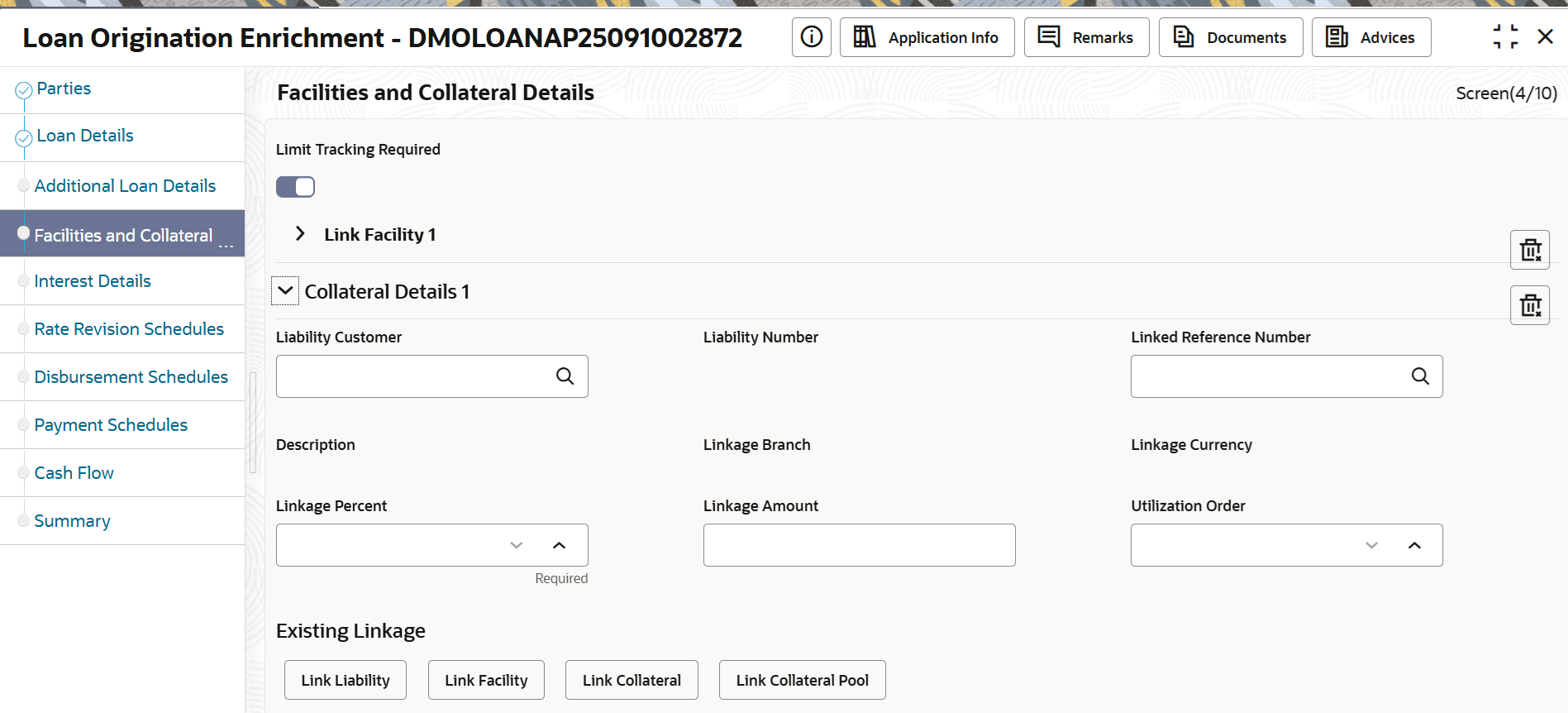
Figure 1-10 Facilities and Collateral Details - Adding Collateral Pool
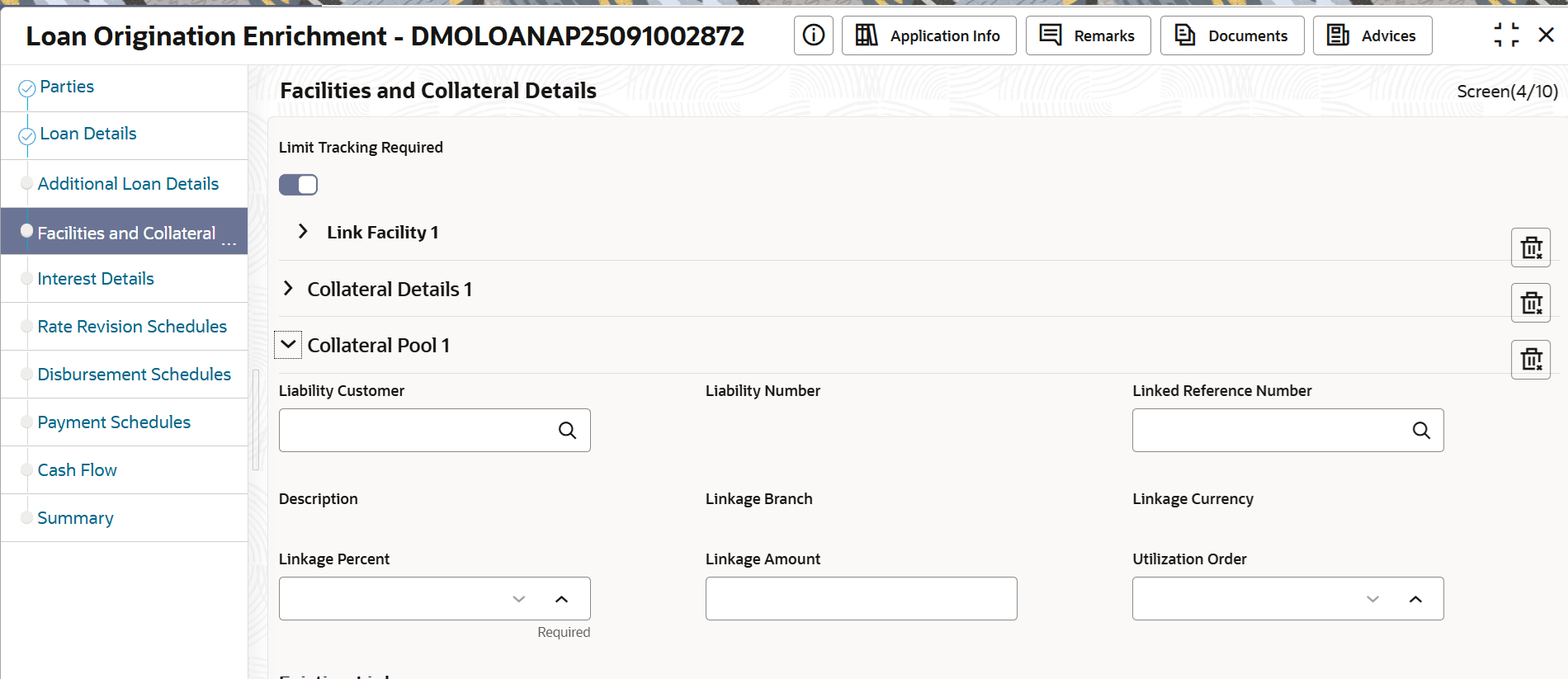
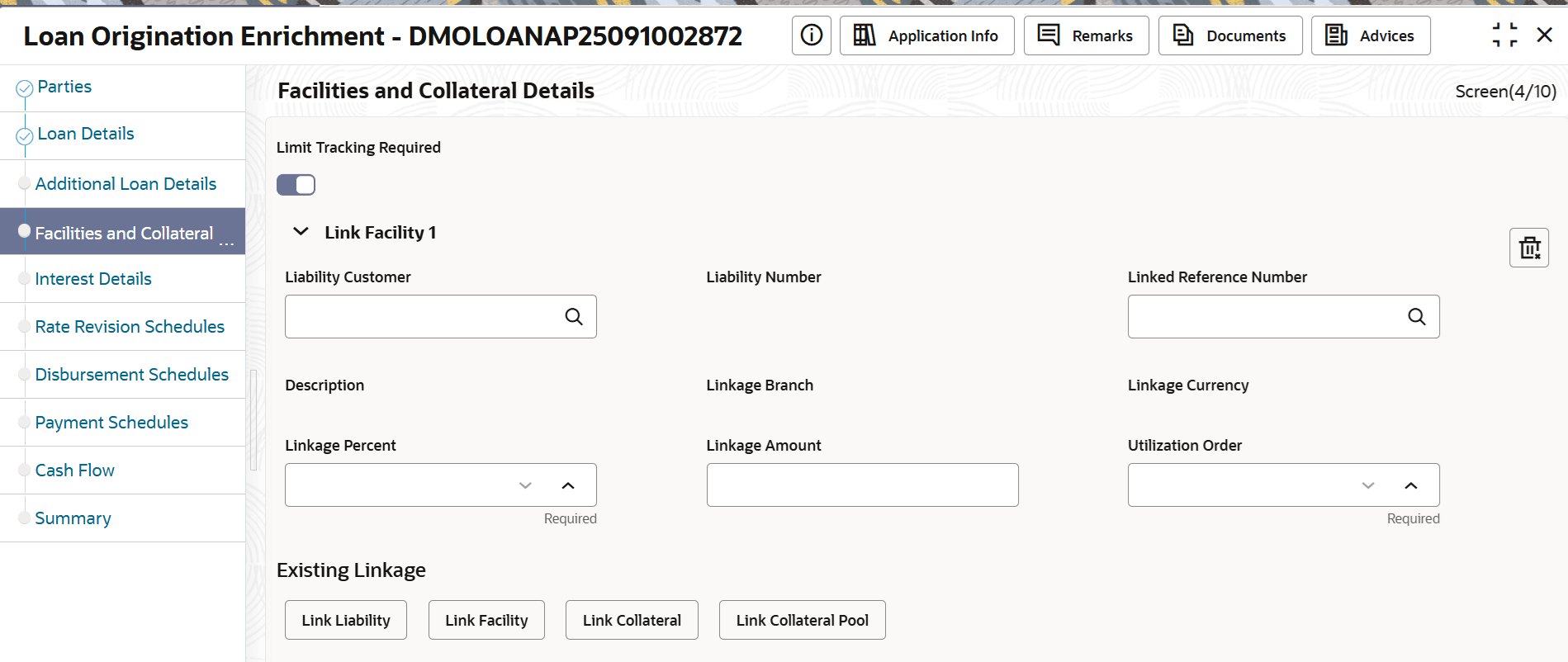
Figure 1-11 Facilities and Collateral Details - Adding Link Facility
For information on the screen fields, refer to the field description table below.
Table 1-7 Facilities and Collateral Details - Field Description
| Field | Description |
|---|---|
| Liability Number | The unique ID for the liabilities provided by the customer. |
| Facility ID | Specify or select the facility ID of the customer from the adjoining option list. |
| Linkage Percent | The linkage percentage determines that can be less than, greater than, or equal to 100. |
| Linkage Amount | The linkage amount determines based on linkage percentage. |
| Utilization Order | Specify the Utilization order if any collateral is linked to the loan. |
| Collateral Pool Code | Code assigned to each collateral pool can be linked to a Liability while creating facility ID. |
Parent topic: Facility and Collateral