1.1 Functional Troubleshooting Errors
This topic describes how to check and debug the basic Oracle Banking Corporate Lending Process Management application errors.
The following errors are the functional errors of Oracle Banking Corporate Lending Process Management application.
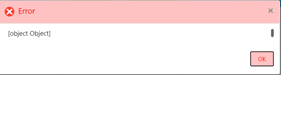
User are not able to initiate a task and below error is displayed
User need to ensure that Business Product and Business Process are maintained.
- Corporate Lending > Maintenance > Business Process > Add new .
- Corporate Lending > Maintenance > Business Product > Add new.
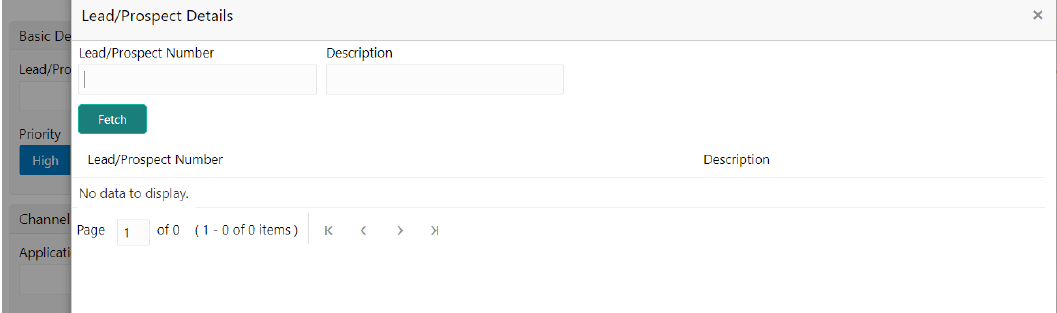
User are not able to find an existing customer while initiating the process flow
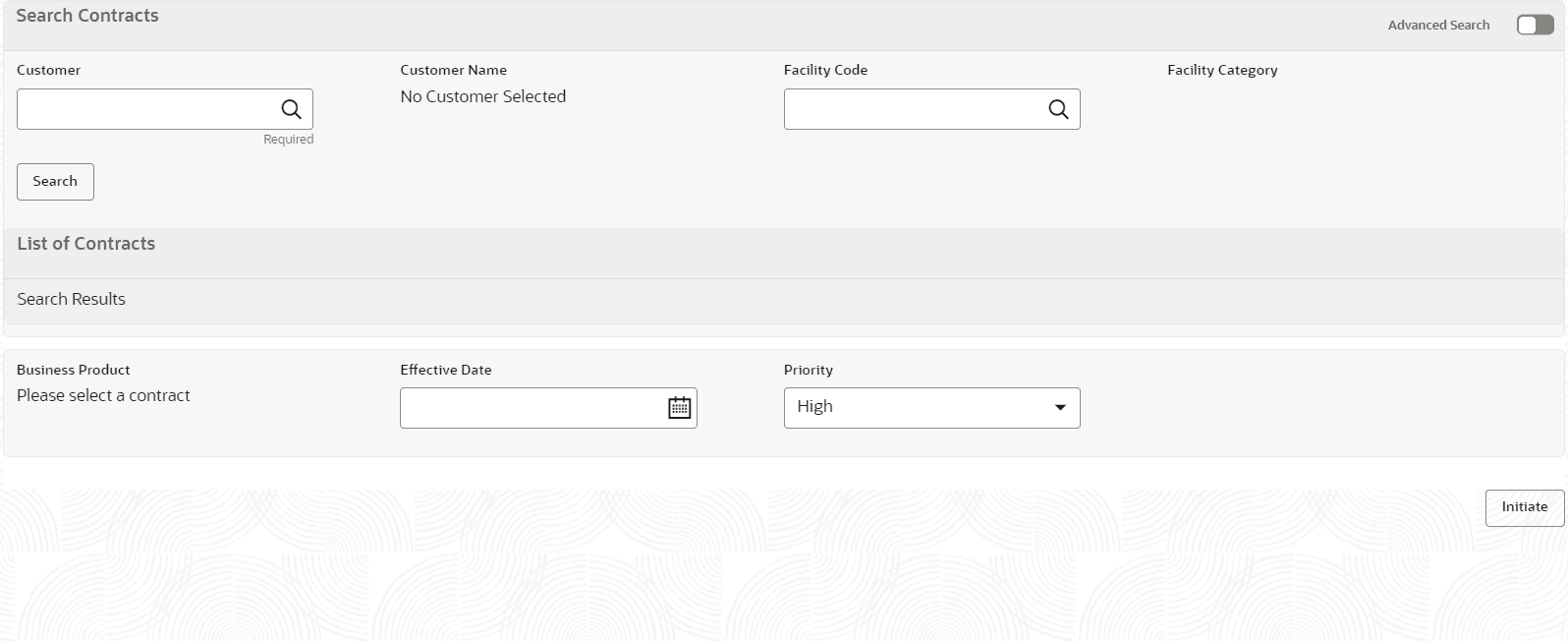
User are not able to find an existing loan while initiating the process flow
- Ensure that there is at least one active contract for selected
customer in back office.
Or
- All the existing contract needs to be replicated from back-office to mid-office.
User are not able to find an existing task in free task pool
If the task is acquired by any other user then the task is assigned under other users My Task menu, therefore, the first user is not able to see that in free task pool. Second user has to release this task from his queue then the task is available in free task.
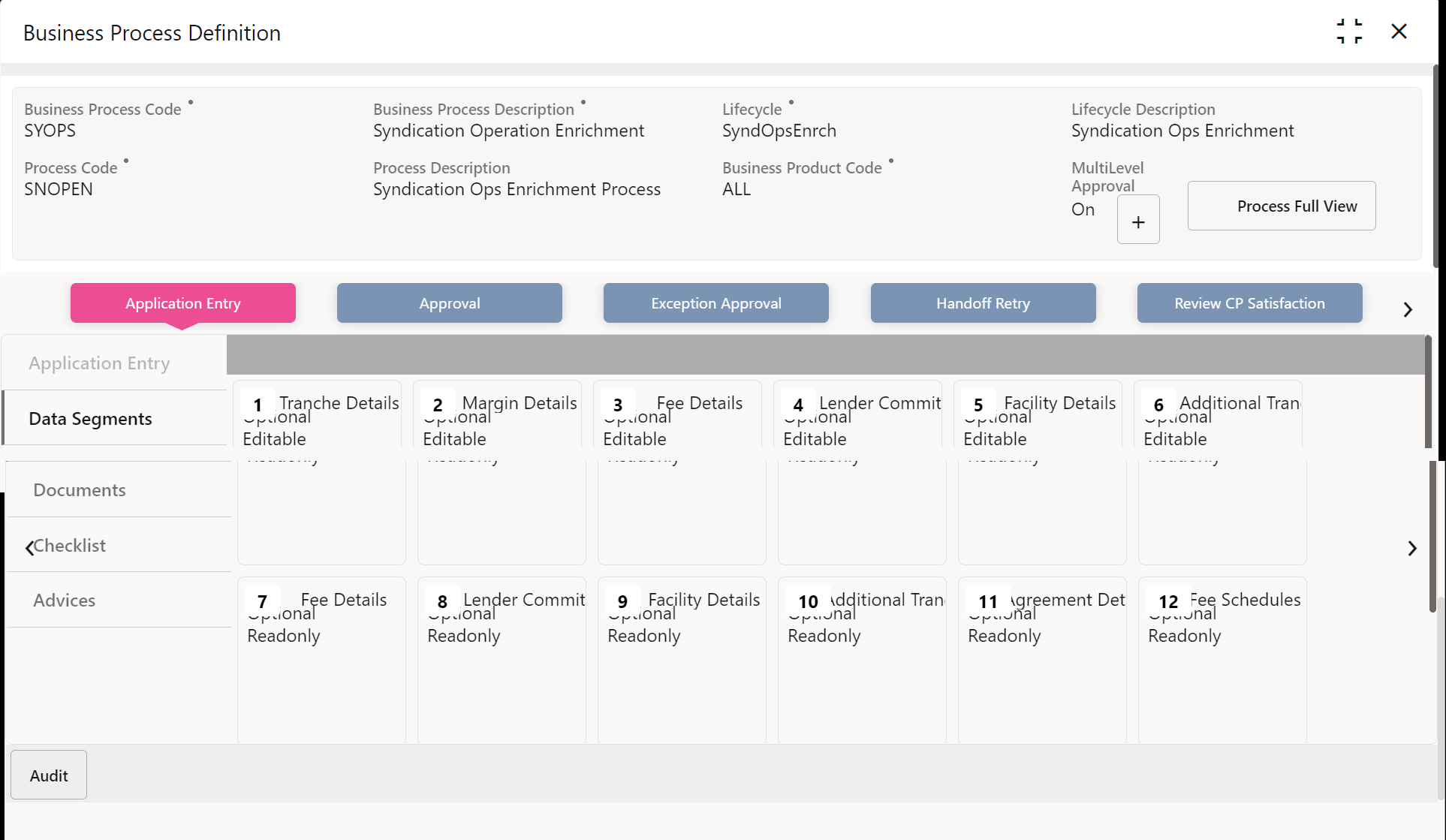
User are not able to edit or update any data segment in a process
- Corporate Lending > Maintenance > Business Process > View Business Process > Edit Business Process.

Unable to save and proceed from one data segment to another in a process
Check if all the mandatory data has been filled in.
Parent topic: Introduction