4.22 Viewing the Accrual Fee Details for a Loan
While processing contracts in Oracle Lending, you can choose to accrue fee
components at the time of booking the contract. The upfront fee involved in a contract
is accrued by the system over the tenor of the contract.
During contract processing, you need to enter the details of the fee if you are collecting a fee from the customer. You can specify the fee details in the Accrual Fee Input screen.
Specify the User ID and Password, and
login to Homepage.
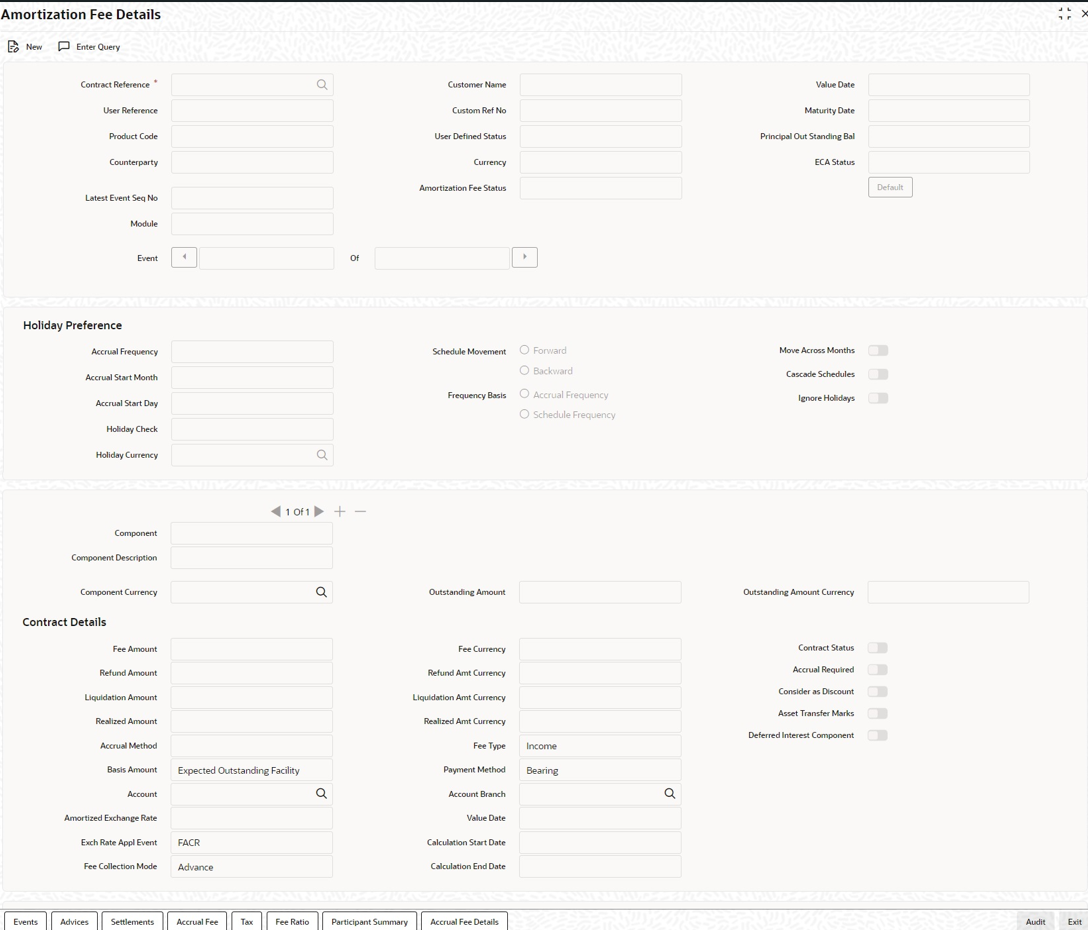
- On the homepage, type LFDACFIN and click next
arrow.The Amortization Fee Details screen is displayed.
Note:
The fields which are marked in asterisk red are mandatory fields. - From the Amortization Fee Details screen, click on
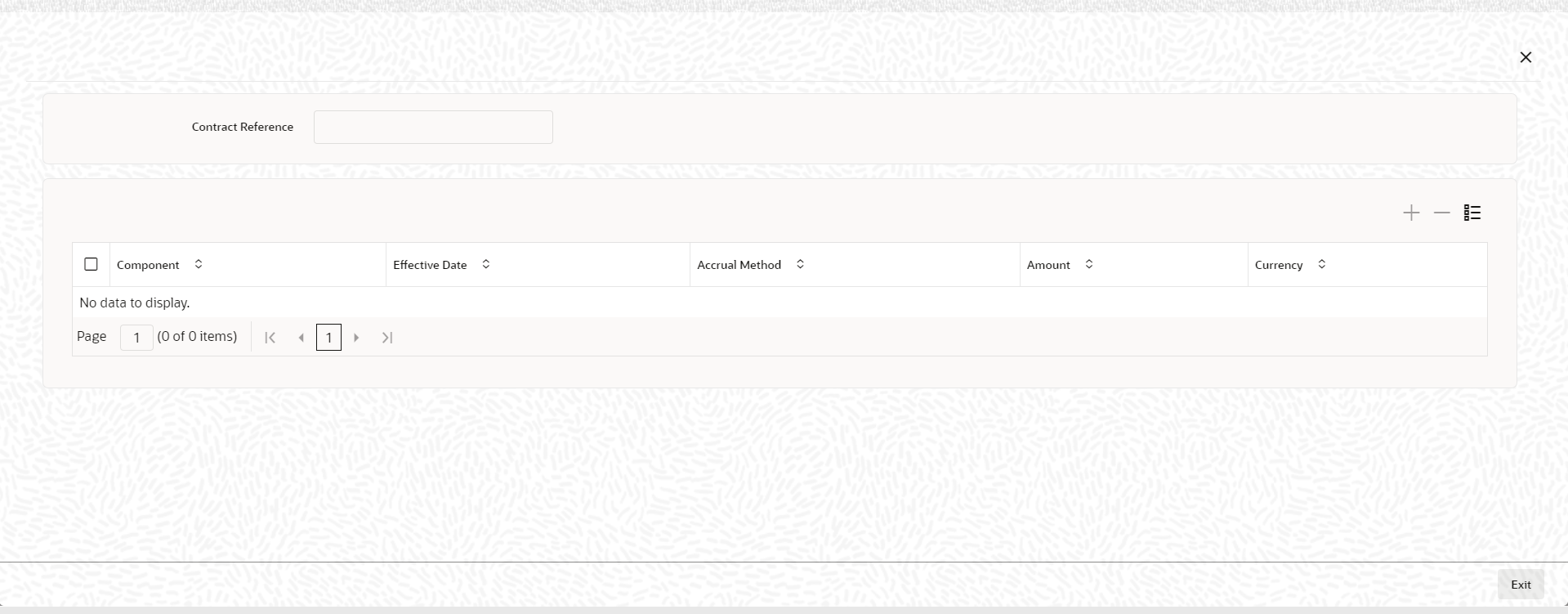
Accrual Fee tab.The Accrual Fee screen is displayed.
Figure 4-29 Accrual Fee Details
Note:
During amortization fee accrual and calculation, you can select Fee Period Basis to compute number of days for the fee schedule based on the option chosen during contract life cycle. For more information on Fee Period Basis, refer to Charges and Fees User Manual.
Parent topic: Disbursing a Loan