1.2.6 Parties involved in Direct Debit

You can also capture details of all the DD parties (Debtor and Creditor) involved in a contract

To capture details of DD parties

Specify the User ID and Password, and login to Homepage.

From the Homepage, navigate to Settlement Instructions Maintenance screen.

  1. In the Settlement Instructions Maintenance screen, click DD Parties tab.
    The DD Parties details are displayed.
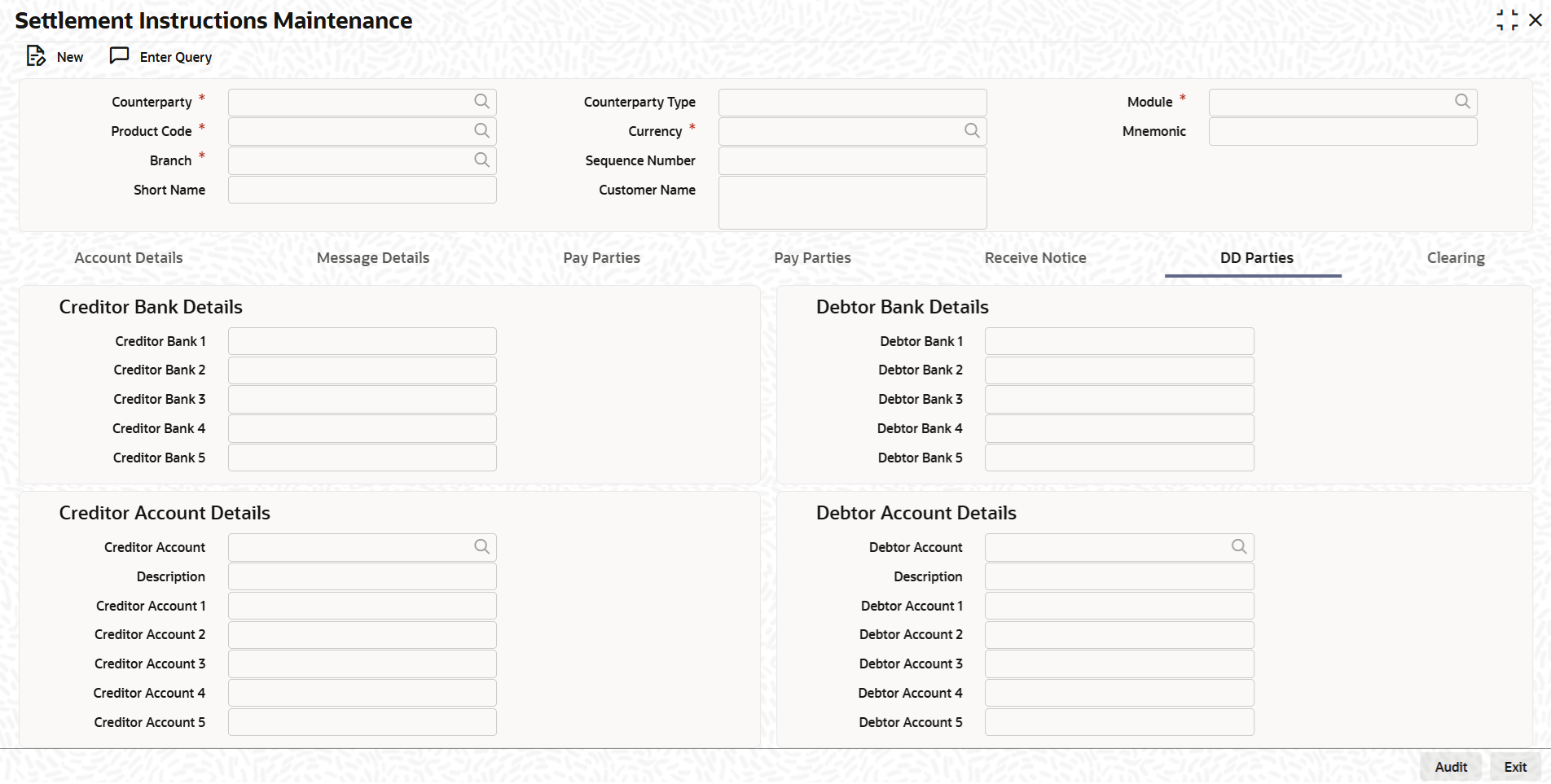
  2. You can enter the following details in this tab. For information on fields, refer to the field description table.

    Table 1-6 DD Parties Tab

    Field Description
    Creditor Bank Details You can specify the bank details of the creditor.
    Debtor Bank Details You can specify the bank details of the debtor.
    Creditor Account Details You can specify the account details of the creditor.
    Debtor Bank Details You can specify the account details of the debtor.
    Receiver of Direct Debit This field indicates the Recipient of the DD message and the system derives the type of the message to be generated based on this information. In case the receiver of the DD message is
    • For Customers, a MT 104 message is generated
    • For Bank type customers, an MT204 message is generated
    