4.4.12 Advices for Loan Disbursement

The advices that have to be generated for any event, during the lifecycle of a loan are specified for the product involved in the loan. For example, you may have specified the following advices for the product:
  • When a loan is initiated, a contract advice, addressed to the customer.
  • If any components (like discounted interest, tax on principal and so on.) are liquidated on takedown, an advice for each of them.
While processing the loan disbursement, you can suppress the generation of any of these advices.

Specify the User ID and Password, and login to Homepage.

From the Homepage, navigate to Loan and Commitment-Contract Input screen.

  1. On the Loan and Commitment-Contract Input screen, click Advices tab.
    The Advice Details screen is displayed.

    Note:

    The fields which are marked in asterisk red are mandatory fields.
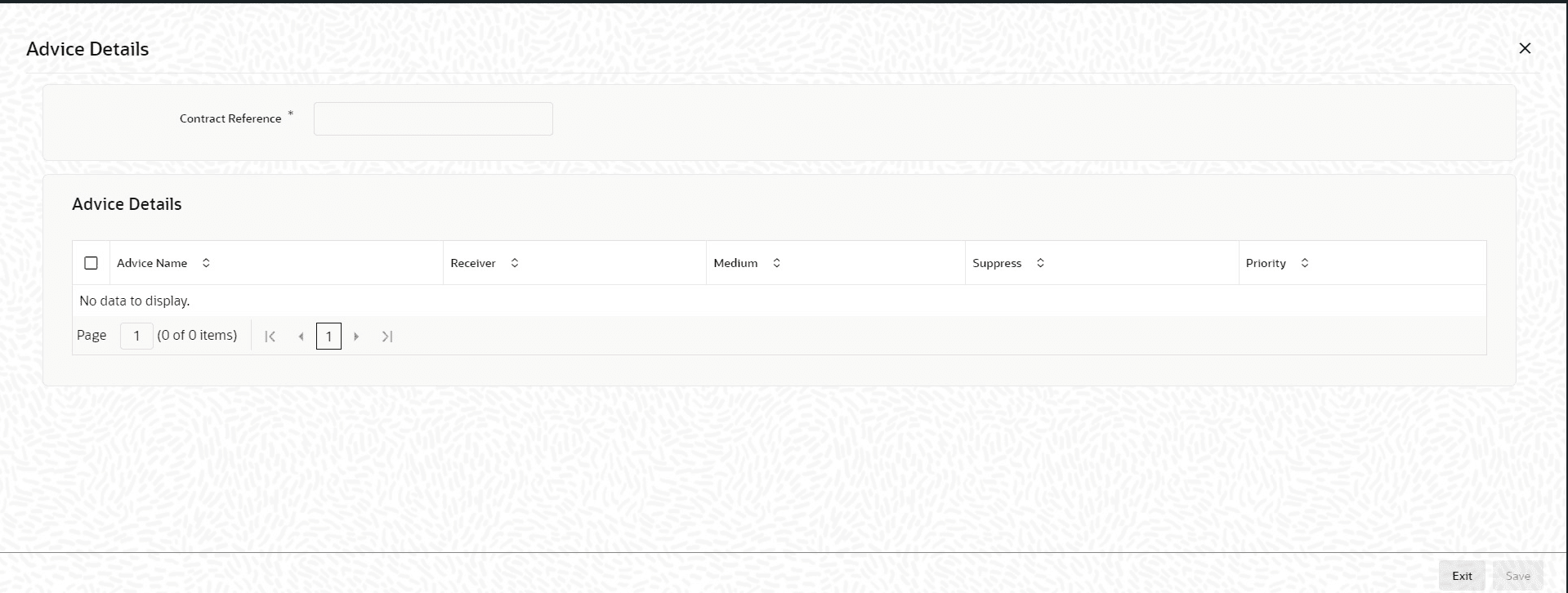
  2. You can enter below details in this screen. For information on fields, refer to the field description table.

    Table 4-23 Advice Details

    Field Description
    Suppress All Select this check box to indicate that the system can suppress all the messages.
    Suppressing the generation of an advice By default, all the advices that have been defined for a product is generated for a loan. However, you can suppress the generation of an advice, for a loan by specifying the same in this screen.
    Indicating the generation priority For a payment message by SWIFT, you also have the option to change the priority with which the message should be generated. By default, the priority of all advices is marked as Normal. You have the option to prioritize a payment message to one of the following options:
    • Normal
    • Medium
    • High