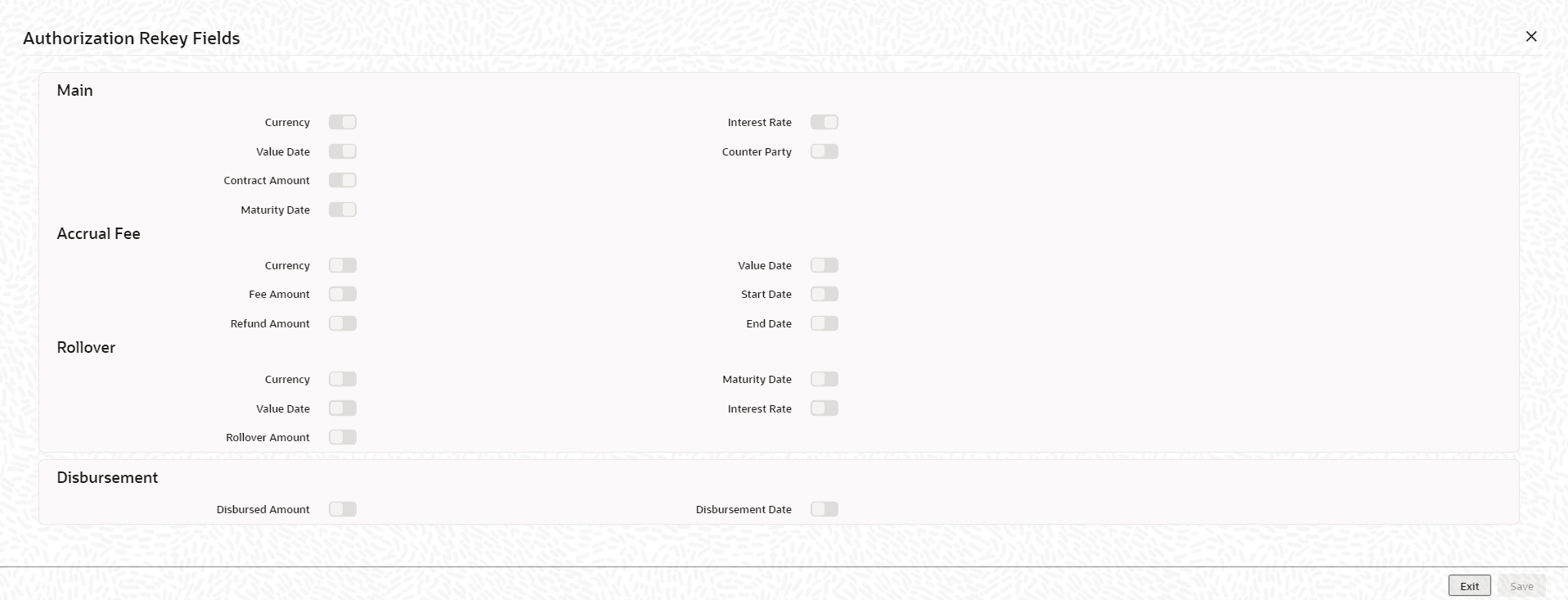
5.2.4.5 Indicating the values of the fee amount to be rekeyed during authorization
You can specify the parameters of the fee whose values have to be rekeyed at the
time of authorizing a fee input for a particular contract.
Specify the User ID and Password, and login to Homepage.
From the Homepage, navigate to Bilateral Loans Product Definition screen is displayed.
From the Bilateral Loans Product Definition screen, click on Preferences tab.
- On Preferences screen, click Rekey
Fields.The Authorization Rekey Fields screen is displayed.
Parent topic: Specifying Re-Price