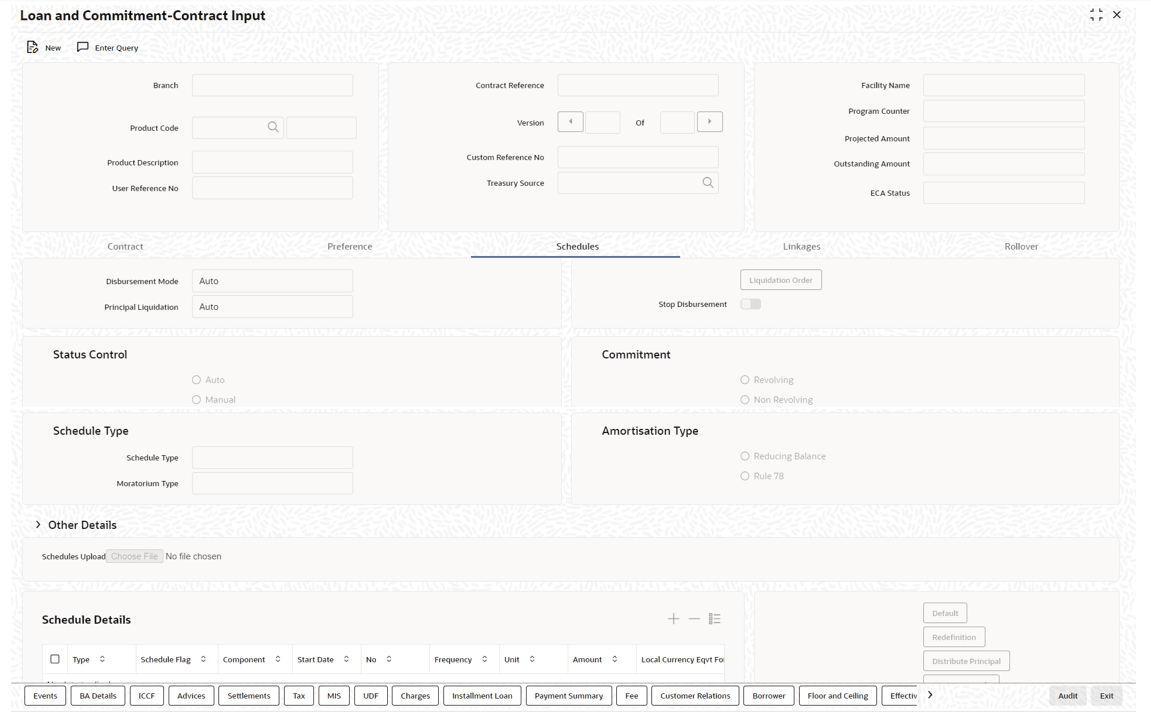
7.8.12 Contract Schedules Screen
When you are in the Loan and Commitment- Contract Input
screen, you can see sections in the screen saying, Schedules, Linkages, and Rollover.
When you click on any of these, the respective screen is displayed.
Note:
For compounding interest schedule, you need to select schedule Type as Compounding during contract creation. Based on the schedule maintenance, during BOD the system compounds the accrued interest.In Product screen, ensure to maintain Base Computation Method as Simple and Exponential Interest Method not should be selected.
The compounding interest schedule is applicable only for for Bearing Normal products.Specify the User ID and Password, and login to Homepage.
From the Homepage, navigate to Loan and Commitment-Contract Input screen.
- From the Loan and Commitment-Contract Input screen,
click Schedules.The Schedules screen is displayed.
Parent topic: Specifying the Preferences of the Contract