Under such circumstances, you may want to allot priority to the recovery of
certain components. For example, you may want to recover the interest (or
interest type of components) first and then the principal. The aging analysis
function takes over once a component is overdue and an appropriate penalty is
applied. For a component on which penalty interest has been applied, you may
want to recover penalty interest first, the interest next and finally the
principal.
For a loan defined with manual liquidation of components, the
Liquidation Order is considered when a payment has to be automatically
distributed among the various outstanding components.
Note:
You can
specify the liquidation order for all the interest type of components and
the principal.
If you have chosen the
Component
liquidation type to be applied to loans involving the product, you must select
the components that must be liquidated automatically.
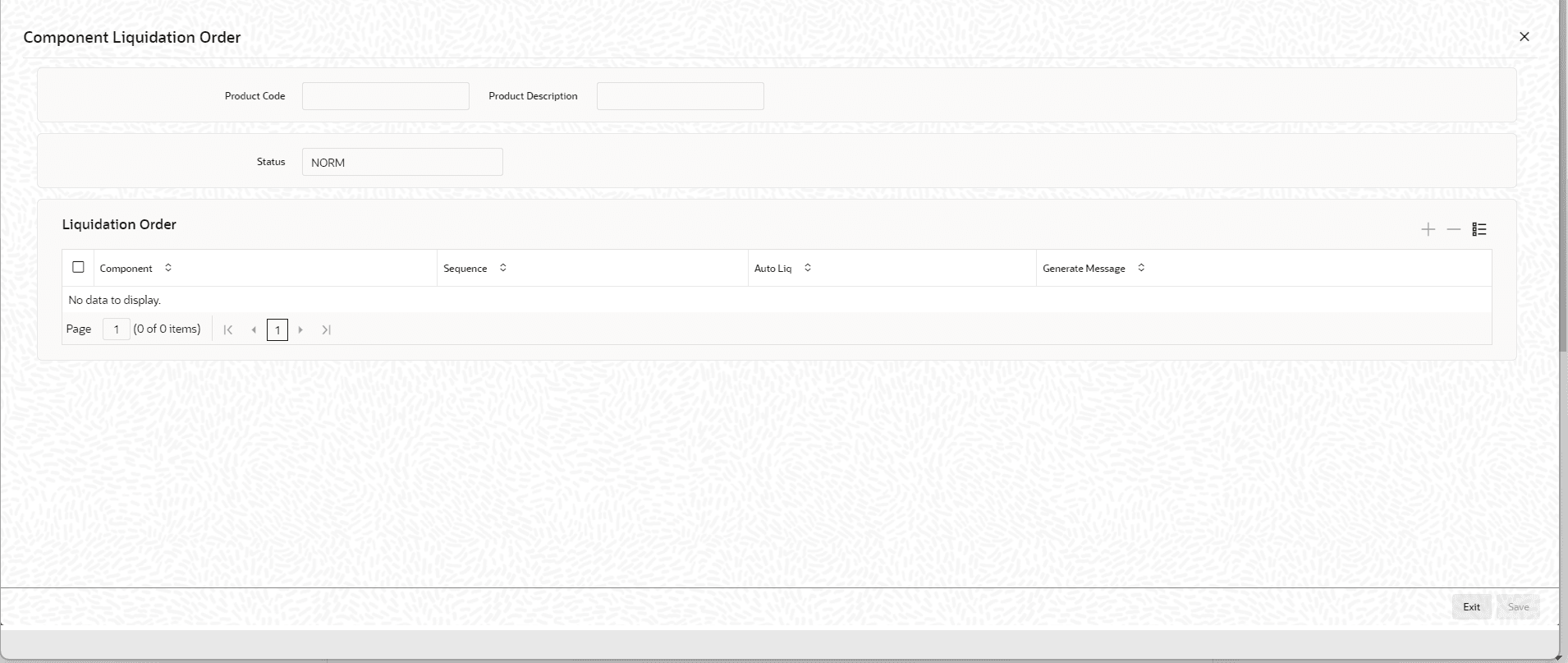
In the Component
Liquidation Order screen, you can select the Auto Liq
box for those components that you want to be automatically liquidated. These
selected components are automatically liquidated in the order assigned in
this screen.
Any components for which you do not select the
Auto Liq box must be liquidated
manually.
Example
For instance, in the
Component Liquidation Order screen shown above, the
components that are liquidated automatically are:
- PRN-PENAL (Penalty on Principal)
- PRINCIPAL (Loan Principal)
The Penalty on Principal is liquidated first, and then the Loan
Principal.
The other components, INR-PENAL (Penalty Interest) and INR
(Interest) must be liquidated manually, independent of the other
components.
If you do not specify the liquidation order, the components
are liquidated in the following order:
- Penalty Interest
- Interest
- Principal
Note:
Specifications of component-wise liquidation order made as part of
Product Preferences maintenance hold true for a loan as long as it is in the
NORMAL status. For each adverse status of a loan, you need to maintain the
liquidation order separately.
Refer to the
Products User Manual for
details on maintaining liquidation order for loans in adverse
status.