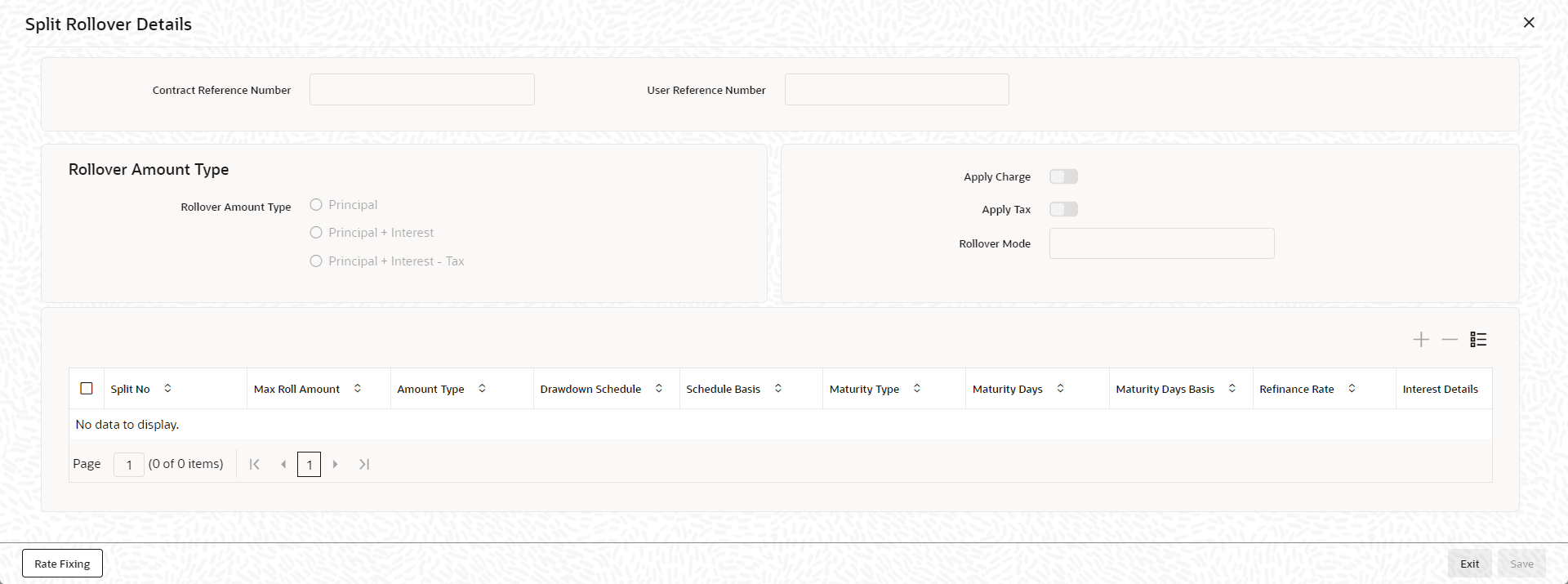
9.5 Specifying Details for Rollover Split
If you have chosen the rollover method as Split, then you
must enter the corresponding details for the split, in the Split Rollover
Details screen.
Specify the User ID and Password, and login to Homepage.
From the Homepage, navigate to Loan and Commitment- Contract Input screen is displayed.
- From the Loan and Commitment- Contract Input screen,
click on Split Rollover tab.The Split Rollover Details screen is displayed.