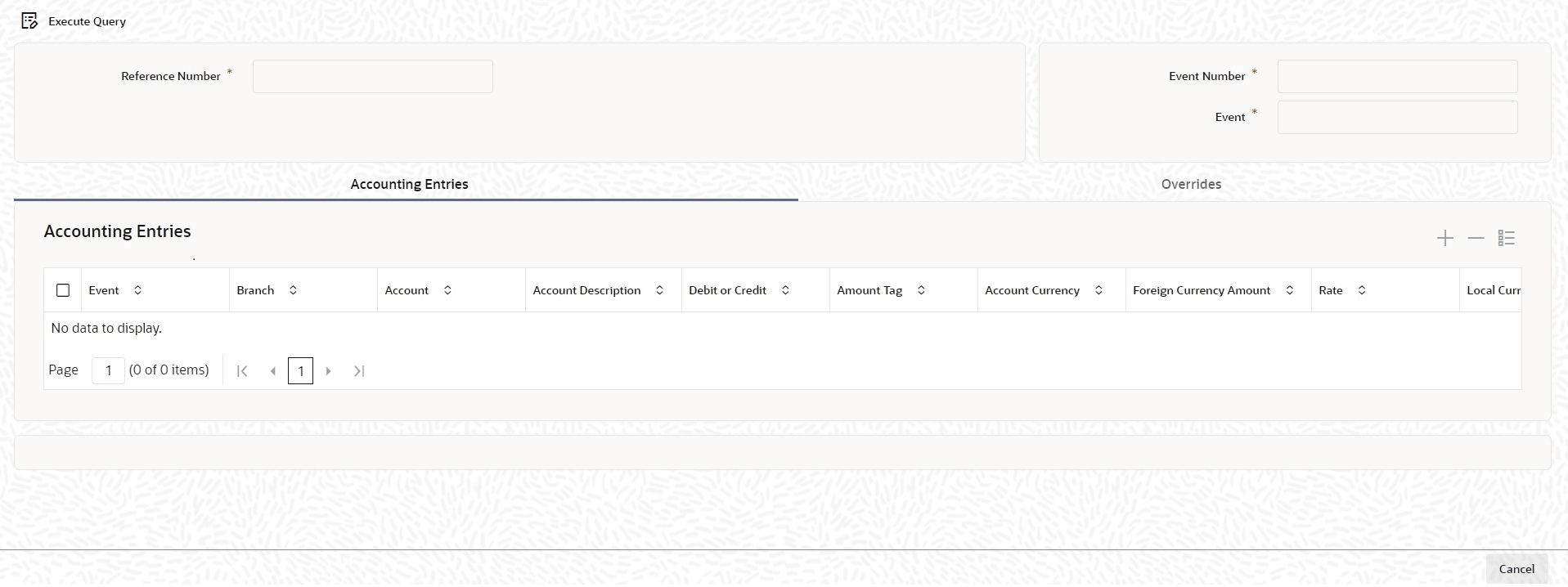
4.9.1 Viewing Accounting Entries for Loan disbursement
To view the accounting entries passed for a specific event, highlight the event and
doubleclick on the event in the View Events screen or click the
Accounting Entries in this screen. The accounting entries and
overrides for that event are displayed.
Specify the User ID and Password, and login to Homepage.
From the Homepage, navigate to Loans and Commitment - Contract Input screen.
From the Loans and Commitment - Contract Input screen, click Events tab.
- On the Events screen, click Accounting
Entries tab.The Accounting Entries screen is displayed.
Note:
The fields which are marked in asterisk red are mandatory fields.
Parent topic: Viewing Event Details