12.5 Viewing Billing Notice History

Oracle Lending facilitates storing the billing notice internally, which is generated as part of NOTC event. You can use this information for reporting activities.

You can view the component wise break up of a contract reference number through the Billing Notice History screen.

Specify the User ID and Password, and login to Homepage.
  1. On the homepage, type OLDNOTCH and click next arrow.
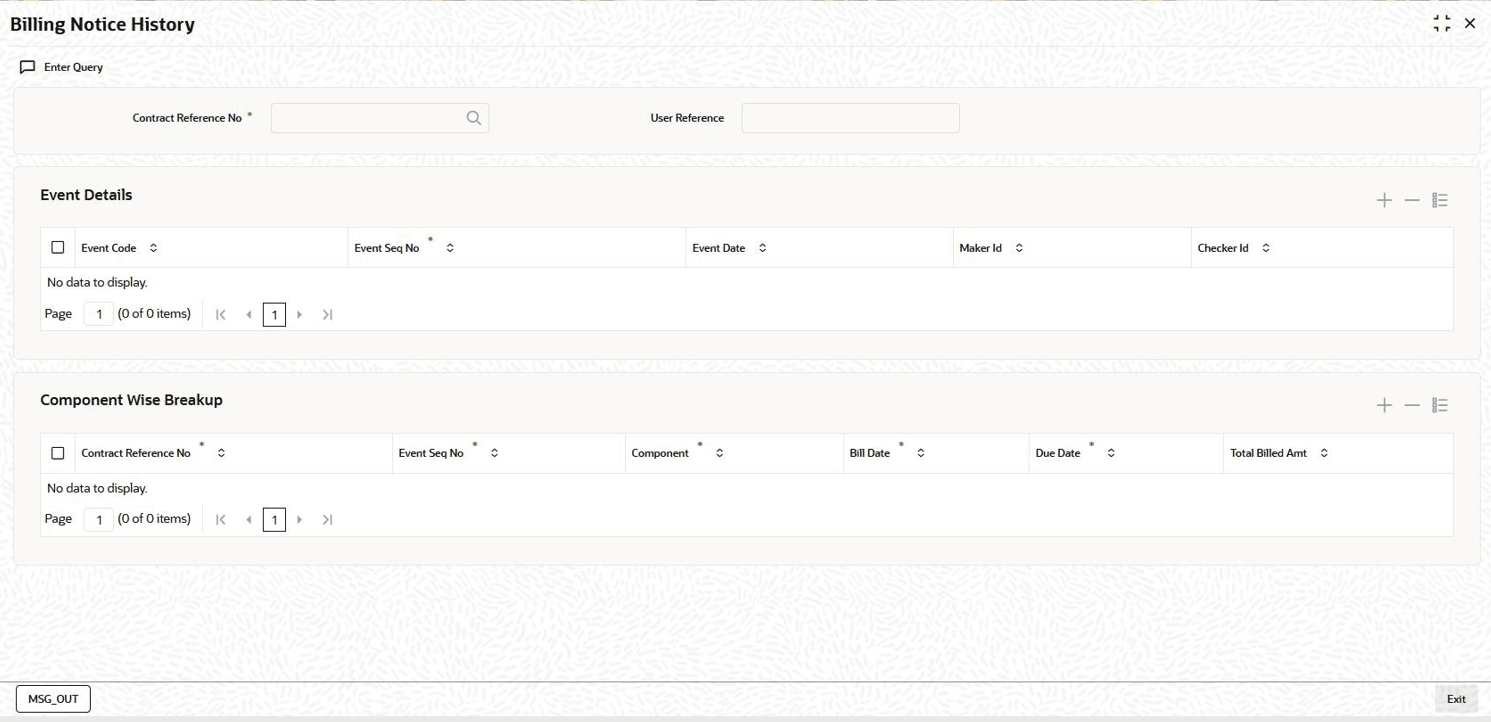
    The Billing Notice History screen is displayed.

    Note:

    The fields which are marked in asterisk red are mandatory fields.

    Figure 12-3 Billing Notice History


  2. Here you can view the following details about the billing notice, generated as part of NOTC event:
    • Contact Reference Number
    • User Reference number
    • Event Details
    • Component Wise Breakup Details
  3. You can view the history of NOTC events generated under a given contract through the View Events screen.
    For more information about Event Details, refer to Viewing Event details section in the User Manual.

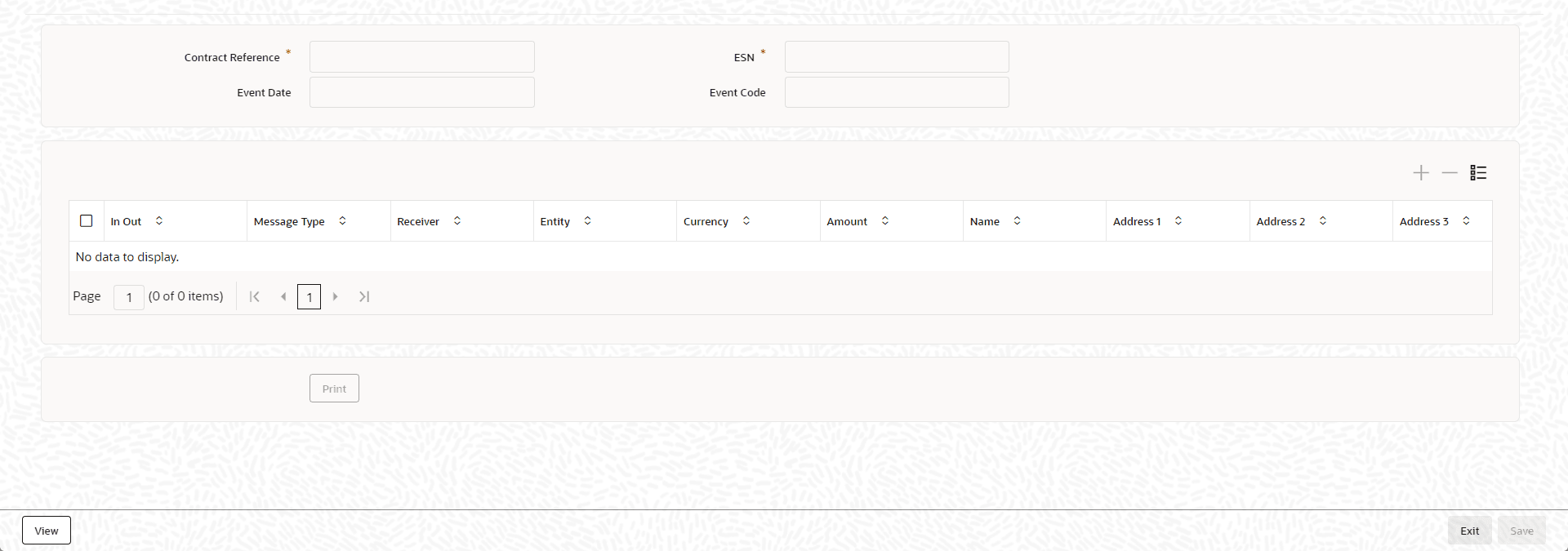
    You can view the details of the notice in the Message Details screen.

  4. From the Billing Notice History screen, click MSG_OUT.
    The Message Details screen is displayed.

    Note:

    The fields which are marked in asterisk red are mandatory fields.
  5. Here the system displays the following details of the notice:
    • Reference Number
    • ESN
    • Event
    • Txn Date
    • Outgoing/ Archival
    • Message Type
    • Receiver
    • Entity
    • Currency
    • Amount
    • Status
    • Name
    • Location
    • Address
    • Exception
    You are allowed to reprint the generated bill for a given contract reference number by clicking the Print in the above screen.