4.13 Viewing Effective Rate (ER) of Interest for a Loan

For loans involving products marked for Effective Rate Calculation, you can view the ER through the Effective Interest Rate screen.

Specify the User ID and Password, and login to Homepage.

From the Homepage, navigate to Loans and Commitment - Contract Input screen.

  1. On the Loans and Commitment - Contract Input screen, click Effective Interest Rate tab.
    The Effective Interest Rate screen is displayed.
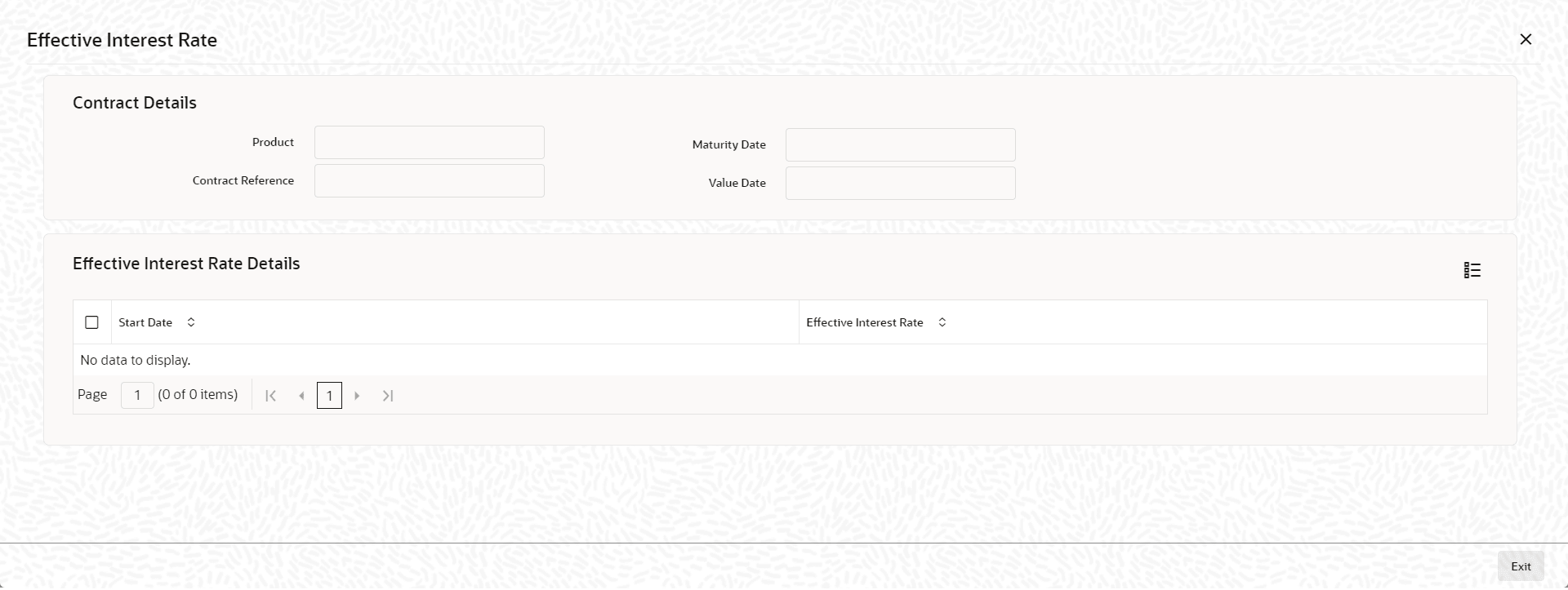
    Figure 4-23 Effective Interest Rate


  2. Oracle Lending calculates the ER using the interest rate applicable to the main interest component of the loan. The ER is printed in the Loans Contract Advice, Amendment Advice and Loan Statements.

    Note:

    ER is not calculated for Special Interest.
    In addition to the ER value, the following details are also displayed in the screen:
    • The event sequence number
    • Date of ER Calculation
    • Start date and End date of the period for ER calculation
    The ER for a loan is given by the following expression:

    [{(Contract Rate/100)*(Tenor/D) + 1} ^ (D/Tenor)] – 1

    Where,
    • Tenor is expressed in days.
    • D = Actual / 360 / 365, depending on the day count method applied on the loan.
    • Contract Rate = Interest Rate applicable to the main interest component of the loan
    The calculation of ER is done when the following conditions are satisfied during the lifecycle of the loan contract:
    For Fixed Rate Contracts and Floating Rate Contracts with auto rate revision (Contracts without any rate revision schedules):
    • On booking of the contract.
    • In the event of any change in the rate or tenor of the contract. In this case, the ER is recalculated for the entire tenor of the contract.
    • For Floating Rate Contracts with periodic rate revision schedules.
    • On booking of the contract.
    • Every time a rate revision takes place. In this case, ER is calculated for the revision period.
    • In the event of any change in the rate or tenor of the contract. In this case, the ER is recalculated for the current rate revision period.

    Note:

    • Every instance of ER computation is displayed in this screen.
    • The Denominator Day Count method is taken to be 365 if your specification is Actual.