2.1.4 Viewing Failed Transaction Log Details
To capture details of failed transactions log
Specify the User ID and Password, and
login to Homepage.
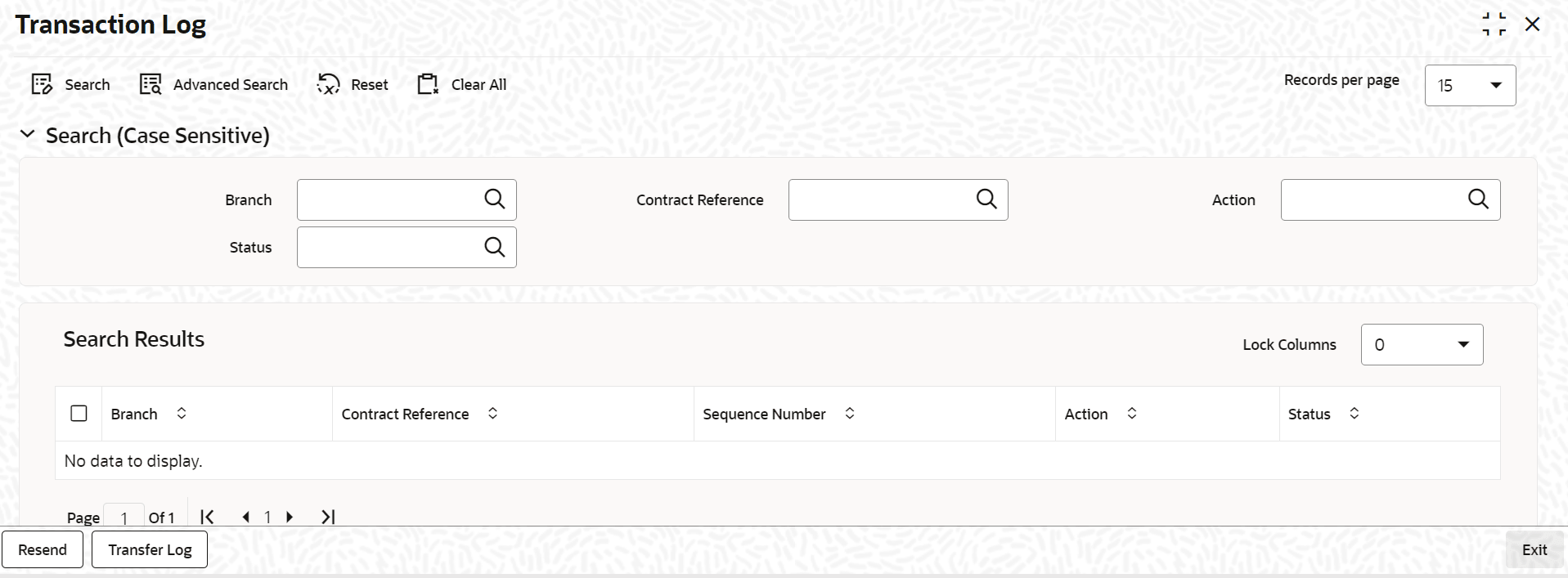
- On the homepage, type OLSIFCD and click next
arrow.The Transaction Log screen is displayed.
Parent topic: Deposit Creation in Oracle Lending