1.14 Associating diary events of a product
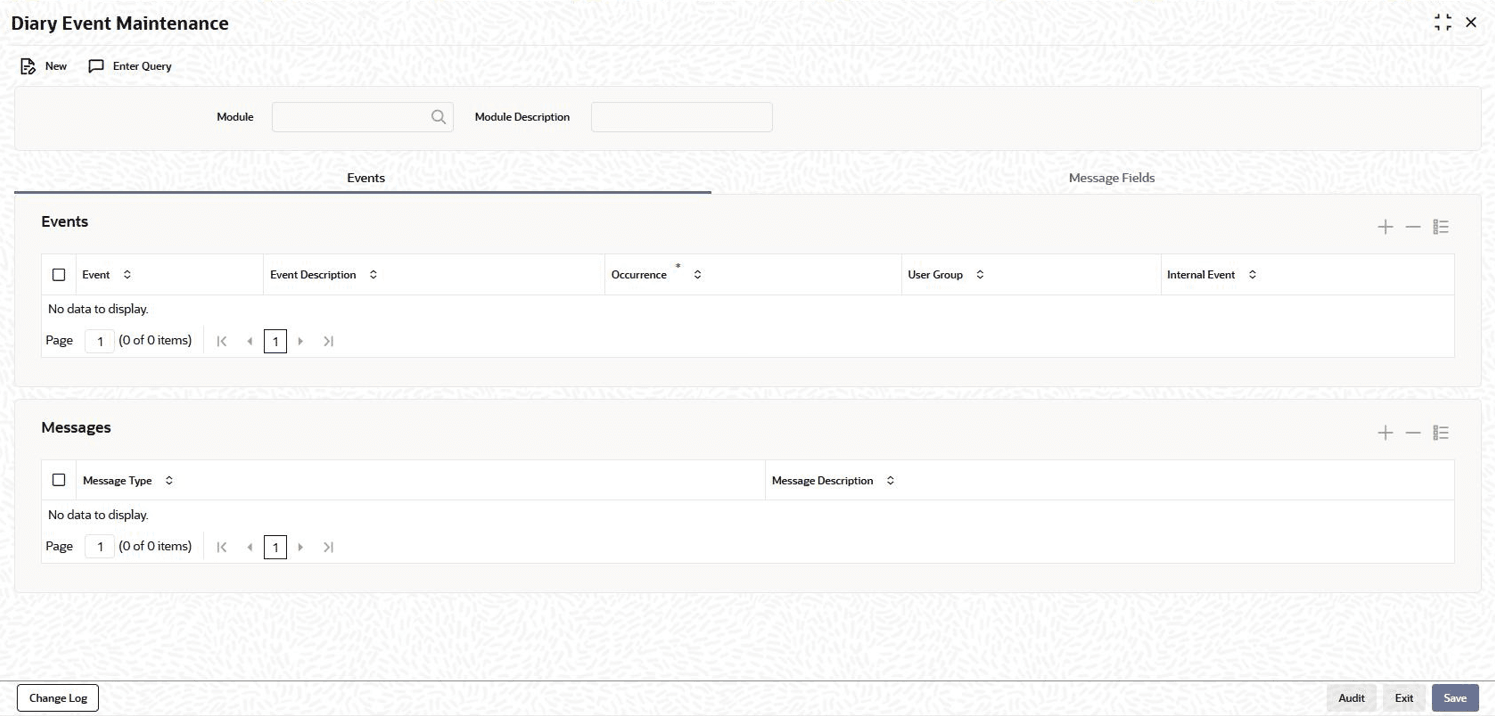
In the Diary Event Maintenance screen, you can also specify the different diary events that are need to be processed for loan contracts using a product.
Specify the User ID and Password, and login to Homepage.
- On the Homepage, Type OLDDIAEV and click next
arrow.
Note:
The fields which are marked in asterisk red are mandatory fields.The Diary Event Maintenance screen is displayed.
Parent topic: Product Definition