7.5 Approval - Comments
Detailed information about the Comments data segment in Appetite Management Approval stage.
Figure 7-7 Approval - Comments
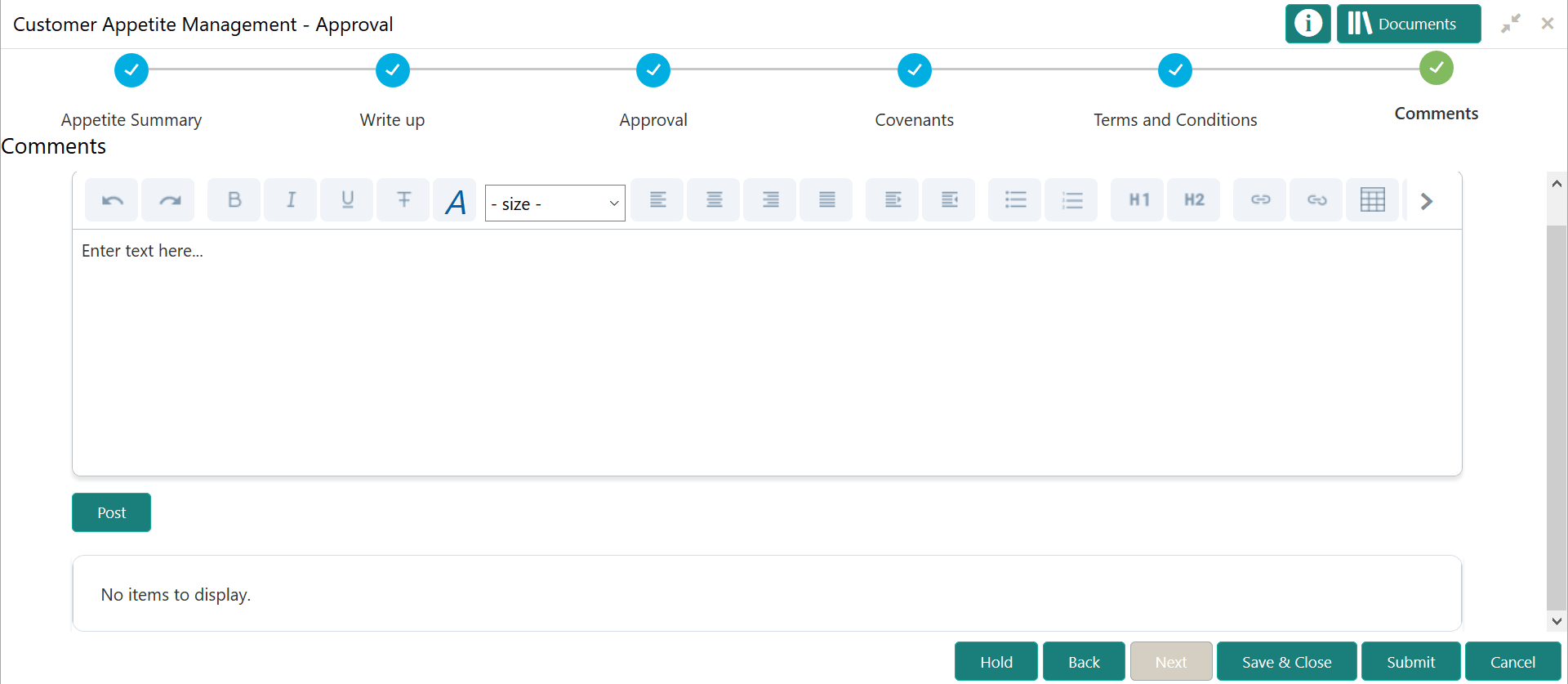
Table 7-4 Approval - Comments
| Fields | Description |
|---|---|
| Post | Type the necessary comments in the text box and click Post. Comment is posted. |
| Hold | To hold the Approval task, click Hold. |
| Back | To go back to the previous page, click Back. |
| Save & Close | To save the captured information and exit the page, click Save & Close. |
| Submit | To submit the Appetite Management application to the Draft generation stage, click Submit. |
| Cancel | To exit the page without saving the captured information, click Cancel. |
Upon clicking Submit, the Policy Exceptions / Business window appears based on configuration:
Figure 7-8 Policy Exceptions
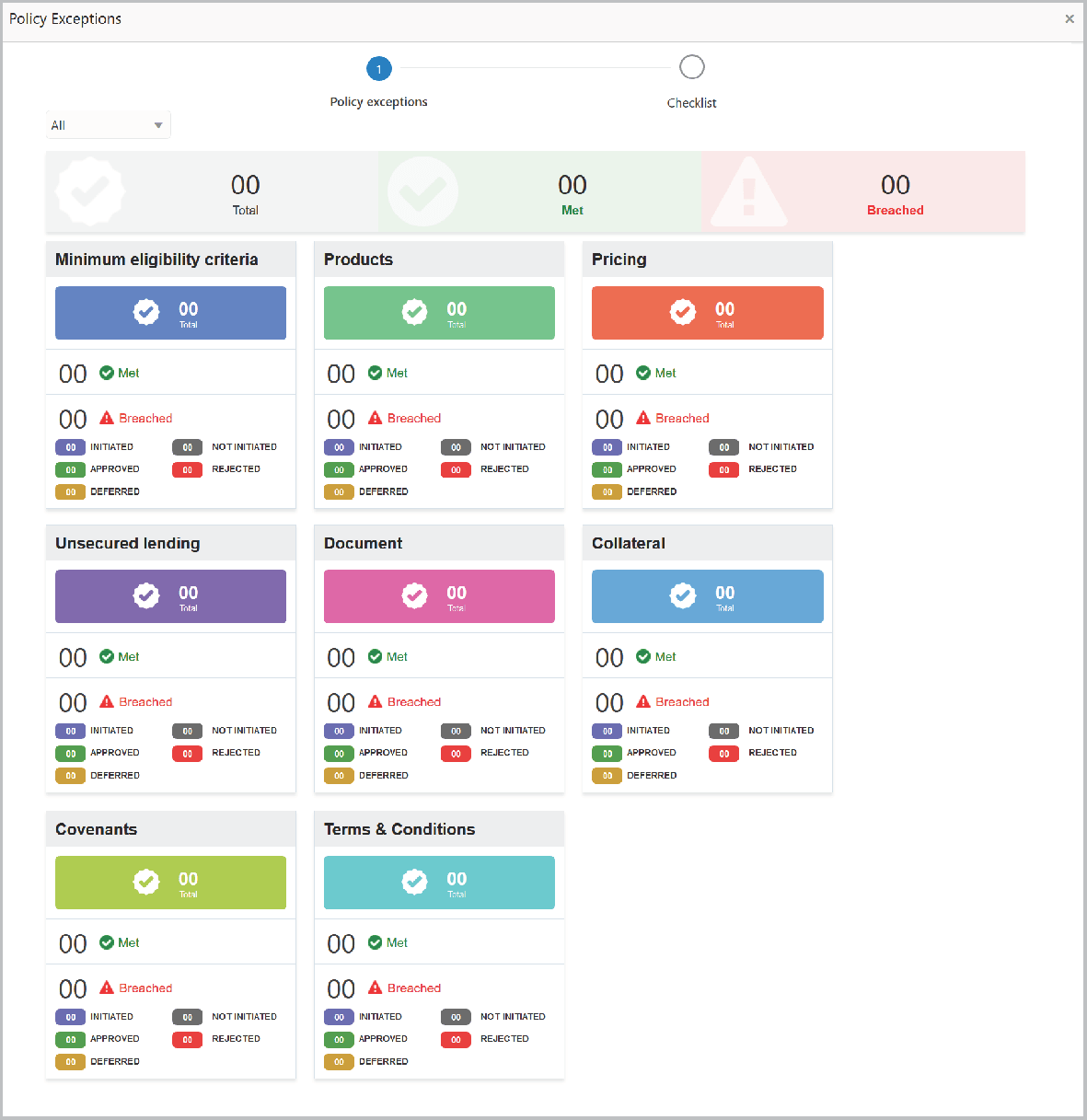
By default, policy exceptions are displayed for both the party and child parties. To view the policy exceptions for particular party / child party, select the required party / child party from the drop down list at top left corner.
- After viewing policy exceptions or overrides, click the
Checklist data segment.
Figure 7-9 Checklist
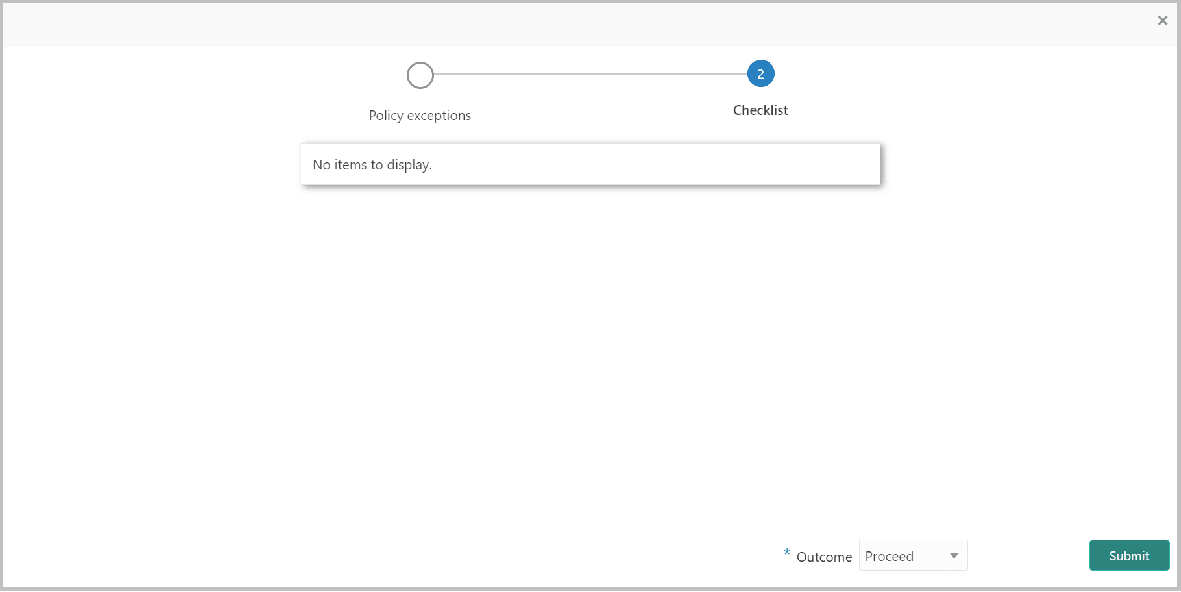
In the above screen, the checklist for manual verification appears if it is maintained for this stage in Business Process Maintenance screen.