15.1 Business Overrides
This topic provides systematic instructions about the Business Overrides of the Credit Amendment.
The system generates overrides to alert the user whenever there is a discrepancy in the requested, proposed and approved amounts based on configuration. The user authorized to approve the override must acquire the task and then view and accept the overrides in order to proceed further with the process.
Business overrides can be viewed before or during submitting the task.
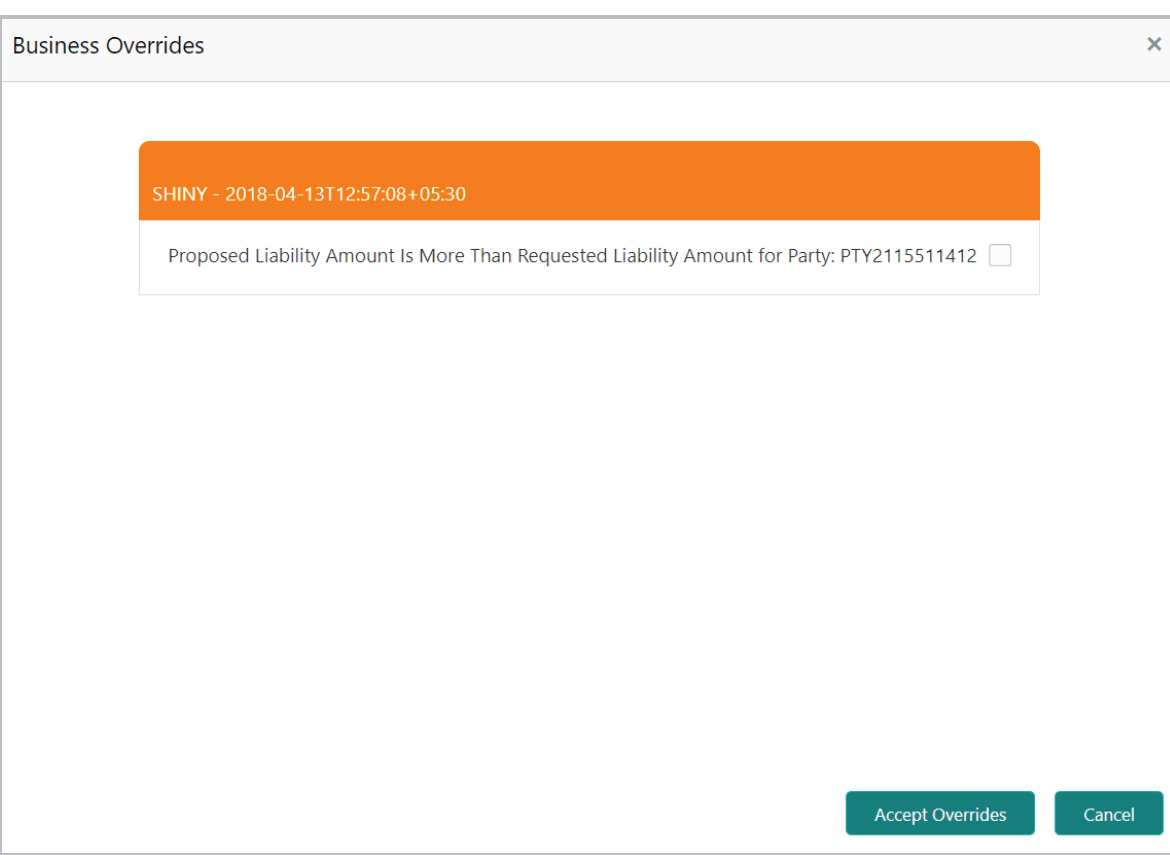
- To view the business overrides after capturing the limit amounts, Click
Overrides at the top right corner.
Figure 15-5 Business Overrides
- To view the business overrides in the Submit window, click Submit and
navigate to the Business data segment.
Figure 15-6 Submit
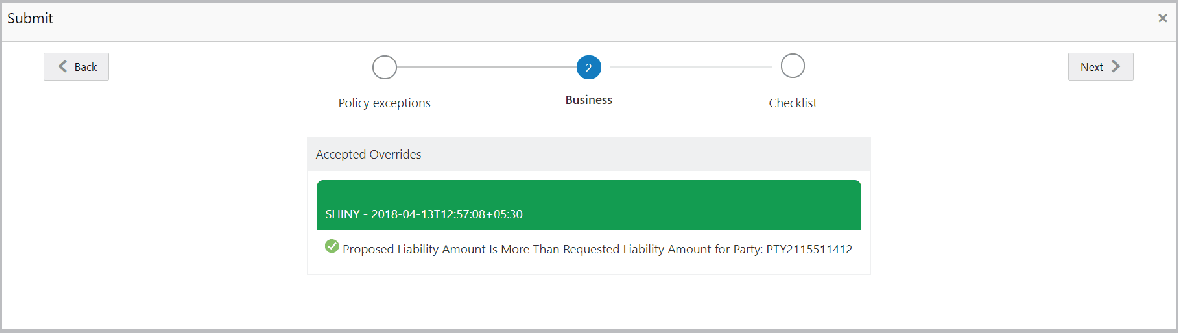
After the authorized user accepts the overrides, the override status is changed to Accepted Overrides as shown in the above screenshot.
If the business override is generated in the Approval stage, the other user authorization is not required. The approver can directly accept the overrides and proceed with the application.
Parent topic: Document Upload and Checklist