4.1 Alerts
This topic provides information about the Alerts tile in Dashboard.
This tile lists the action items that require immediate attention by the user. User
can view the action details and perform any of the actions listed in the following
table:
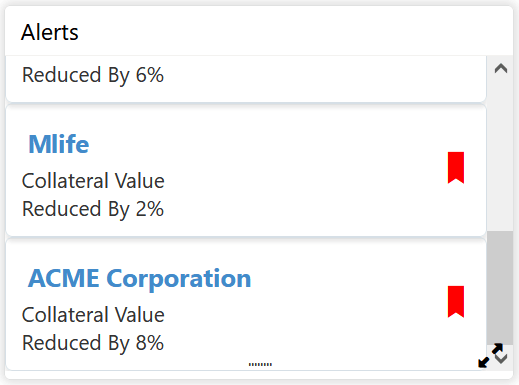
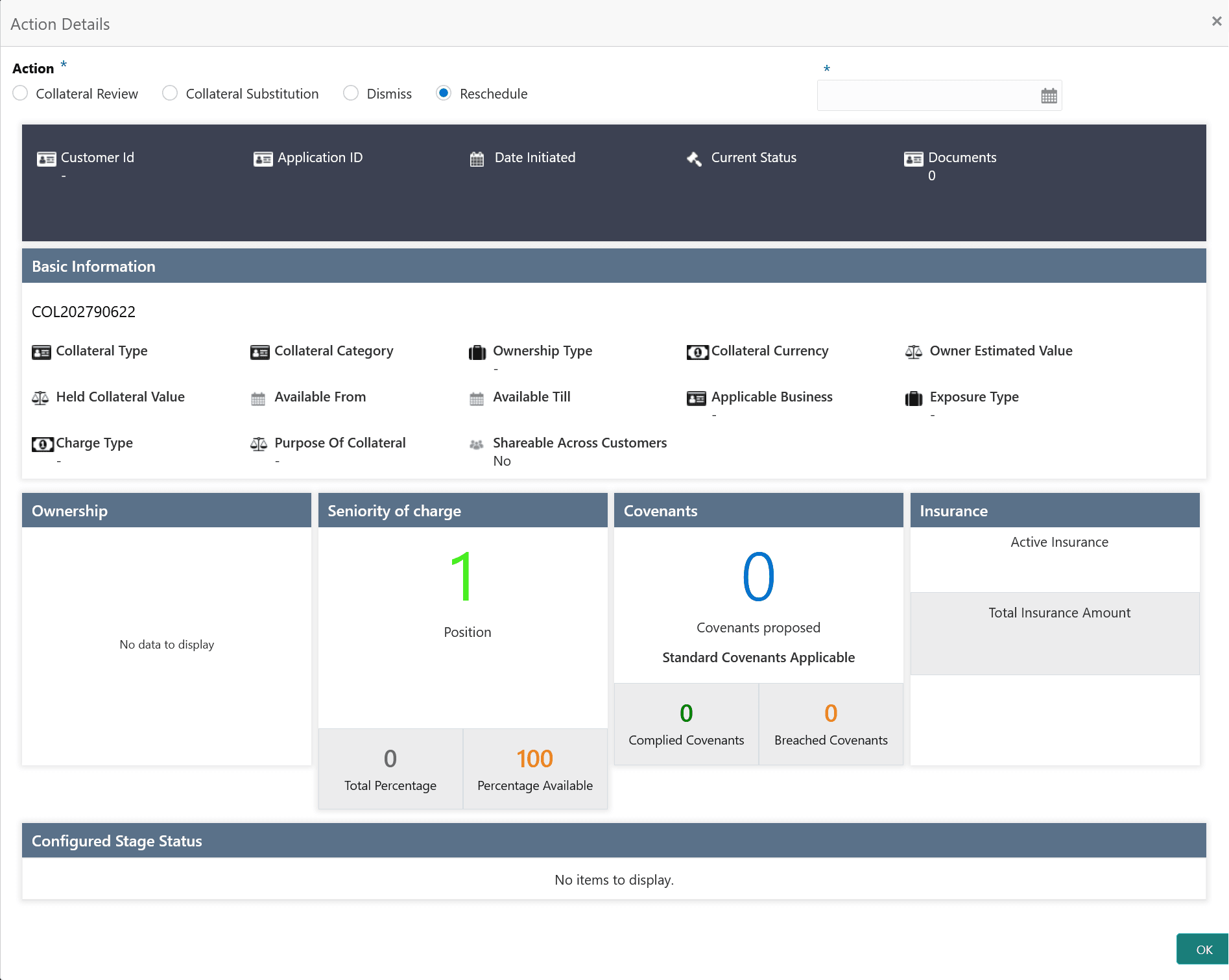
- Click the required action item.The Action Details screen displays.
For more information on fields, refer to the field description table below:
Table 4-1 Alerts - Actions
Action Result Facility Amendment Facility Amendment process will be initiated. Facility Closure Facility Closure process will be initiated. Collateral Review Collateral Review process will be initiated. Collateral Substitution Collateral Substitution process will be initiated. Dismiss Alert will be dismissed. Reschedule Click reschedule option, reschedule date field is displayed. Select the Reschedule date. Alert will be snoozed for the specified time period.
Parent topic: Navigating from Dashboard