8 Base Price Approval
This topic provides systematic instructions about the Base Price Approval stage in Collateral Liquidation process.
In this stage, the Credit Approver or the user authorized to edit the
Base Price Approval task must view the base price details and base price review comments
added in previous stages and make decision to approve or reject the liquidation
application.
The data segments available in the Base Price Approval stage are same as that of Base Price Fixation stage. For field level information, refer the Base Price Fixation topic.
To approve or reject the base price fixed for the collateral:
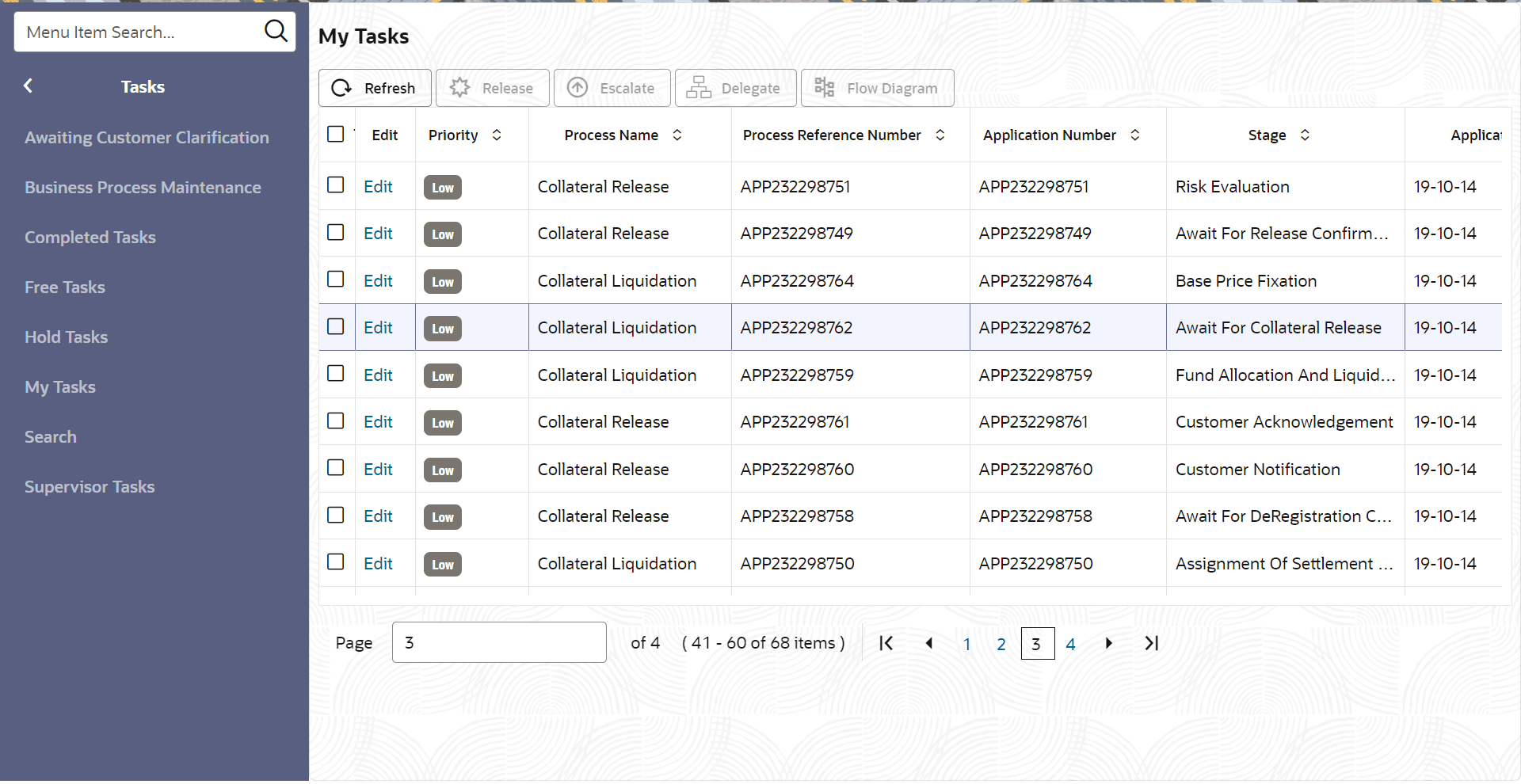
- From Home screen, click Tasks.
Under Tasks, click Free
Tasks.The Free Tasks screen is displayed.
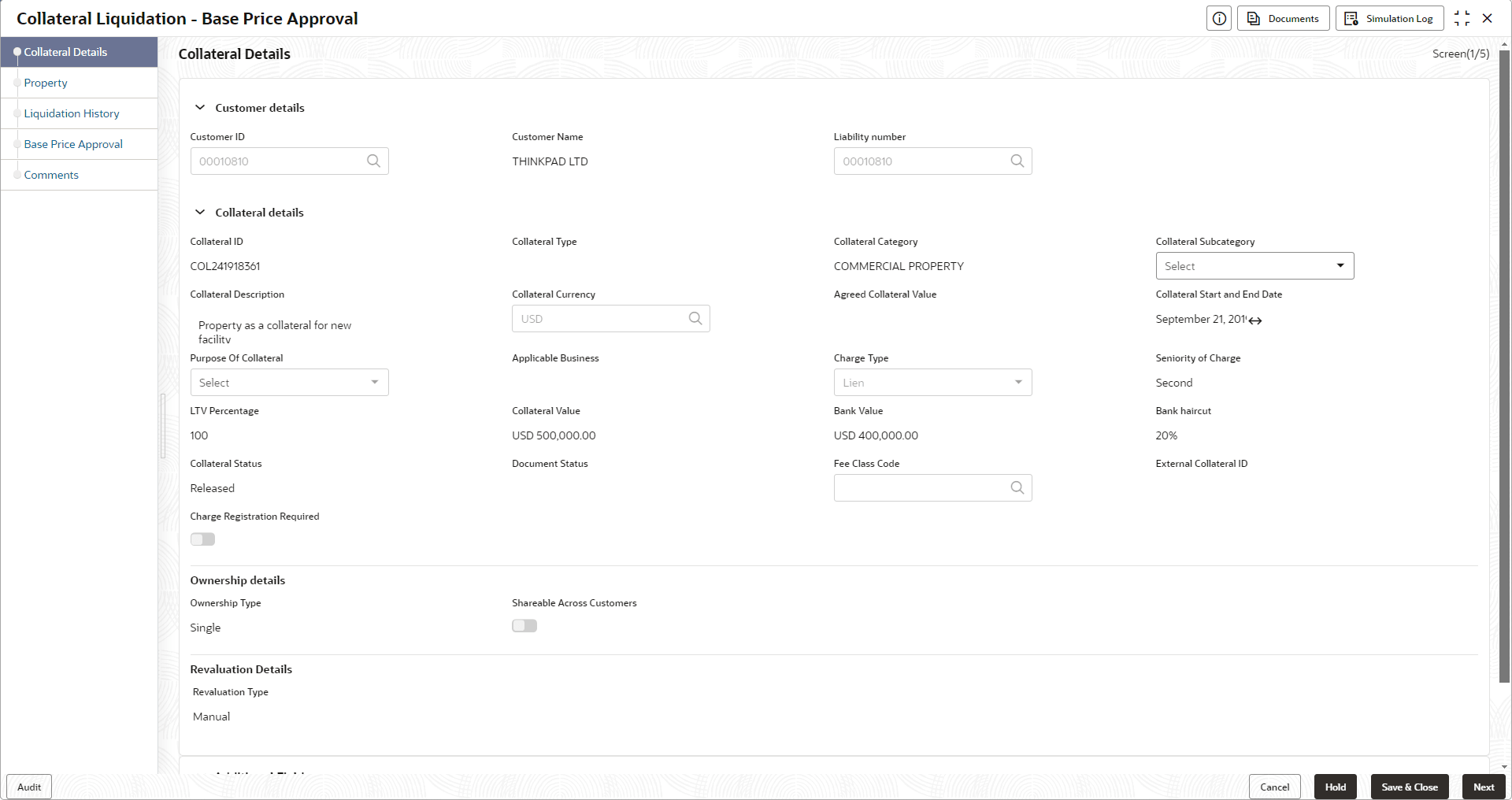
- Acquire & Edit the required Base Price Approval task. The Base Price Approval - Collateral Details page is displayed.
Figure 8-2 Base Price Approval_Collateral Details
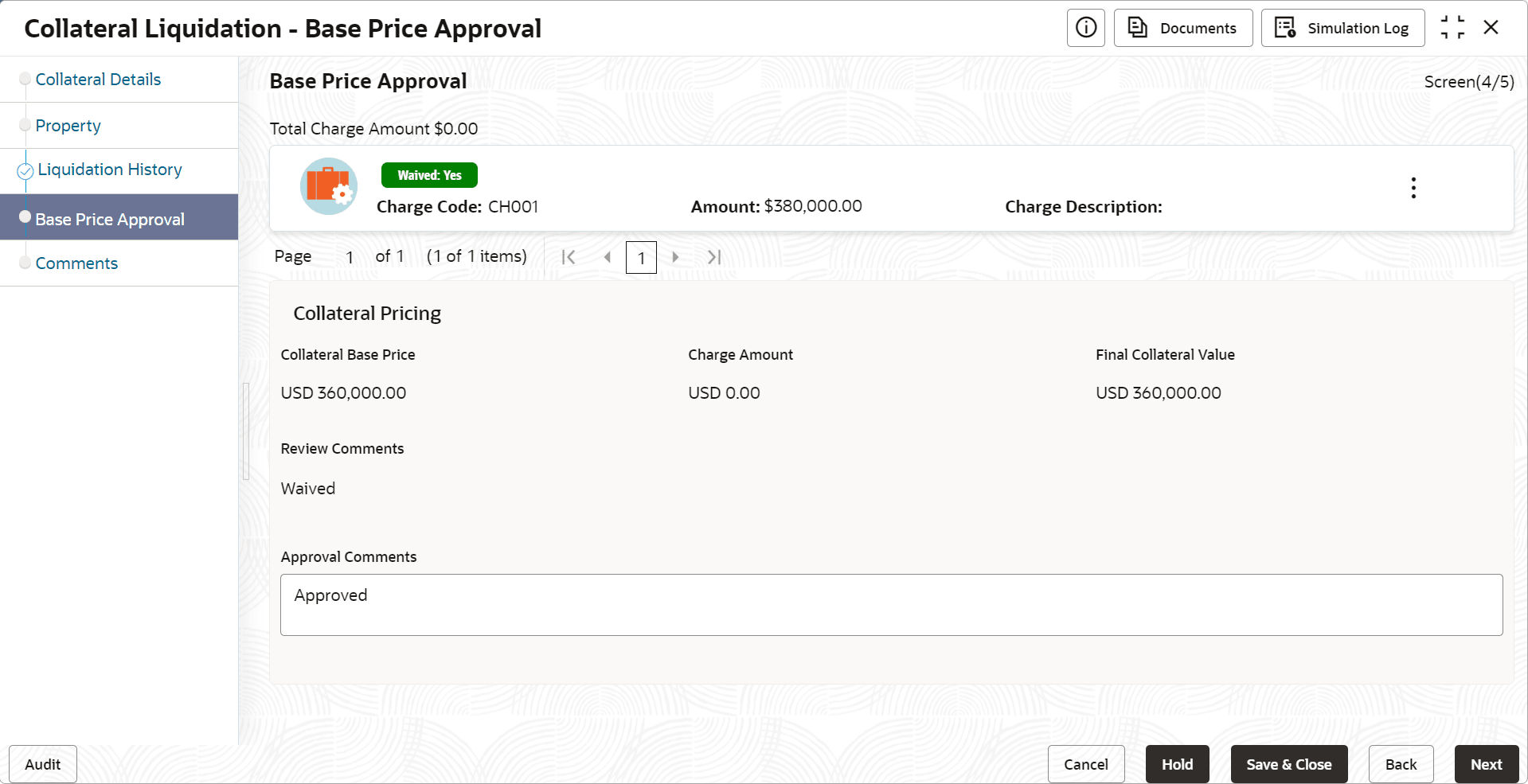
- Click Next and navigate to Base Price Fixation data segment.
- Capture the Approval Comments and click Next.
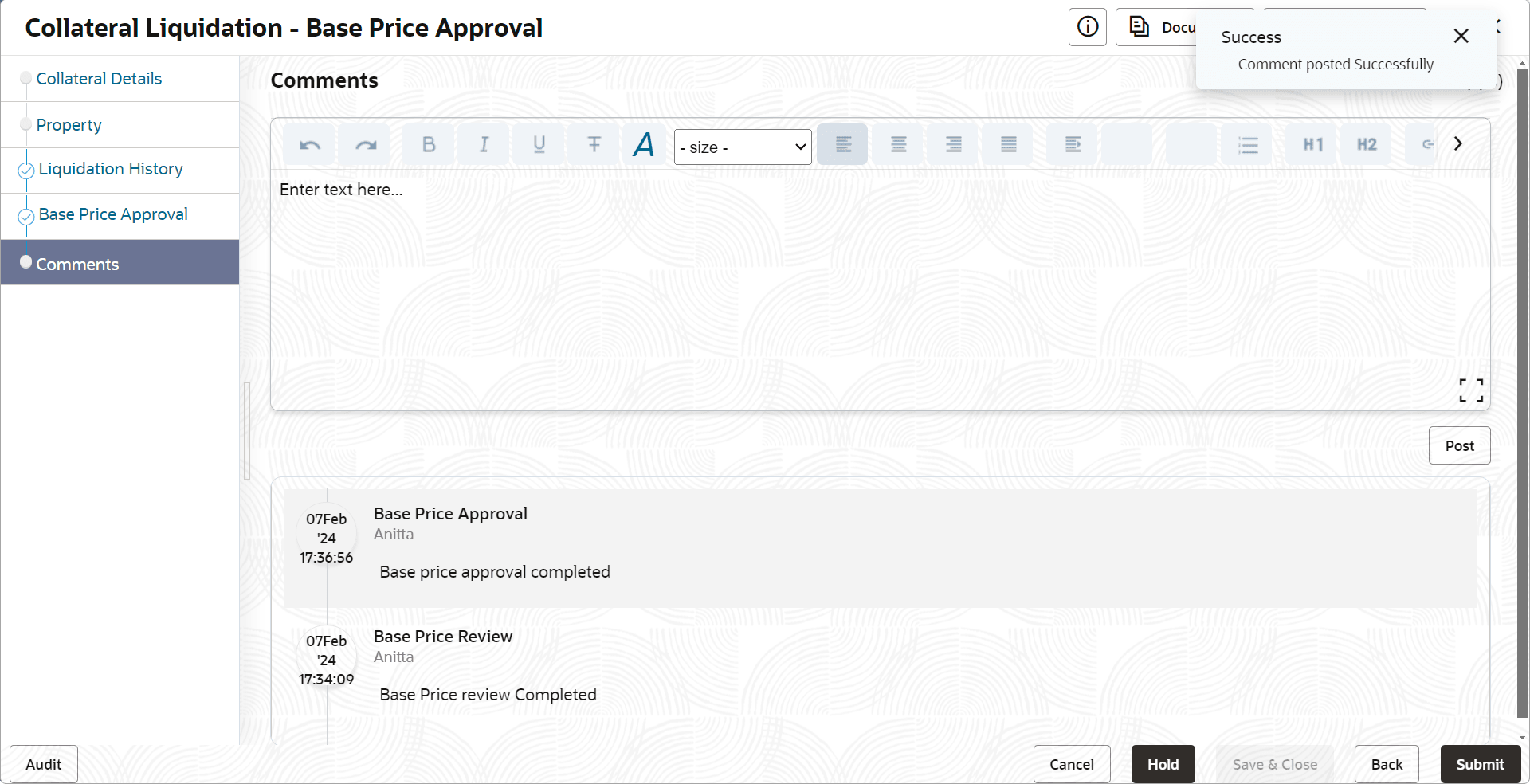
.The Base Price Approval - Comments screen is displayed.
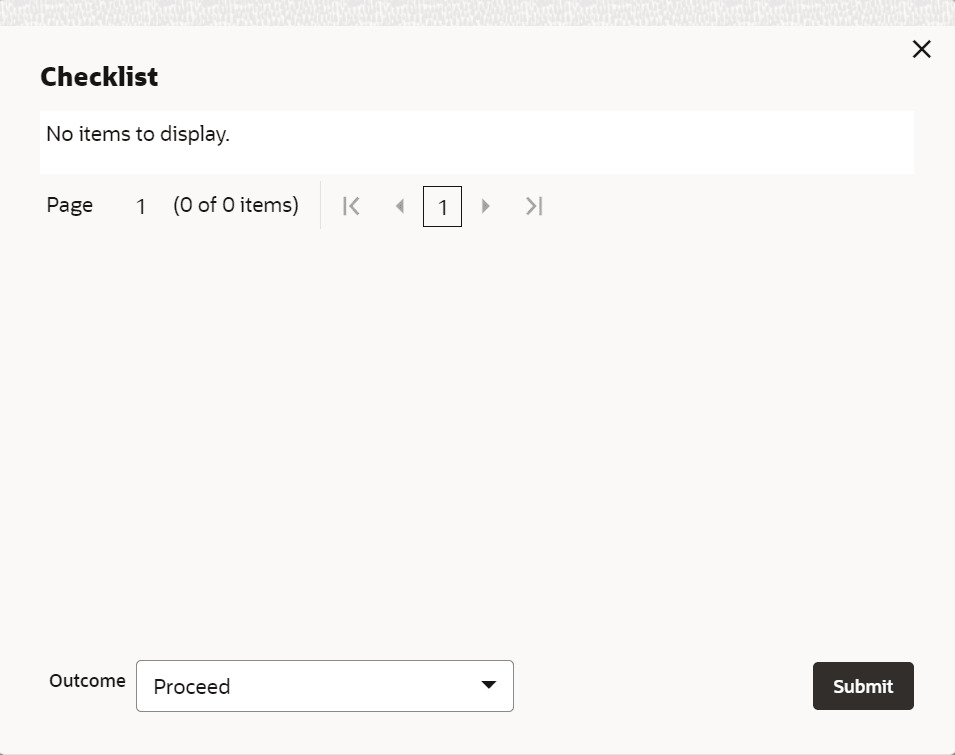
- To submit the Base Price Approval task, click Submit.The Checklist window is displayed.
Note:
In the above window, checklist for the stage appears if it is configured in the Business Process Maintenance. You have to manually verify the checklist and enable the corresponding check box.