6.1 Collateral Details
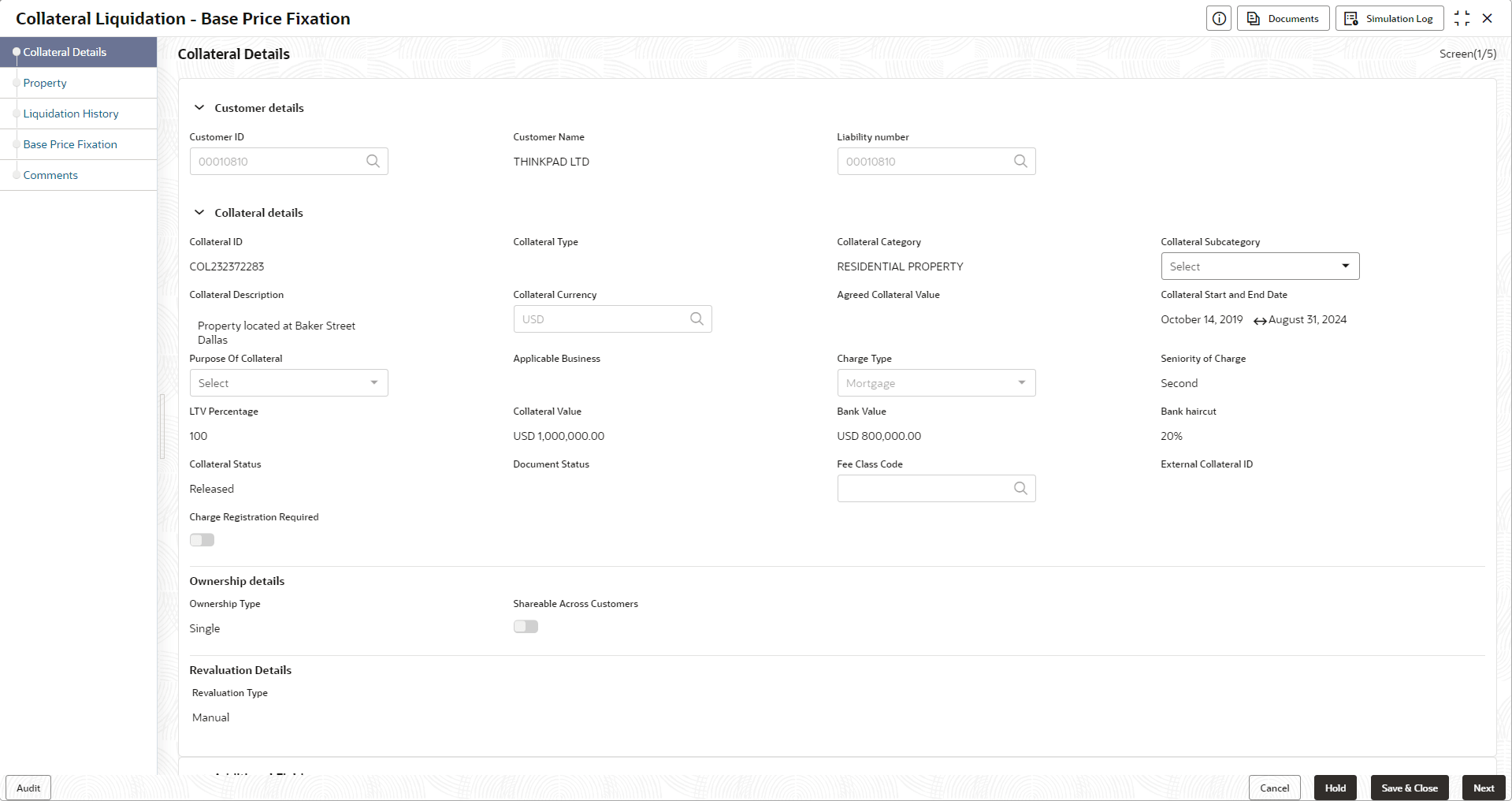
This topic provides systematic instructions about the Collateral Details data segment in Base Price Fixation stage.
This data segment displays the collateral details captured as part of Collateral
Evaluation / Perfection process.You cannot modify these details.
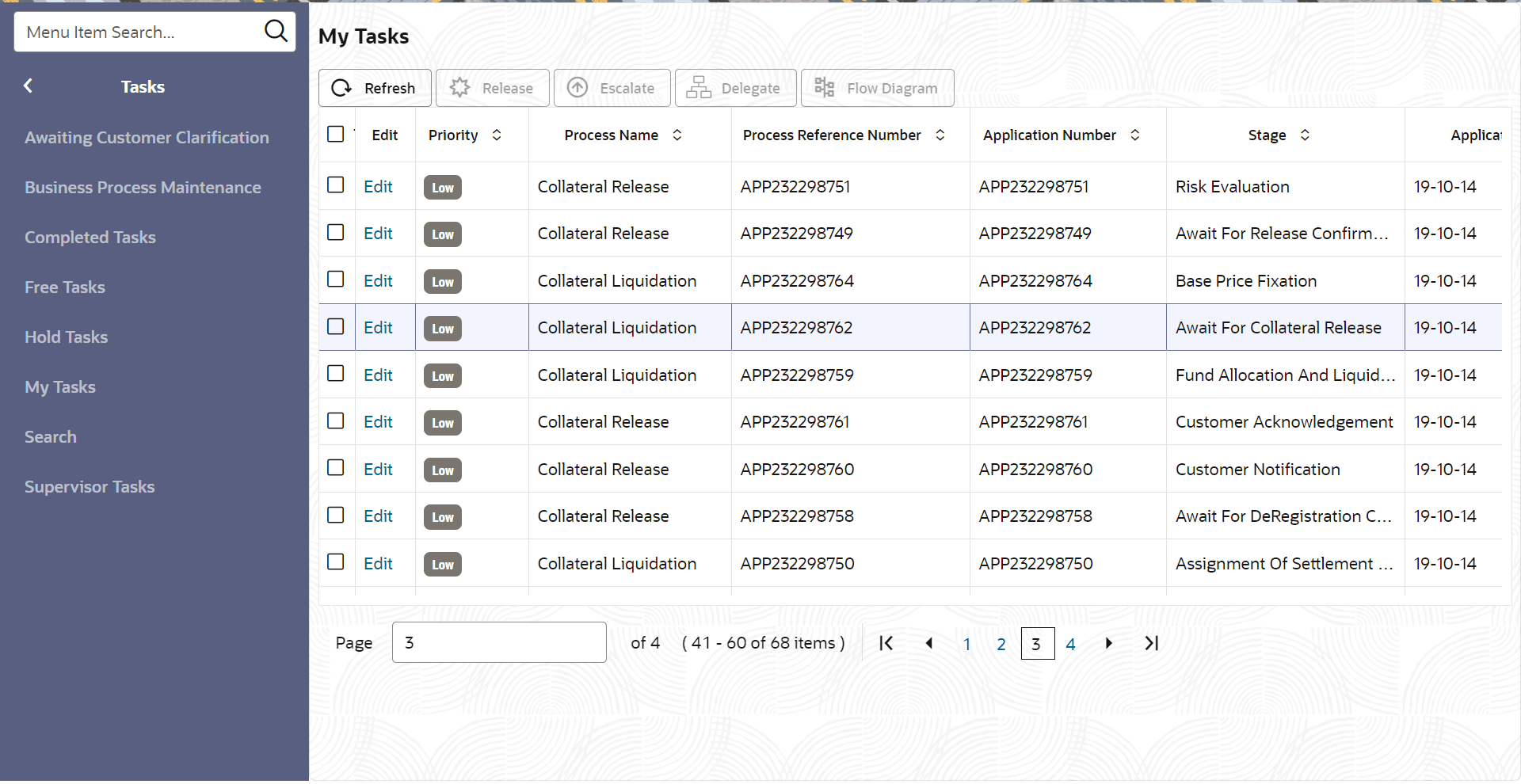
- To acquire the Base Price Fixation task, navigate to Tasks > Free Tasks
from the left menu.The Free Tasks is displayed.
- Click Acquire & Edit in the required Base Price fixation task.The Base Price Fixation - Collateral Details screen is displayed.
Figure 6-2 Base Price Fixation_Collateral details