13.2 Property
This topic provides systematic instructions about the Property data segment in Buyer Confirmation stage.
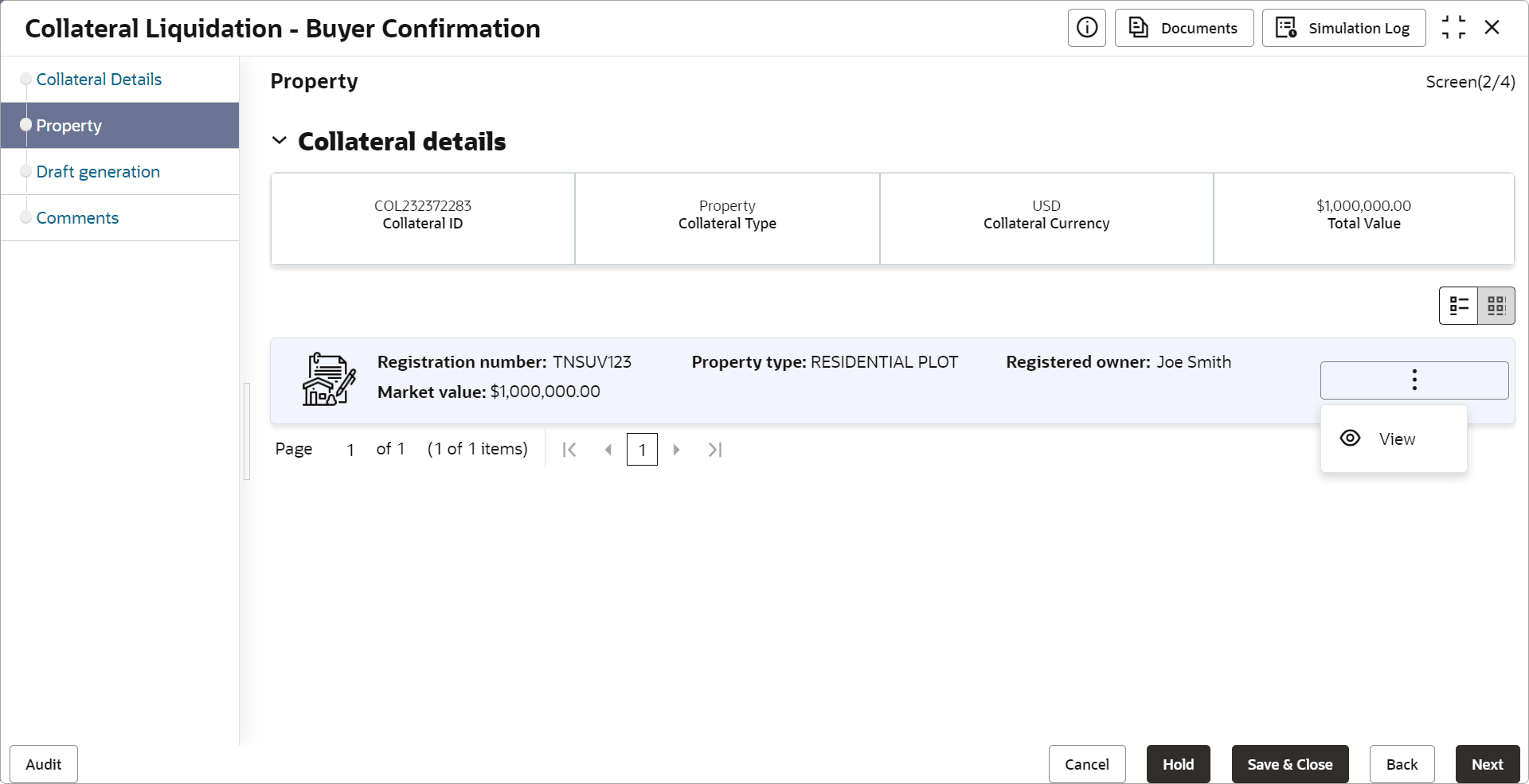
The collateral details provided at the time of collateral creation is displayed in this data segment. User can view the detailed collateral information by clicking the action icon and selecting View option. Click Next in the Buyer Confirmation - Collateral Details screen.
The Property screen is displayed