17.2 Linked Transaction

This topic provides systematic instructions about the Linked Transaction data segment in Fund Allocation and Liquidation stage.

The Linked Transaction data segment displays all the account details to which the transferred collateral was linked for allocating proceeds. Click Next in the Fund Allocation and Liquidation - Collateral Details screen, the Linked Transaction data segment is displayed.

Figure 17-3 Fund Allocation and Liquidation_Linked Transaction
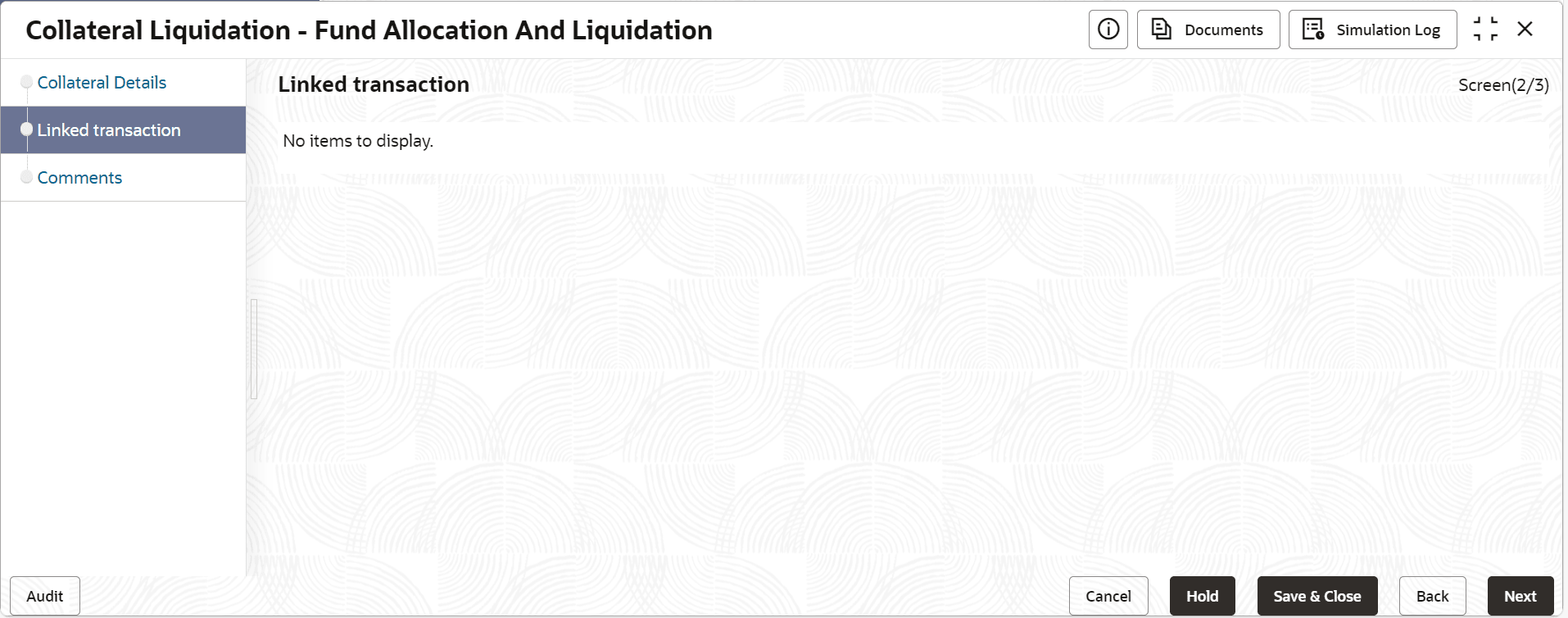


  1. To allocate fund for the accounts linked to the liquidated collateral, click the action icon in the account record and select Edit.
    The Fund Allocation and Liquidation - Linked Transaction screen is displayed.

    Figure 17-4 Fund Allocation and Liquidation_Linked Transaction
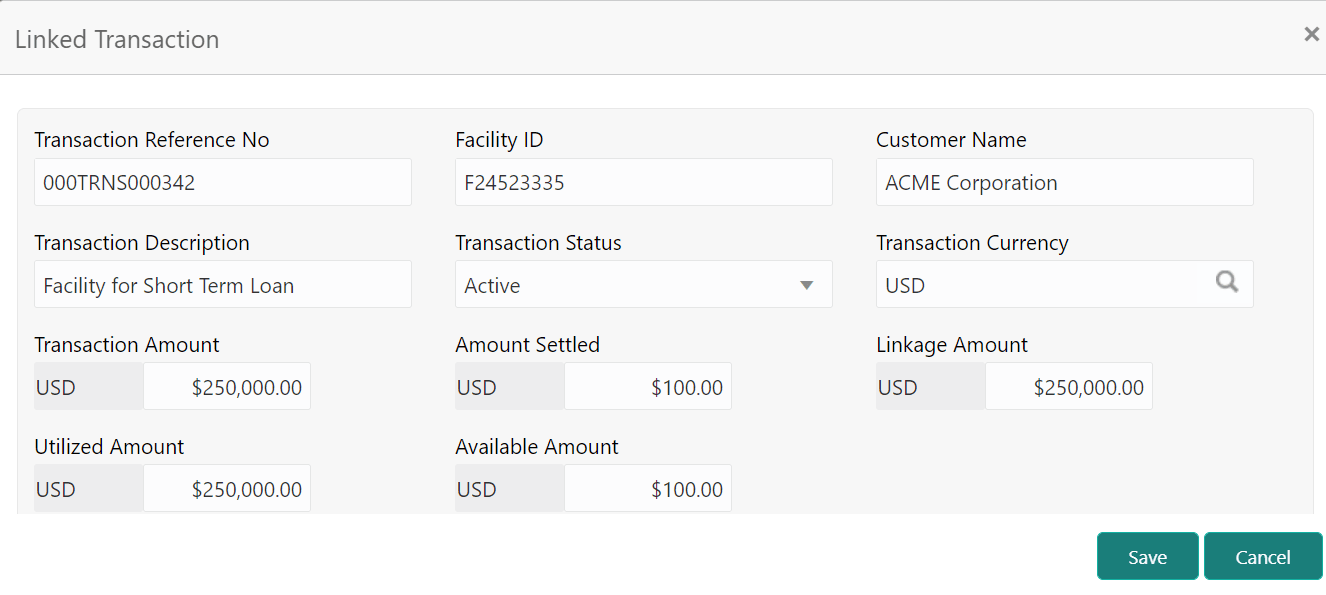
    Linked Transaction details such as Facility ID and Customer Name
  2. Specify the transaction details by referring the below table.

    Table 17-1 Fund Allocation and Liquidation - Linked Transaction

    Fields/ Icons Description
    Transaction Reference No Specify the reference number of the transaction to be settled.
    Facility Id Specify the ID of facility with which the collateral is linked.
    Customer Name Specify the name of customer who availed the linked facility.
    Transaction Description Provide a brief description for the transaction.
    Transaction Status Select the current status of transaction from the drop down list.
    Transaction Currency Search and select the Transaction Currency.
    Transaction Amount Specify the total Transaction Amount.
    Amount Settled Specify the amount settled so far for the transaction.
    Linkage Amount Specify the collateral amount that is linked with the transaction.
    Utilized Amount Specify the amount that is utilized against the collateral.
    Available Amount Specify the collateral amount that is available for utilization.
  3. Click Save.
    The linked transaction details are added and displayed in the Fund Allocation and Liquidation - Linked Transaction screen.
  4. After capturing linked transaction details, click Next.
    The Fund Allocation and Liquidation - Comments screen is displayed.