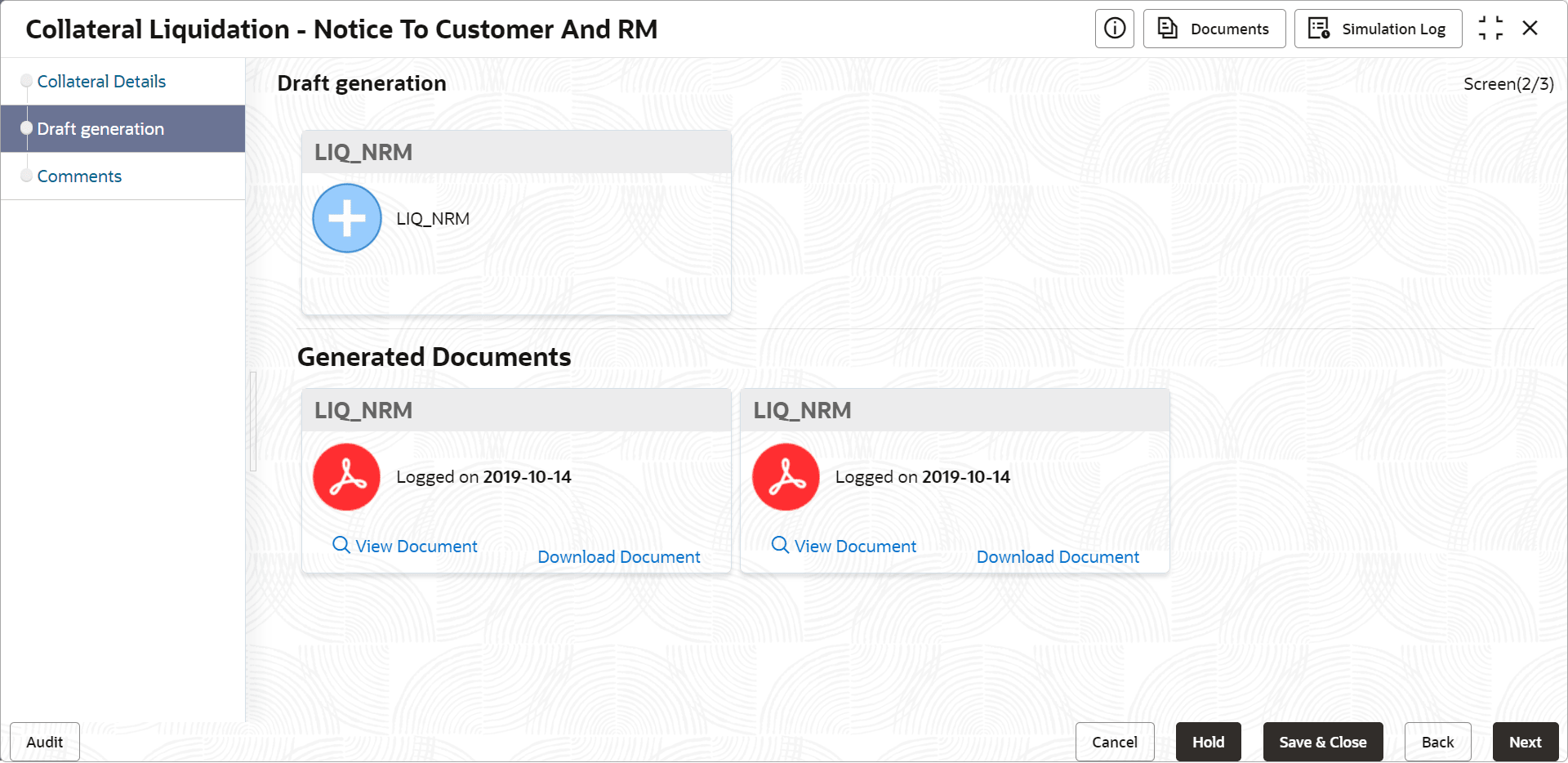
4.2 Draft Generation
This topic provides systematic instructions about the Draft Generation data segment in the Notice to Customer and RM stage.
This data segment allows you to generate draft liquidation document and
send it to Customer and RM for necessary action.
Upon clicking Next in the Notice to Customer and RM - Collateral Details screen, the Draft Generation data segment is displayed.
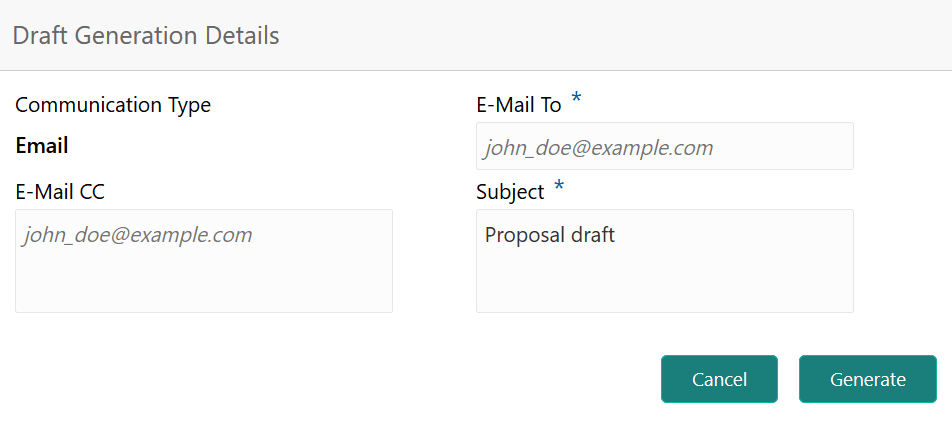
- Click Generate Document.The Draft Generation Details window is displayed.
Figure 4-3 Draft Generation Details
Once the draft document is successfully sent to the mentioned
mail ID, the Generated Documents is displayed in the Draft Generation
screen as shown below.
Figure 4-4 Draft Generation