7.2 Risk Evaluation
This topic provides systematic instructions about the procedure to perform Risk Evaluation.
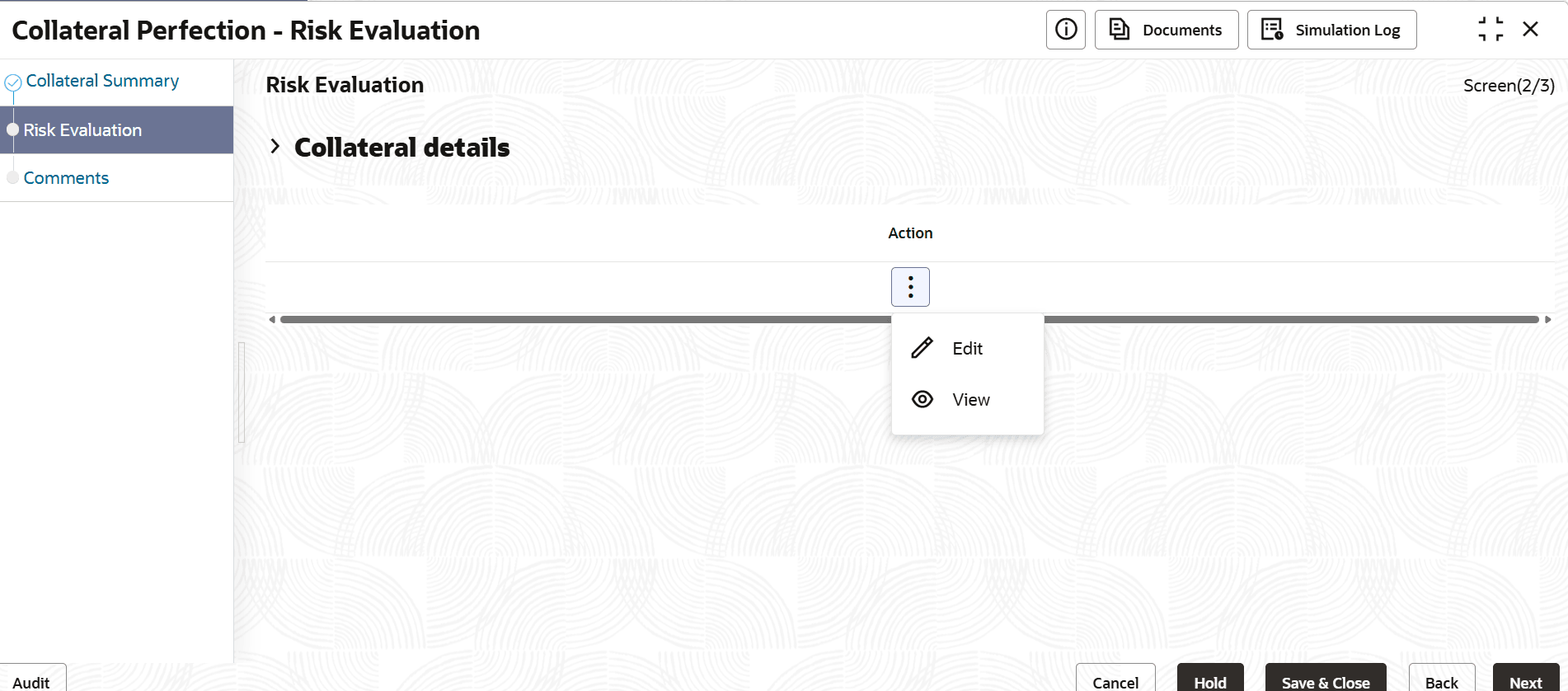
To evaluate the collateral in terms of risk:
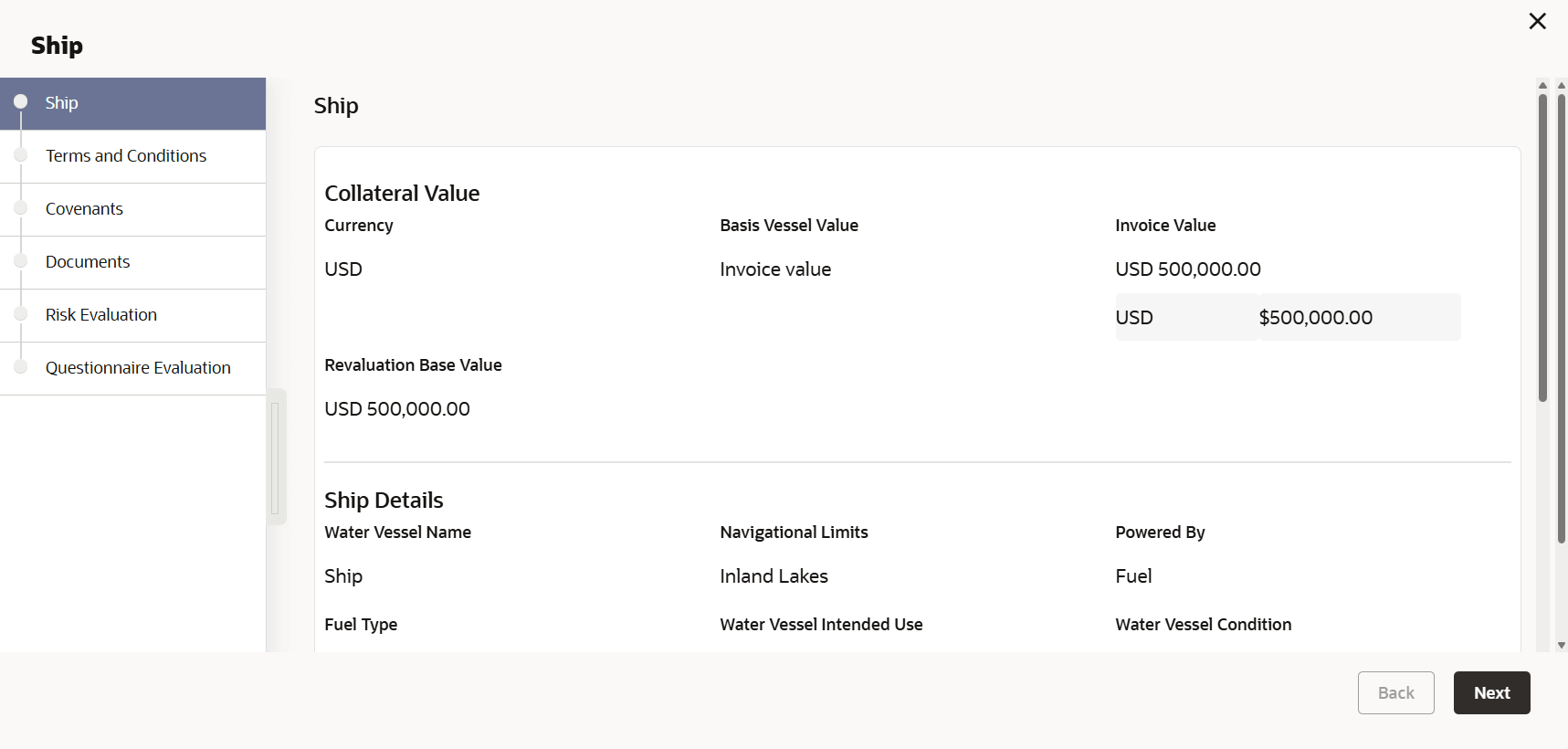
- Click the action icon in the collateral record and select
Edit.The Risk Evaluation - Configure - Collateral Type screen is displayed.
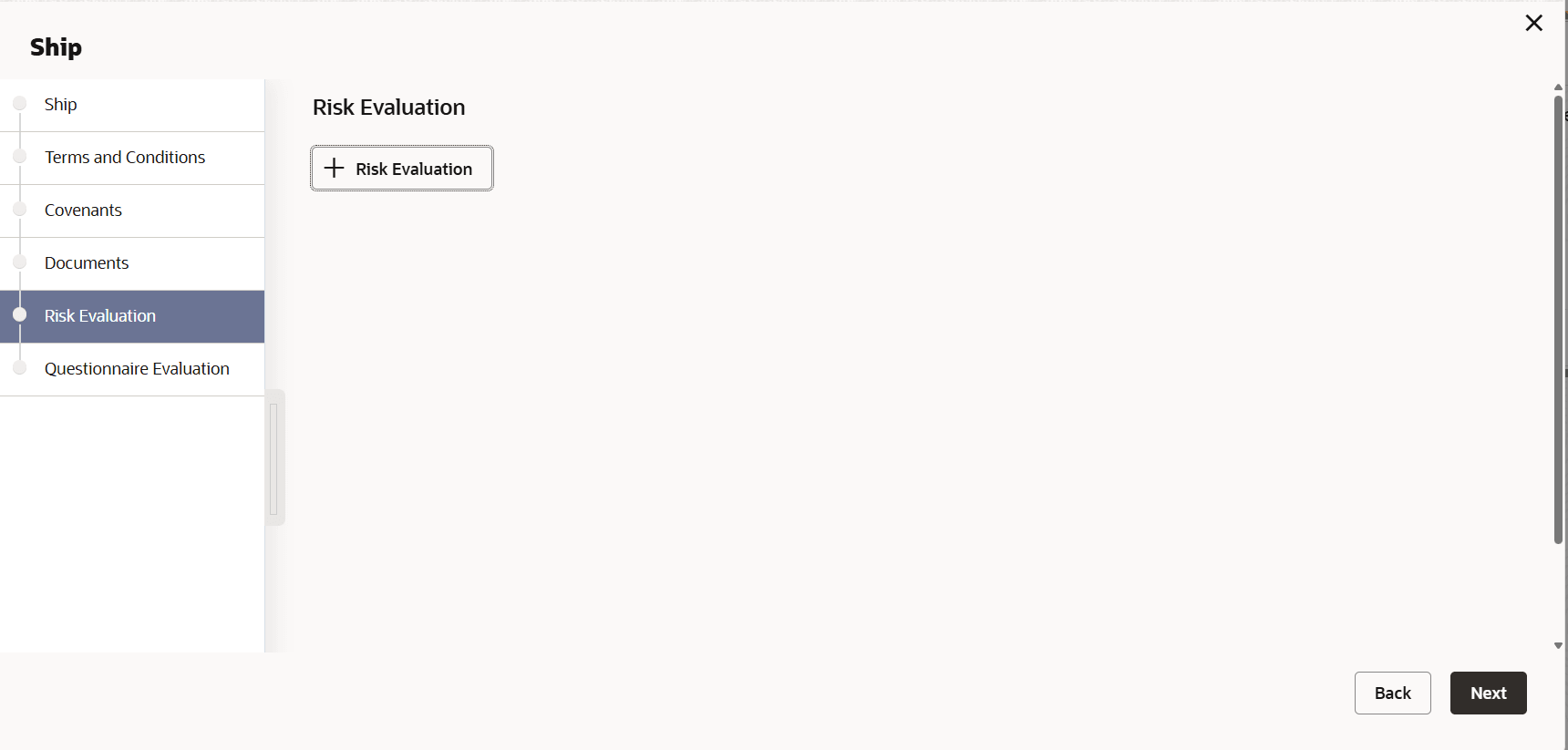
- Click Next and navigate to the Risk Evaluation
menu.
- Click the add icon in the Risk Evaluation - Configure - Risk Evaluation
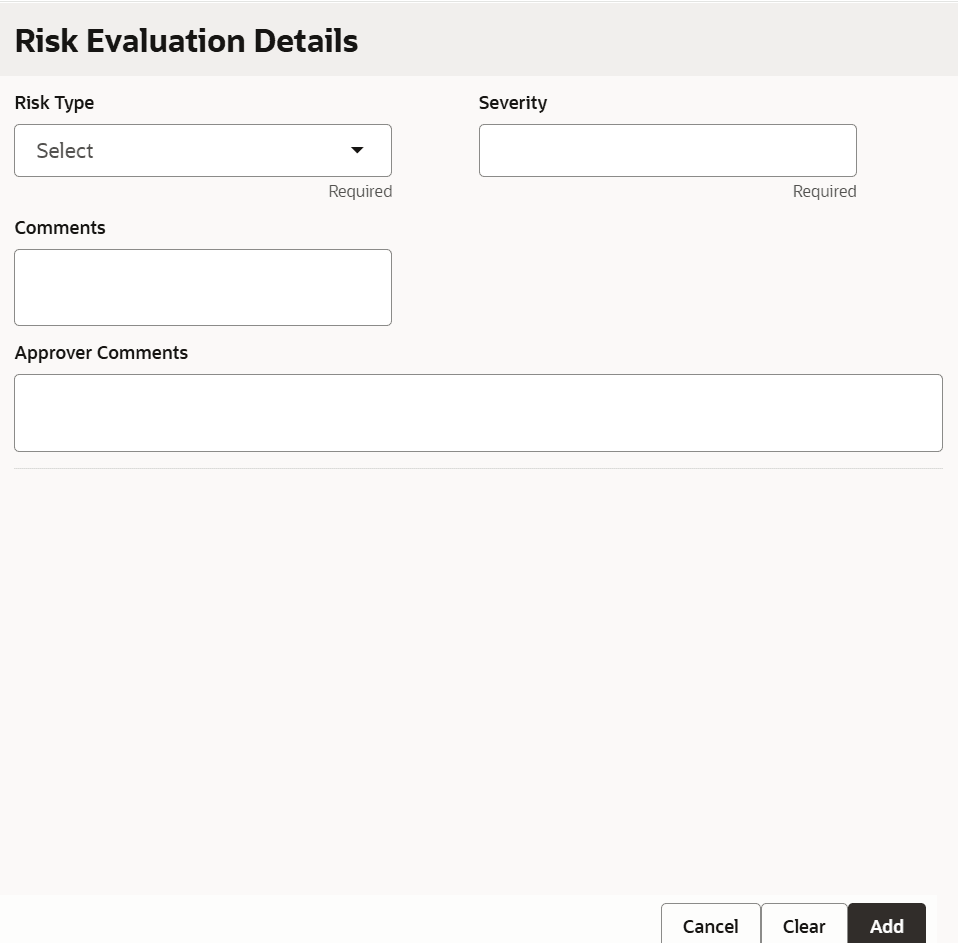
screen.The Risk Evaluation Details window is displayed.
- Click Add in the Risk Evaluation Details
window.The risk evaluation details are added and displayed as shown below.
Figure 7-7 Risk Evaluation Added
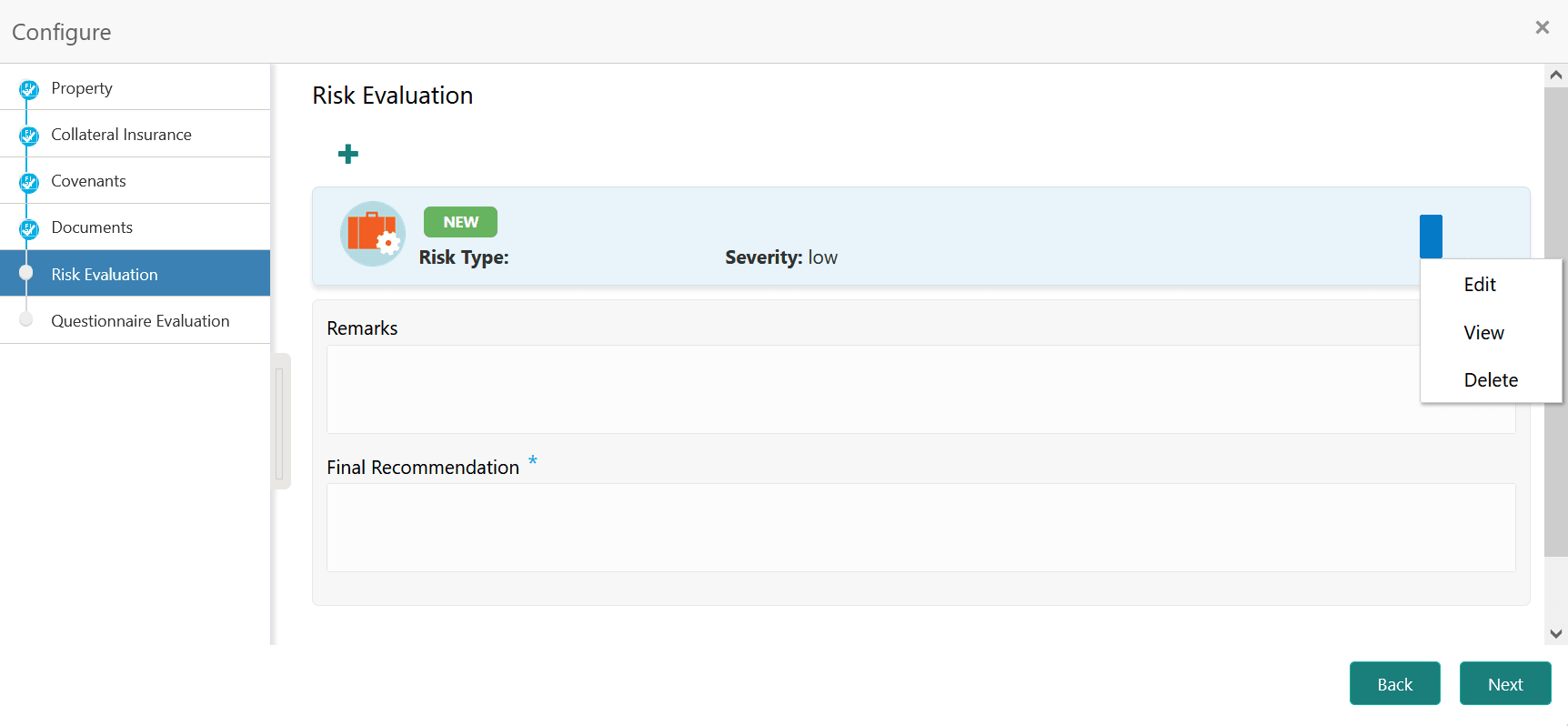
User can Edit, View, or Delete the added risk evaluation detail by clicking the action icon and selecting the required option.
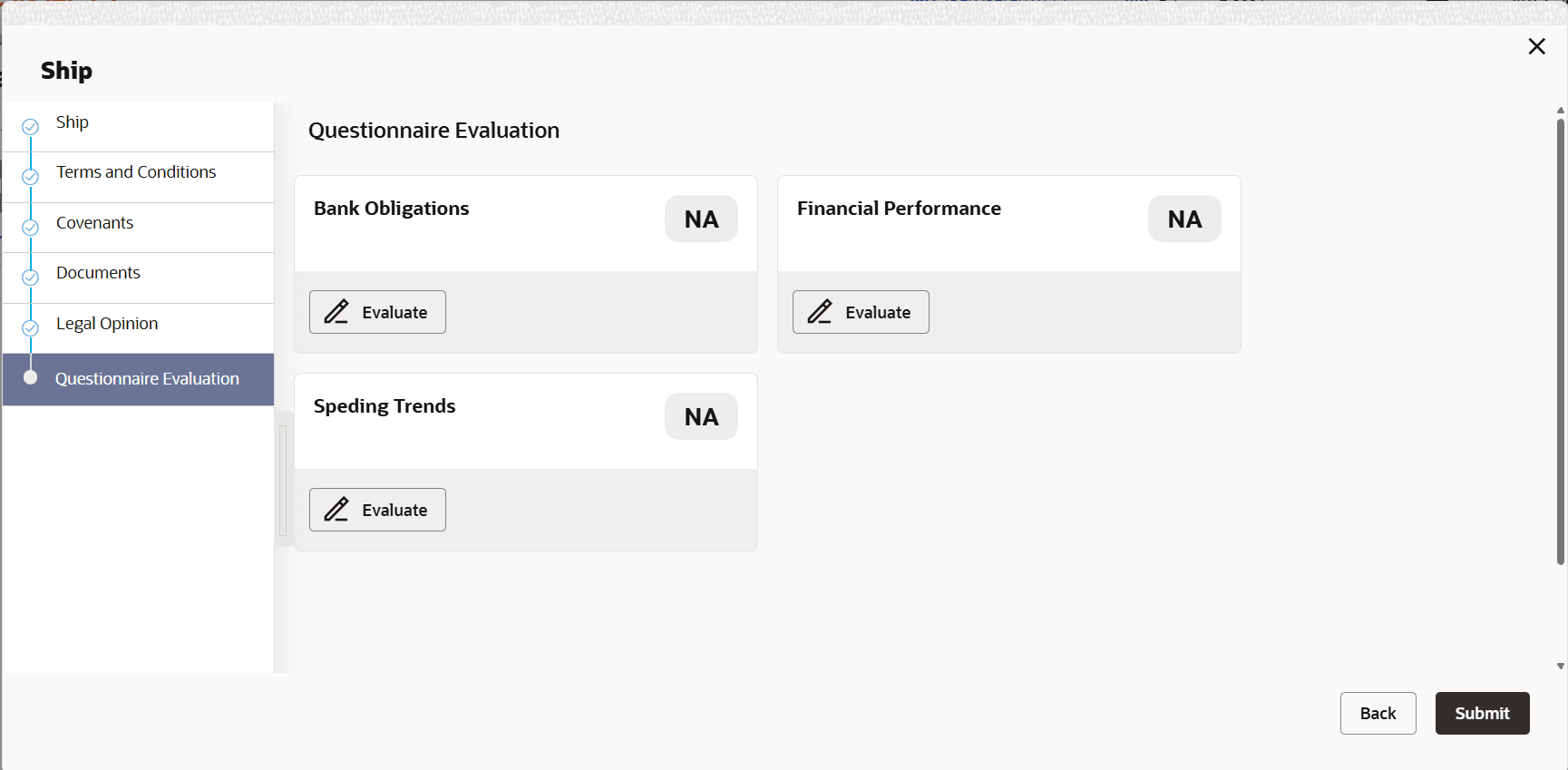
- After capturing risk evaluation details, click Next.The Risk Evaluation - Configure - Questionnaire Evaluation screen is displayed.
Figure 7-8 Risk Evaluation_Questionnaire Evaluation
Note:
In the above screen, the questionnaires linked to the Risk Evaluation stage in Business Process configuration are displayed. User can manage the questionnaire process linkage in Maintenance module. - Click Evaluate in any of the tile.The Questionnaire window is displayed.
Figure 7-9 Questionnaire
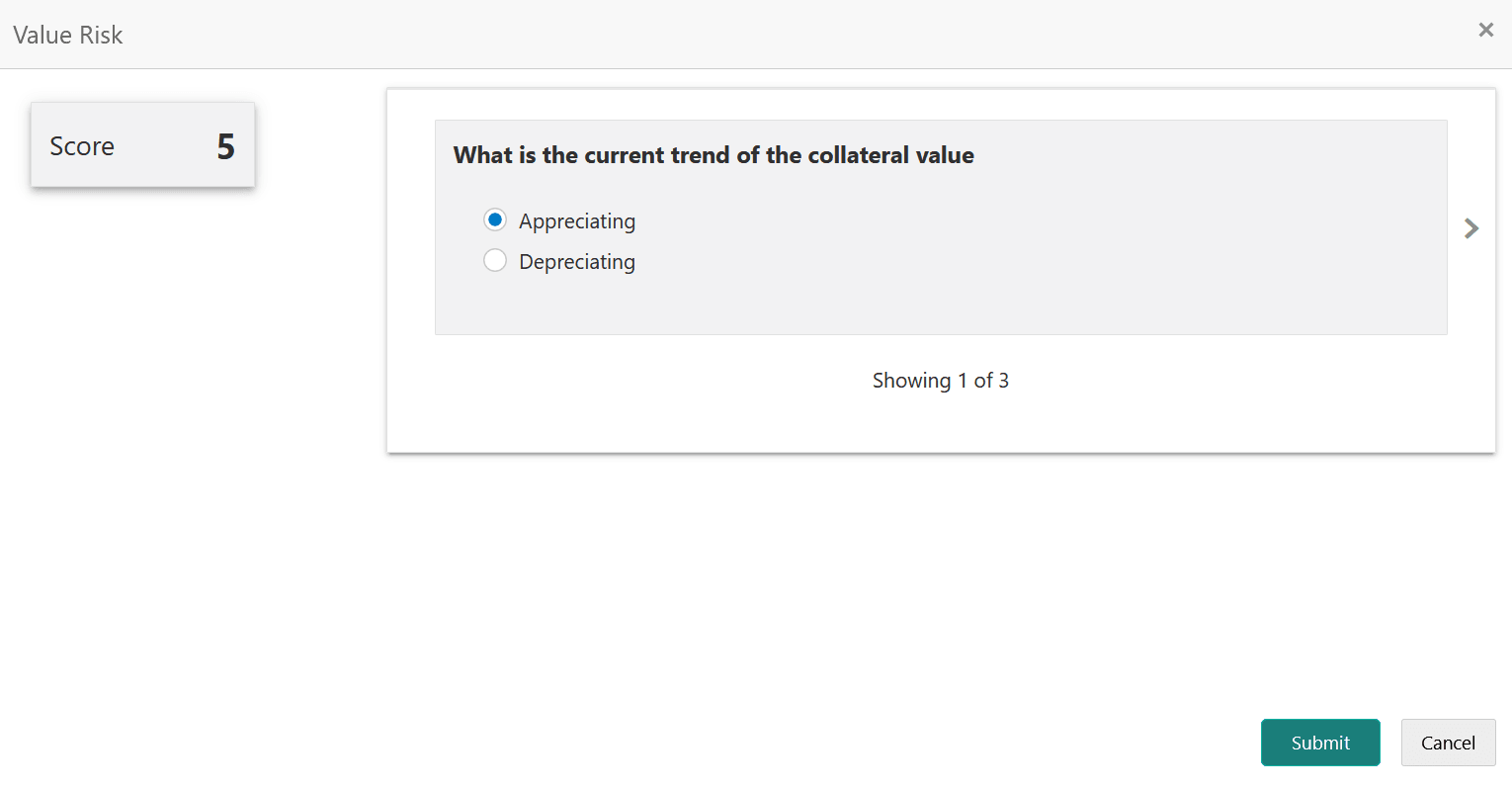
- Select answer for all the questions and click
Submit.
In case of multiple questions, the right arrow appears in the Questionnaire screen. Click the right arrow to view next question.
Once the evaluation is completed, the system displays the overall score for evaluation in Risk Evaluation - Configure - Questionnaire screen based on the score generated for each answer provided in the Questionnaire screen.
Figure 7-10 Questionnaire Evaluation_Edit and Comment
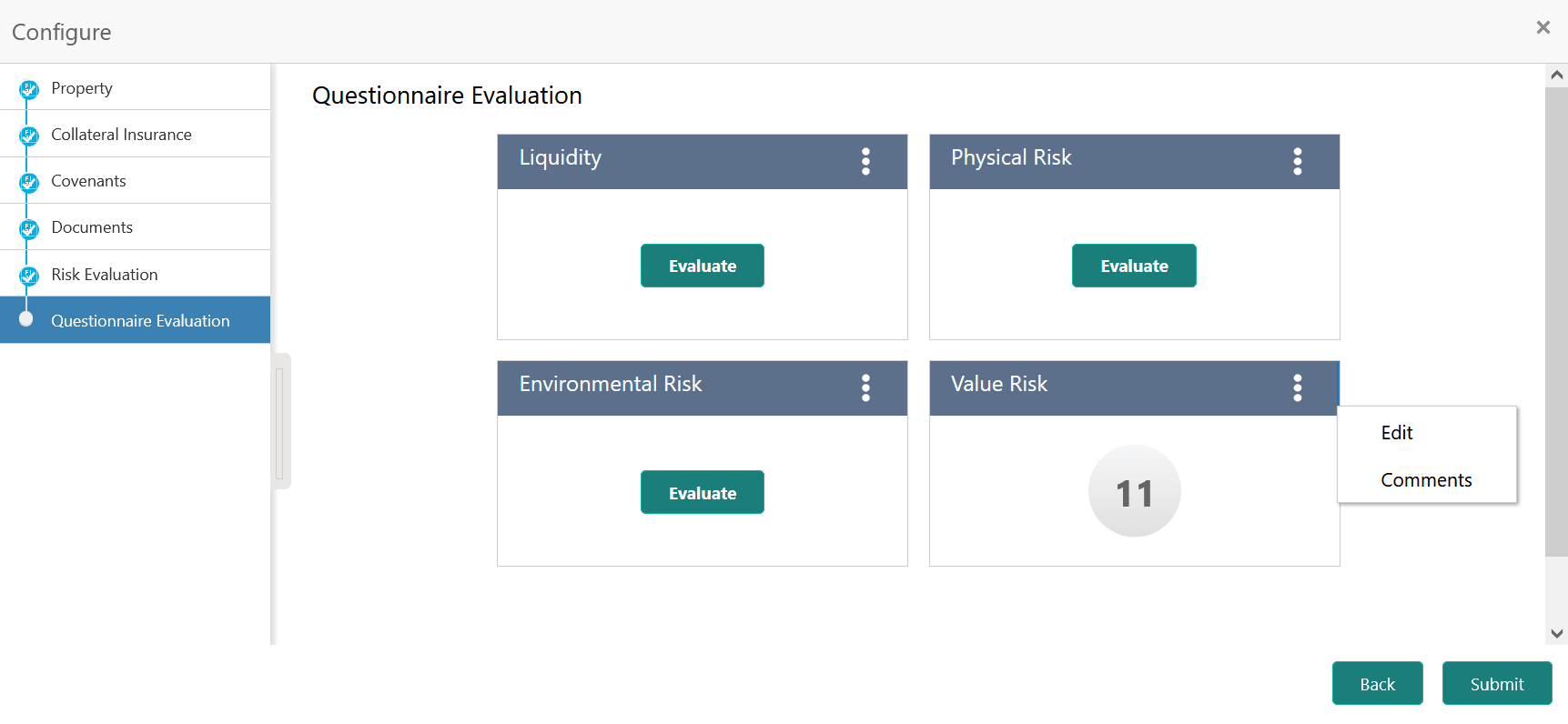
User can click the Action icon in the tile and select Edit or Comment to modify the answers or capture comment for the evaluation, respectively.