11.2 Customer Acceptance
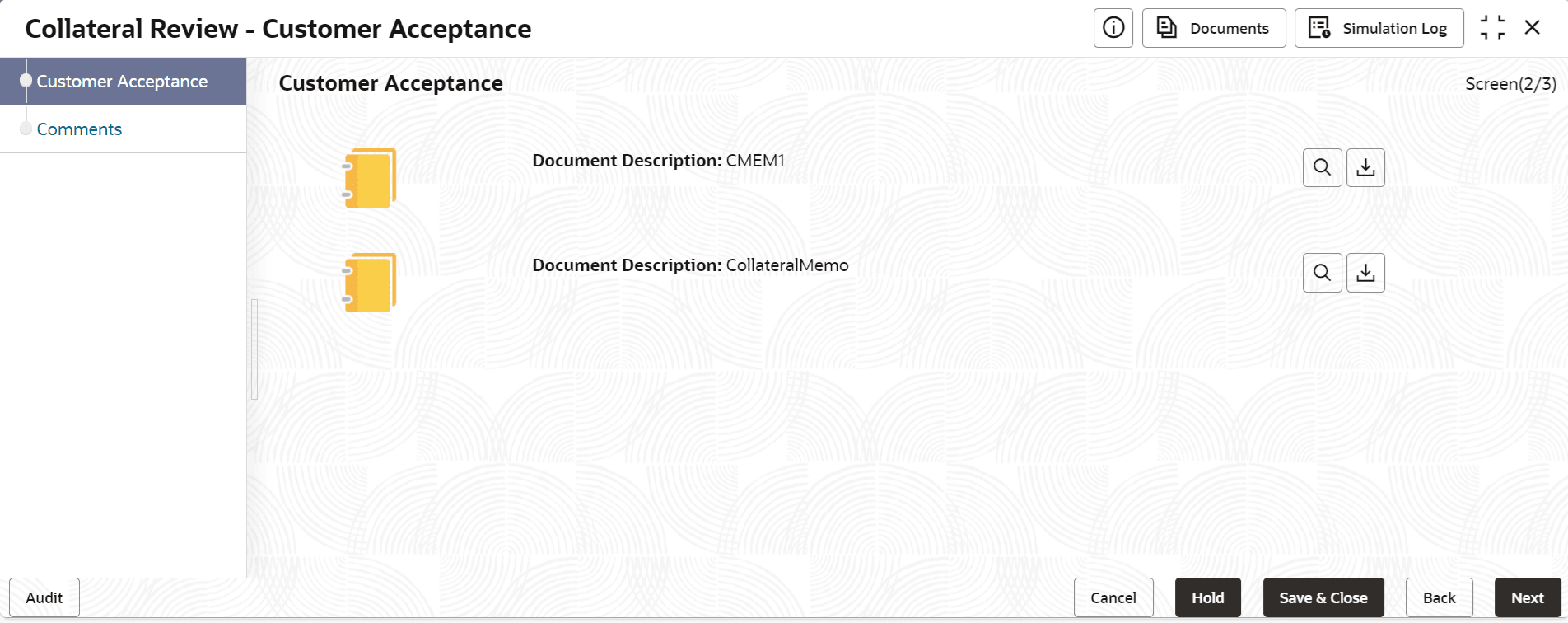
Information about the Customer Acceptance data segment in Customer Agreement stage.
In this data segment, you can download and view the collateral valuation
documents sent for customer acceptance in previous stage.
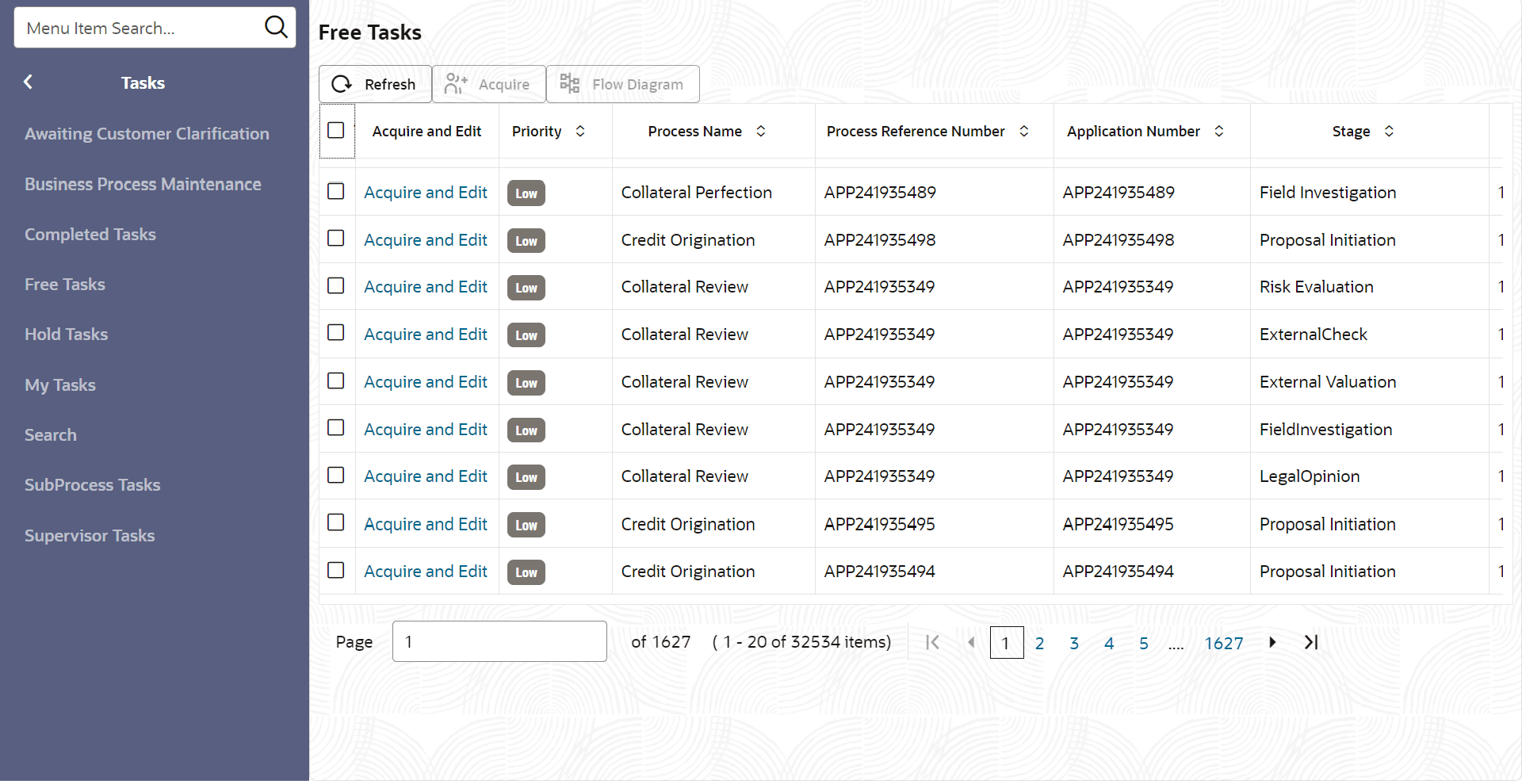
- To launch the Customer Agreement - Customer Acceptance screen, navigate
to Tasks > Free Tasks from the left menu.The Free Tasks screen is displayed.
- Acquire & Edit the required Customer Acceptance
task.
Figure 11-2 Customer Agreement - Customer Acceptance