3.2 Review Initiation

This topic describes information on the Review Initiation data segment in Data Enrichment stage.

This data segment allows to add the review details and basic information about the collateral as a part of review initiation.
  1. From Collaterals, click Review.
    The Review Initiation screen is displayed.
  2. Fetch the required collateral.
    You can specify collateral details in any or all of the below fields to fetch the collateral record.
    • Selected Customer
    • Collateral ID
    • Collateral Type
    • Collateral Category
  3. Select the required collateral from search result and click Initiate Review.
    The Collateral Release Review task is generated and listed in the Free Tasks queue.
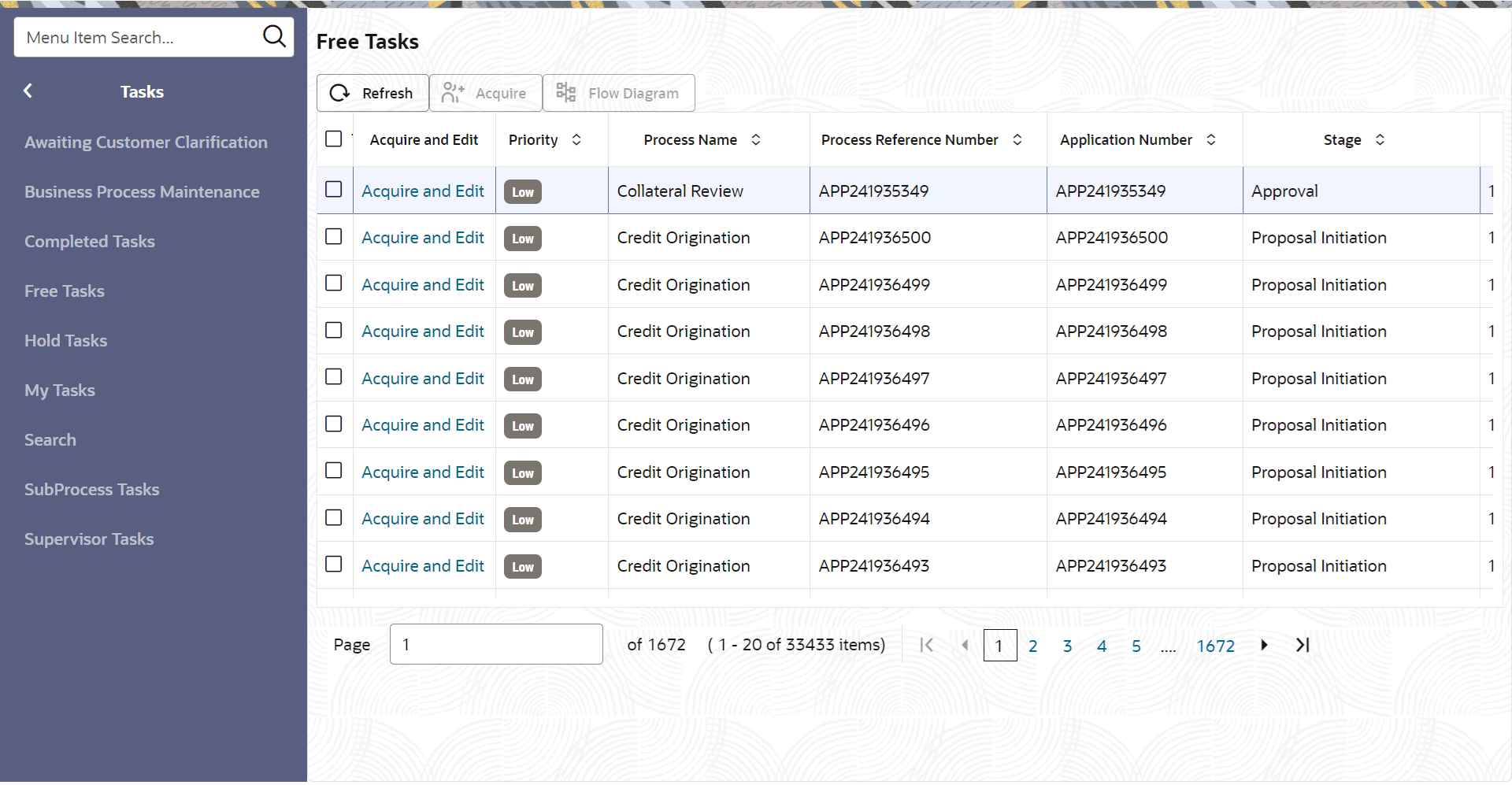
  4. From Tasks, click Free Tasks.
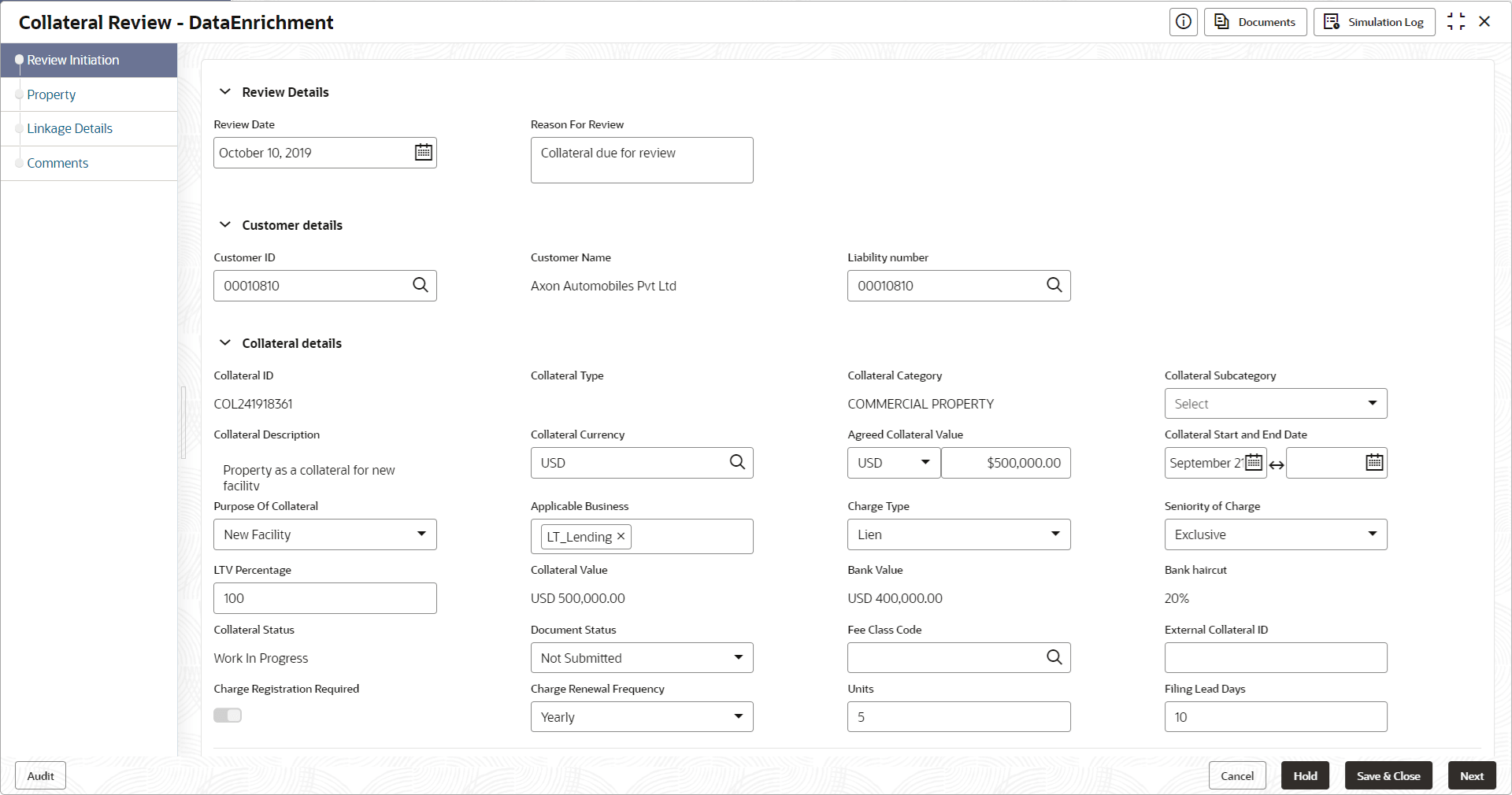
  5. Upon clicking Initiate Review in the Review Initiation screen, the Enrichment - Review Initiation screen is displayed.
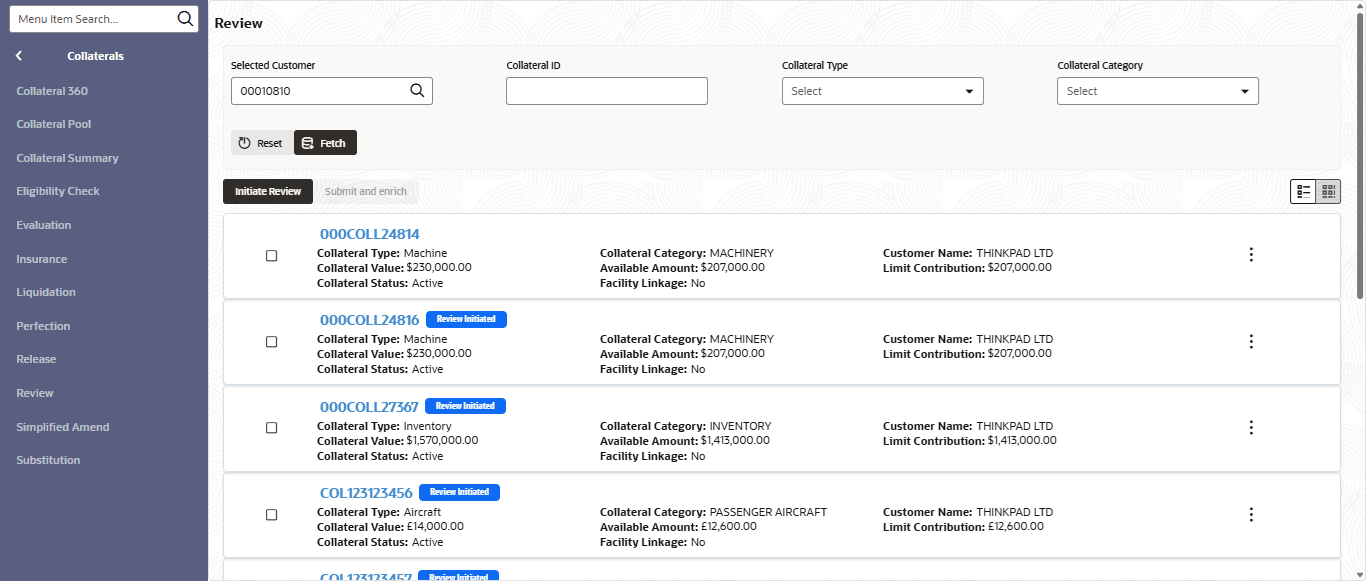
    Figure 3-3 Enrichment - Review Initiation


  6. Provide all the details in the Enrichment - Review Initiation screen.
    For field level information, refer the following tables.

    Table 3-1 Enrichment - Review Initiation - Field Description

    Field Description
    Review Date Specify the date on which the Collateral Review process is initiated.
    Reason for Review Specify the reason for initiating Collateral Review process.

    Table 3-2 Enrichment - Review Initiation - Customer Details - Field Description

    Field Description
    Customer ID The system displays the Customer ID linked to the selected collateral.
    Customer Name The system displays the Customer Name linked to the selected collateral.

    Table 3-3 Enrichment - Review Initiation - Collateral Details - Field Description

    Field Description
    Collateral Type Type of the selected collateral is displayed.
    Agreed Collateral Value Collateral value agreed at the time of perfection is displayed.
    Purpose of Collateral Purpose of Collateral mentioned at the time of collateral perfection is displayed.
    Collateral Description Description maintained for the collateral in the Perfection process is displayed.
    Seniority of Charge Seniority of Charge specified at the time of perfection is displayed.
    Collateral Start and End Date Collateral Start and End Date specified at the time of perfection is displayed.
    Ownership Type Ownership Type specified at the time of perfection is displayed.
    Is Sharable Across Customers? This flag if enabled indicates that the collateral is sharable across customers.
    Applicable Business This indicates Applicable Business for the collateral.
    Bank Value Bank value of the collateral is displayed.
    Market Value Market Value of the collateral is displayed.
    Bank Haircut This indicates Bank Haircut for the collateral category.
    Category Haircut This indicates market haircut for the collateral category.
    Exposure Type Exposure Type specified at the time of perfection is displayed.

    Note:

    You can modify collateral details in the Enrichment - Review Initiation screen, if the fields are configured as editable in Business Process maintenance.
  7. After capturing all the details, click Next.