6.3 Field Investigation
Procedure to add field investigation details.
Upon clicking Next in the Field
Investigation - Summary screen, the Field Investigation data segment is
displayed.
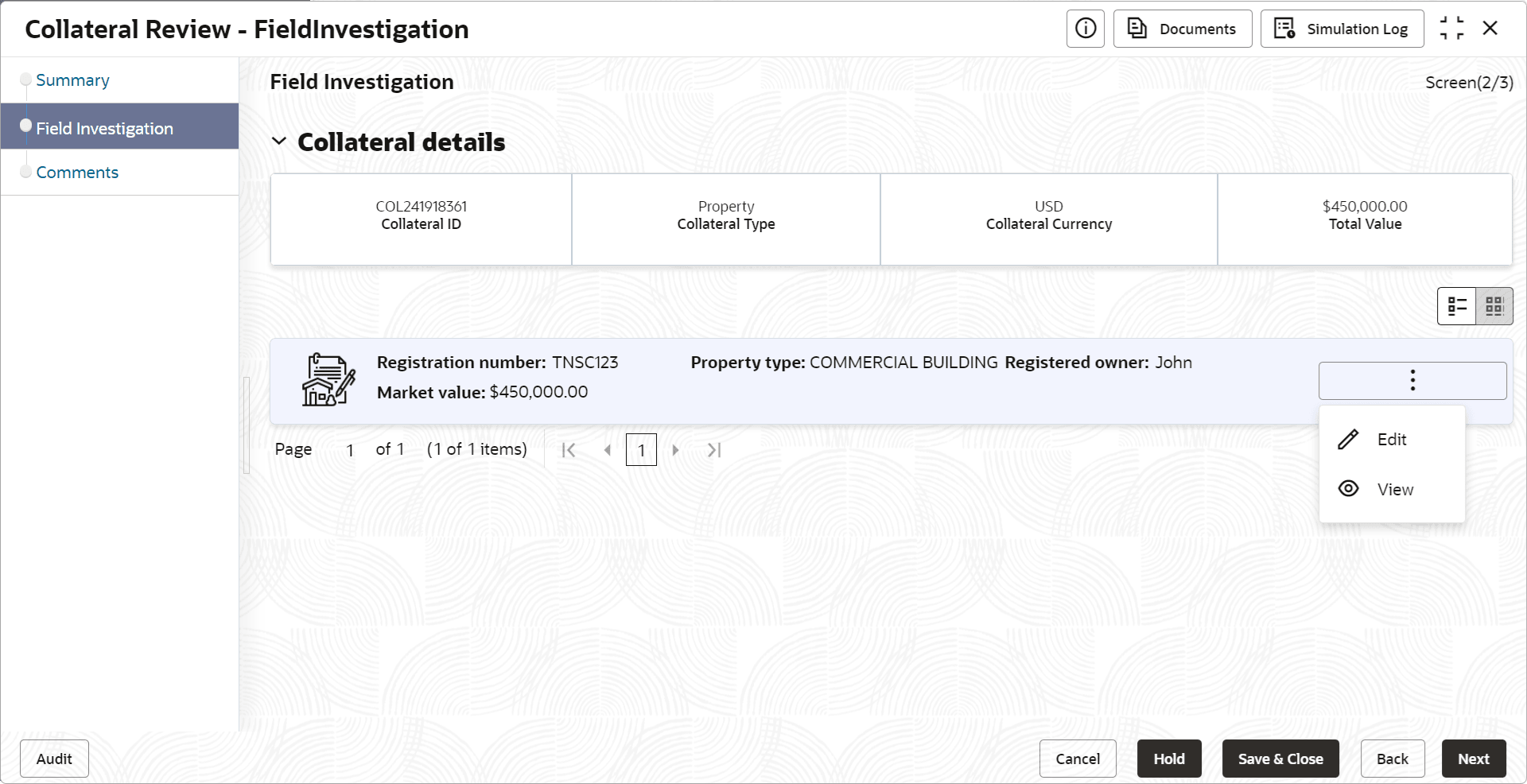
To capture the field investigation details for the collateral:
- Click the action icon in the collateral record and select
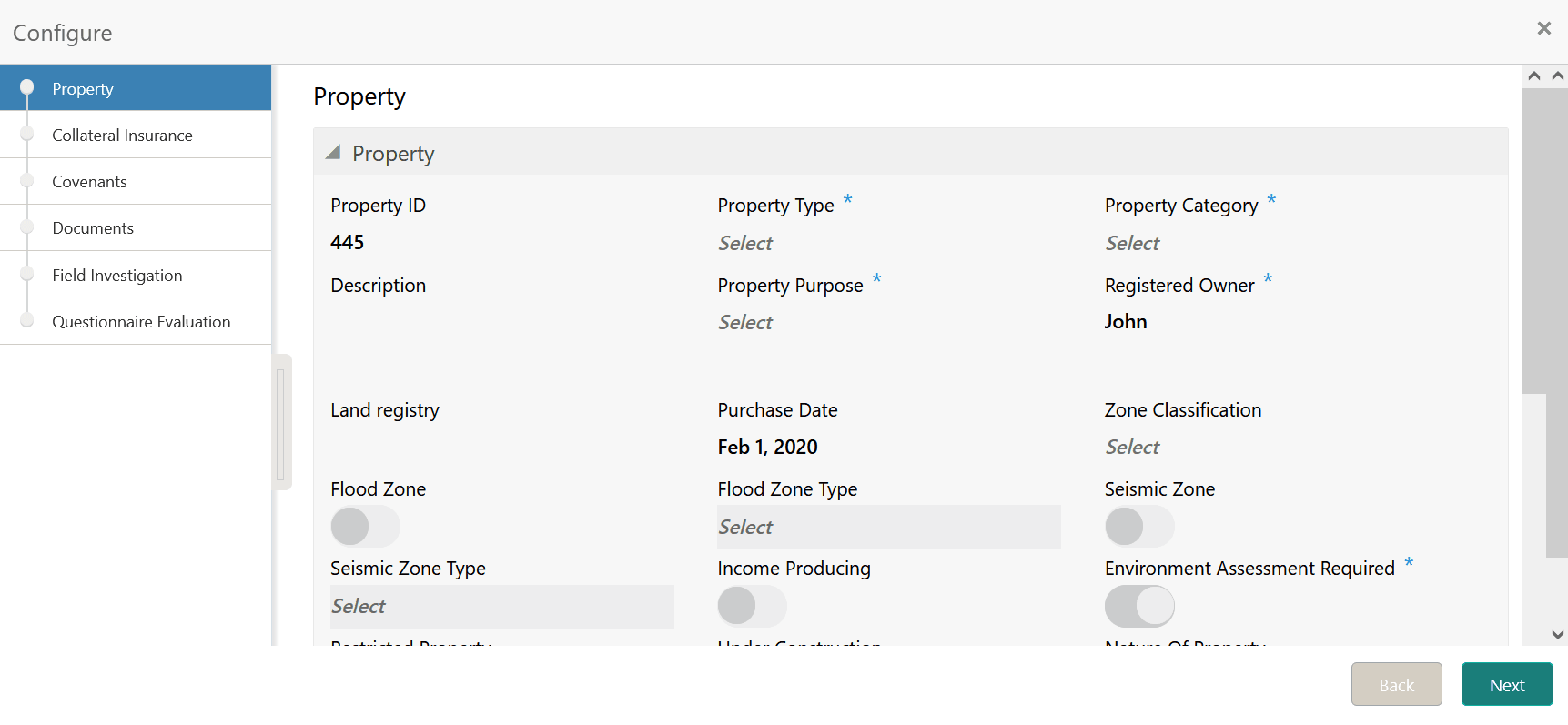
Edit.The Field Investigation - Configure - Collateral Type screen is displayed.
Figure 6-4 Field Investigation - Configure - Collateral Type
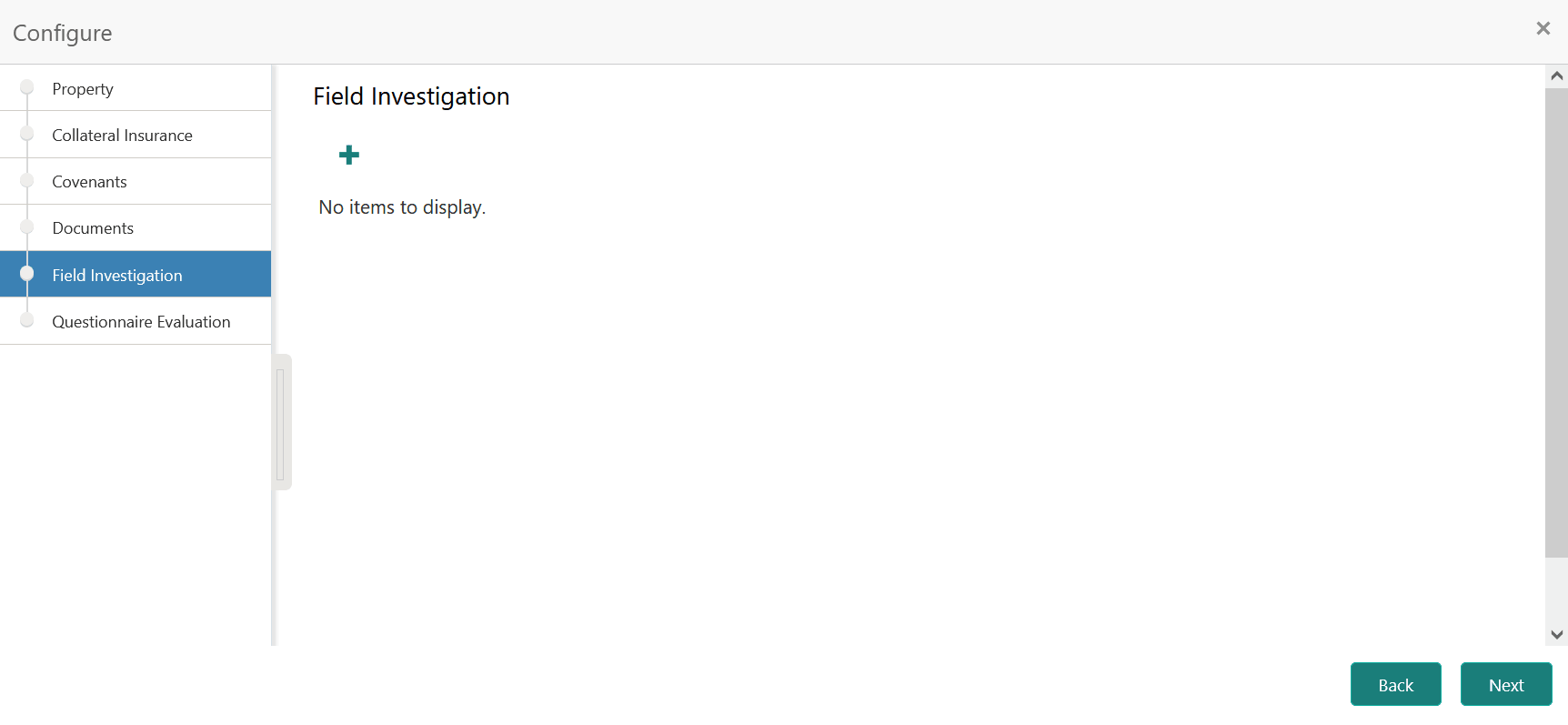
- Click Next and navigate to the Field Investigation
menu.
Figure 6-5 Field Investigation - Configure - Field Investigation
- Click the add icon in the Field Investigation - Configure - Field
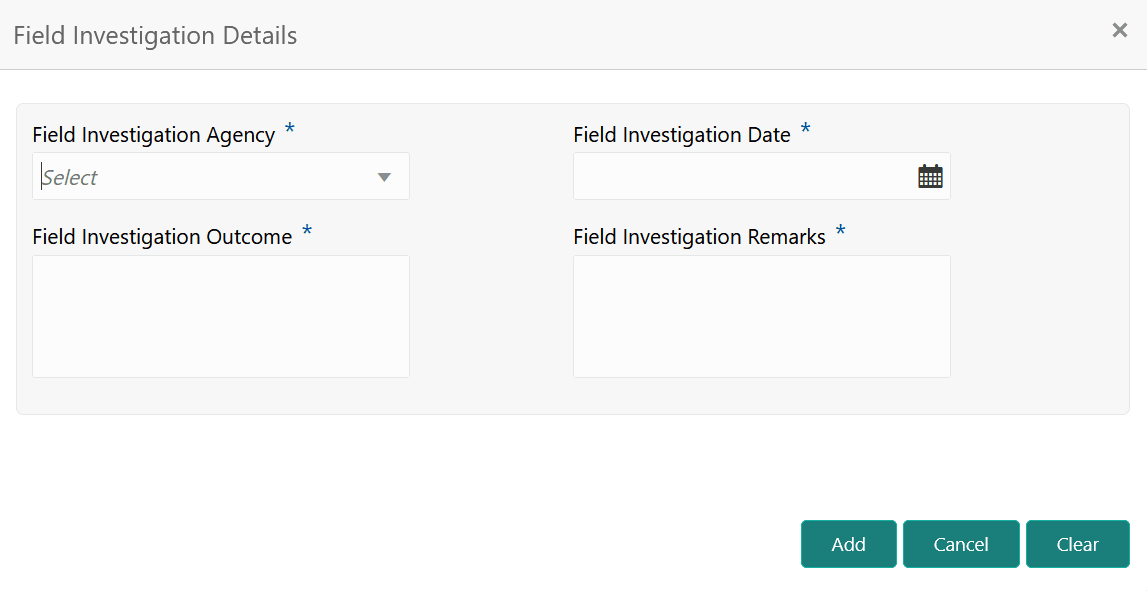
Investigation screen.The Field Investigation Details window is displayed.
- Click Add in the Field Investigation Details
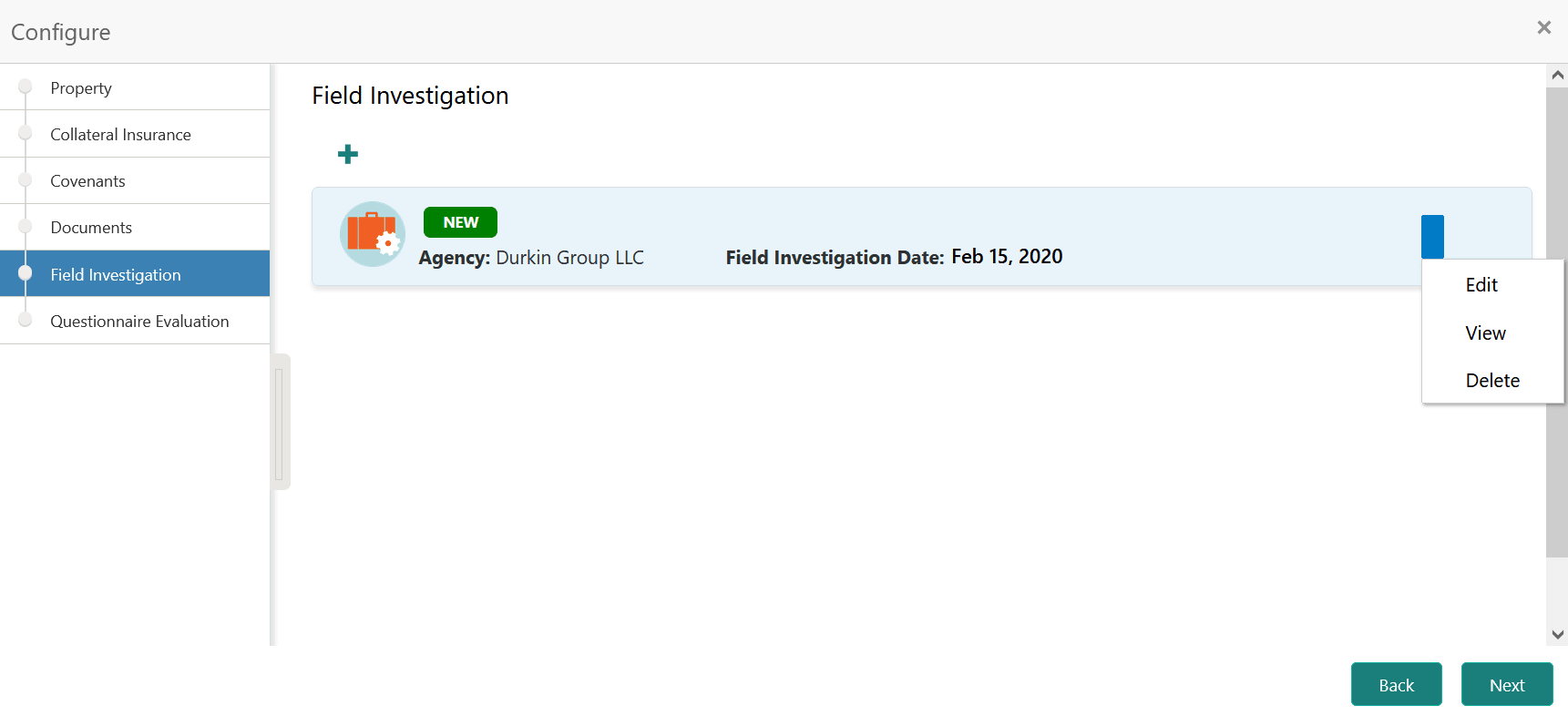
window.The field investigation details are added and displayed as shown below.
Figure 6-7 Field Investigation - Configure - Investigation Details Added
You can Edit, View, or Delete the added field investigation detail by clicking the action icon and selecting the required option.