12.4 Comments

Information on the Comments data segment in the Safekeeping stage.

The Comments data segment allows you to post overall comments for the Safekeeping stage.

Upon clicking Next in the Safekeeping - Collateral Safekeeping screen, the Comments data segment is displayed.
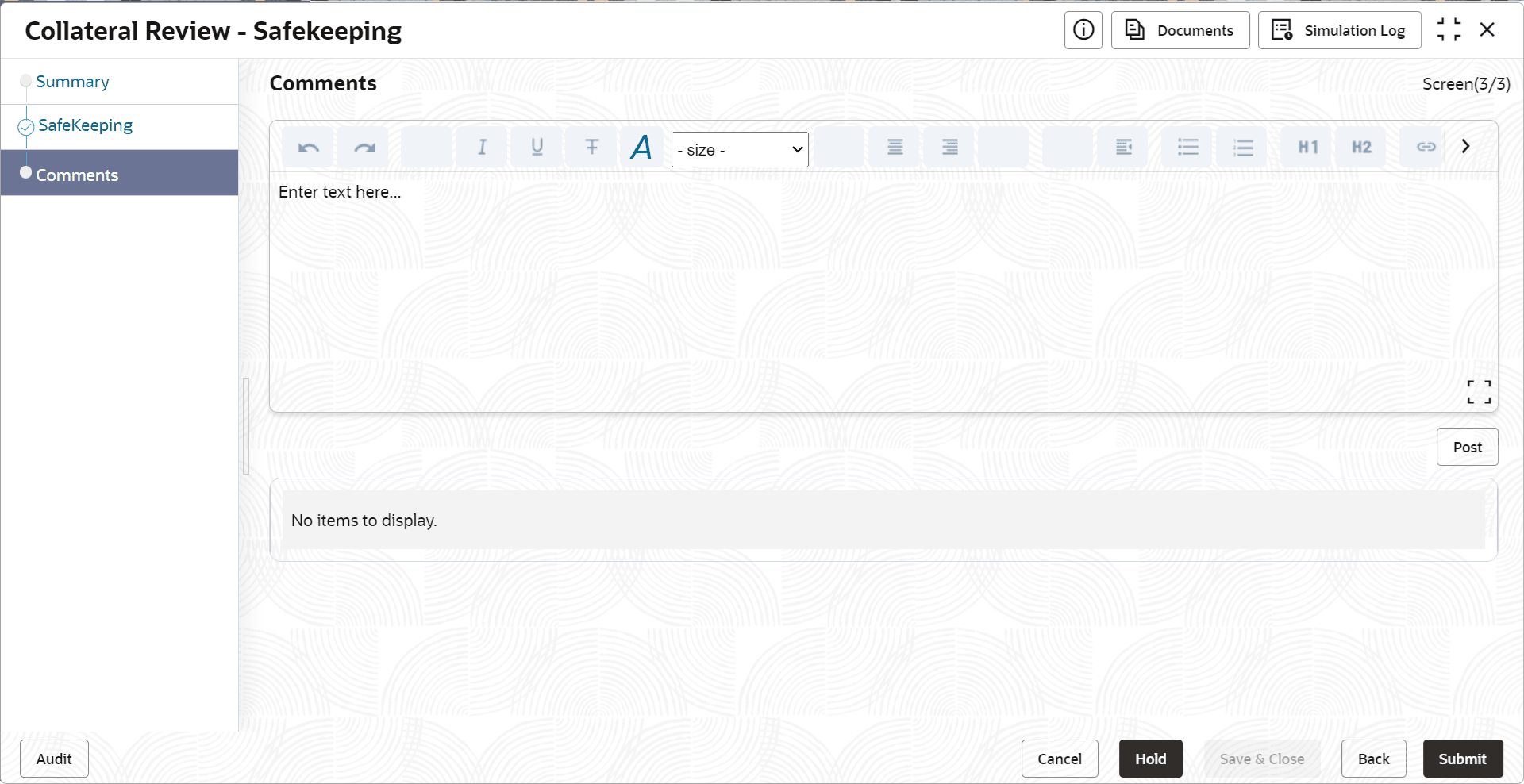
Figure 12-7 Safekeeping - Comments


  1. Type your comments for the Safekeeping stage in the Comments text box.
  2. Click Post.
    Comments are posted and displayed below the Comments text box.
  3. Click Submit.
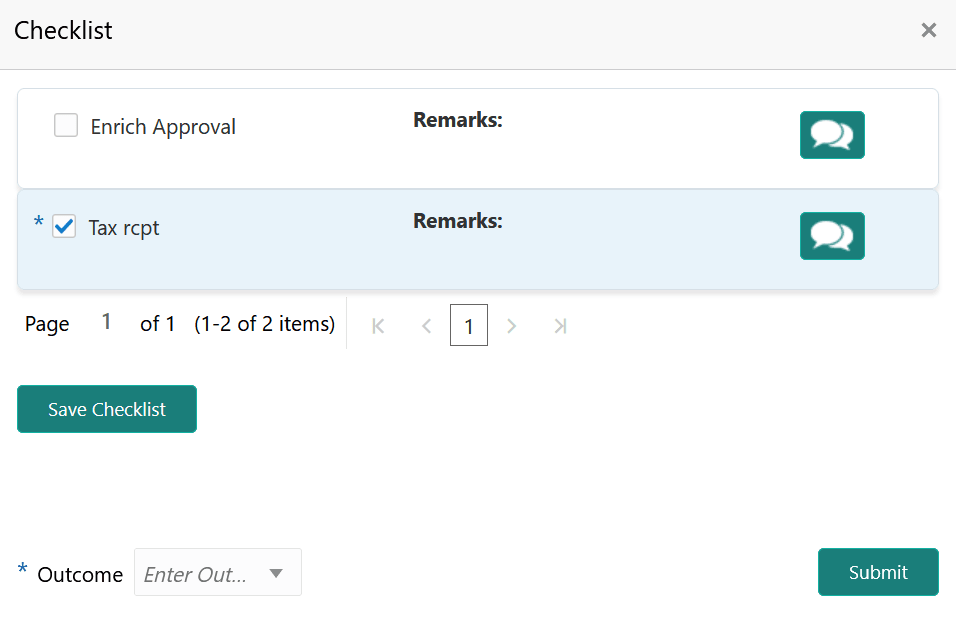
    The Checklist window is displayed.
  4. Manually verify all the checklist and enable the corresponding check box.
  5. Select the Outcome as Proceed.
  6. Click Submit.
    The Collateral Review details are handed off to the Back office System (OBELCM) and the process is completed. In case of any failure in handoff, the system generates Handoff - Manual Retry task and lists in the Free Task queue. You must fix the handoff errors and retry the handoff.