11.5 Approve Terms and Conditions
This topic provides systematic instructions about the procedure to approve terms and conditions maintenance activity.
In order to list or hide the terms and conditions in the business processes,
all the maintenance activities of terms and conditions must be approved by the
authorized person. Unauthorized terms and conditions will not be listed in the Add
Terms and Conditions screen.
In the View Terms and Conditions screen:
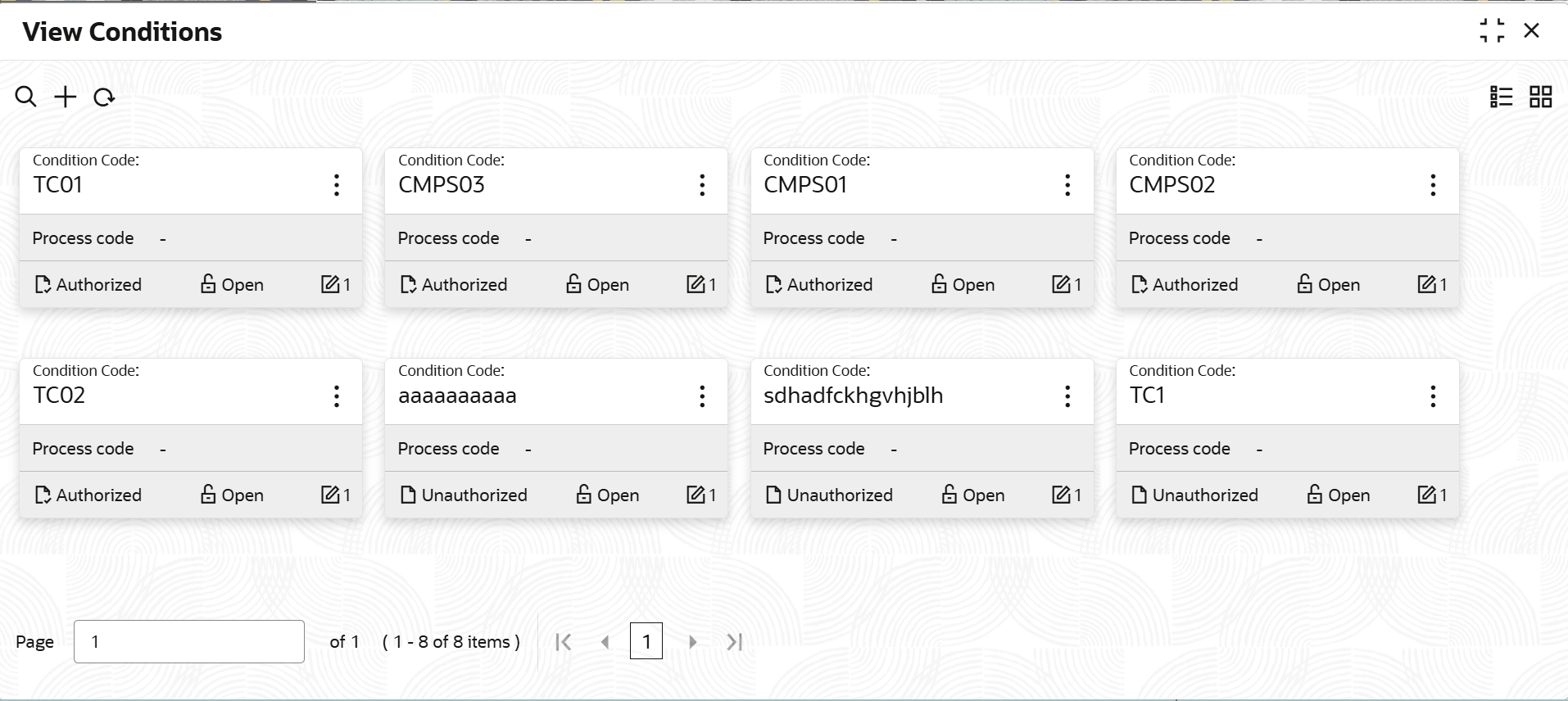
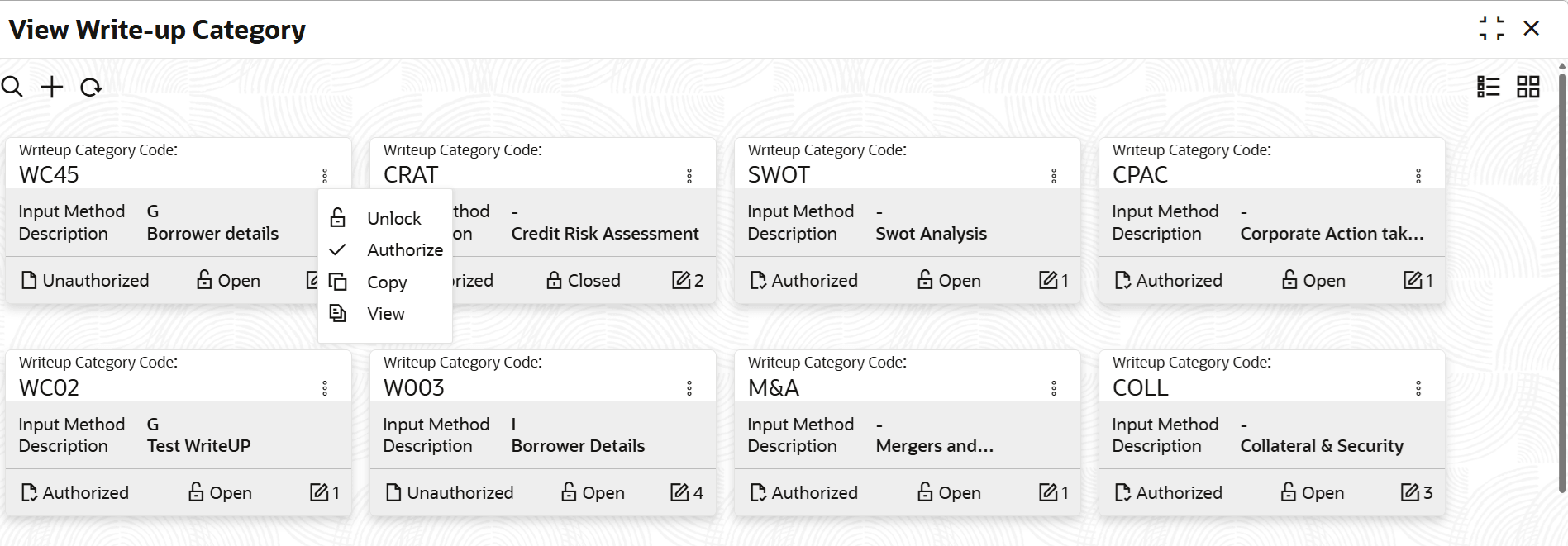
- Click the action icon in the record that needs to be authorized and then select
Authorize.The following screen is displayed.
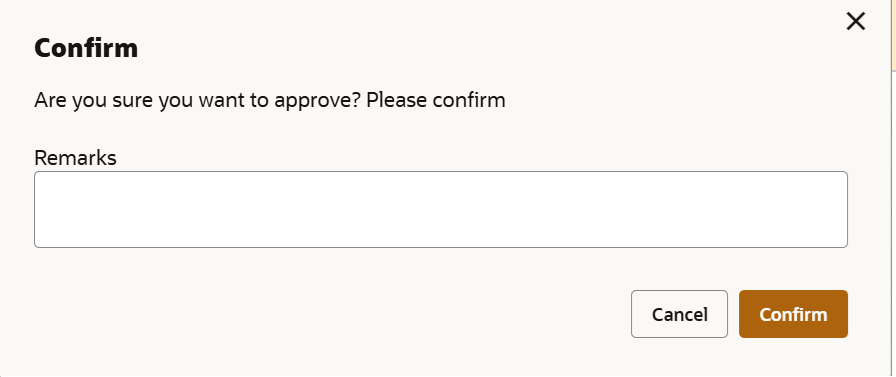
- Click Confirm.The confirmation dialogue box is displayed.
Figure 11-6 Confirm Terms and Conditions Approval
Parent topic: Terms and Conditions