10.1 Create Write-Up Category

This topic provides systematic instructions about the procedure to create a write-up category in OBCFPM.

The Create Write-up Category screen provides an option to create a new write-up category.
  1. From Home screen, select Credit Facilities. Under Credit Facilities, select Maintenance.
  2. Under Maintenance, select Write-up Category. Under Write-up Category, select View Write-Up Category.
    The Create Write-up Category screen is displayed.
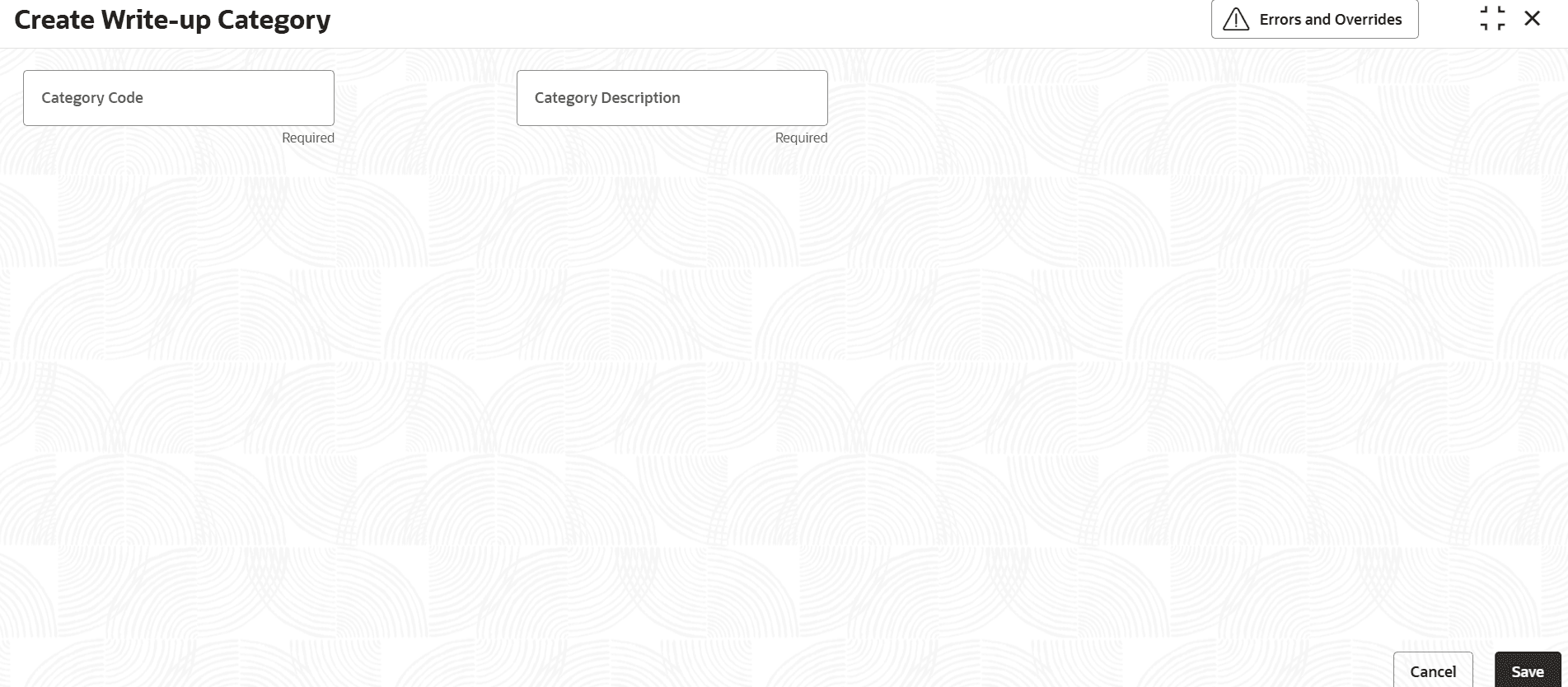
    Figure 10-1 Create Write-Up Category


  3. Provide or select the write-up category details based on description in the following table.

    Table 10-1 Create Write-Up Category - Field Description

    Field Description
    Category Code Specify a unique code for the write-up category.
    Category Description Type a brief description about the write-up category to be created.
  4. Click Save.
    The write-up category will be created upon authorization.