6.2 Modify Financial Ratio Benchmark

This topic provides systematic instructions about the procedure to modify a financial ratio benchmark record.

To modify any financial ratio benchmark, the benchmark record must be in an authorized state. The unauthorized financial ratio benchmark record can be modified only by the user who created the record.
  1. From Home screen, select Credit Facilities. Under Credit Facilities, select Maintenance.
  2. Under Maintenance, select Financial Ratio Benchmark. Under Financial Ratio Benchmark, select View Financial Ratio Benchmark.
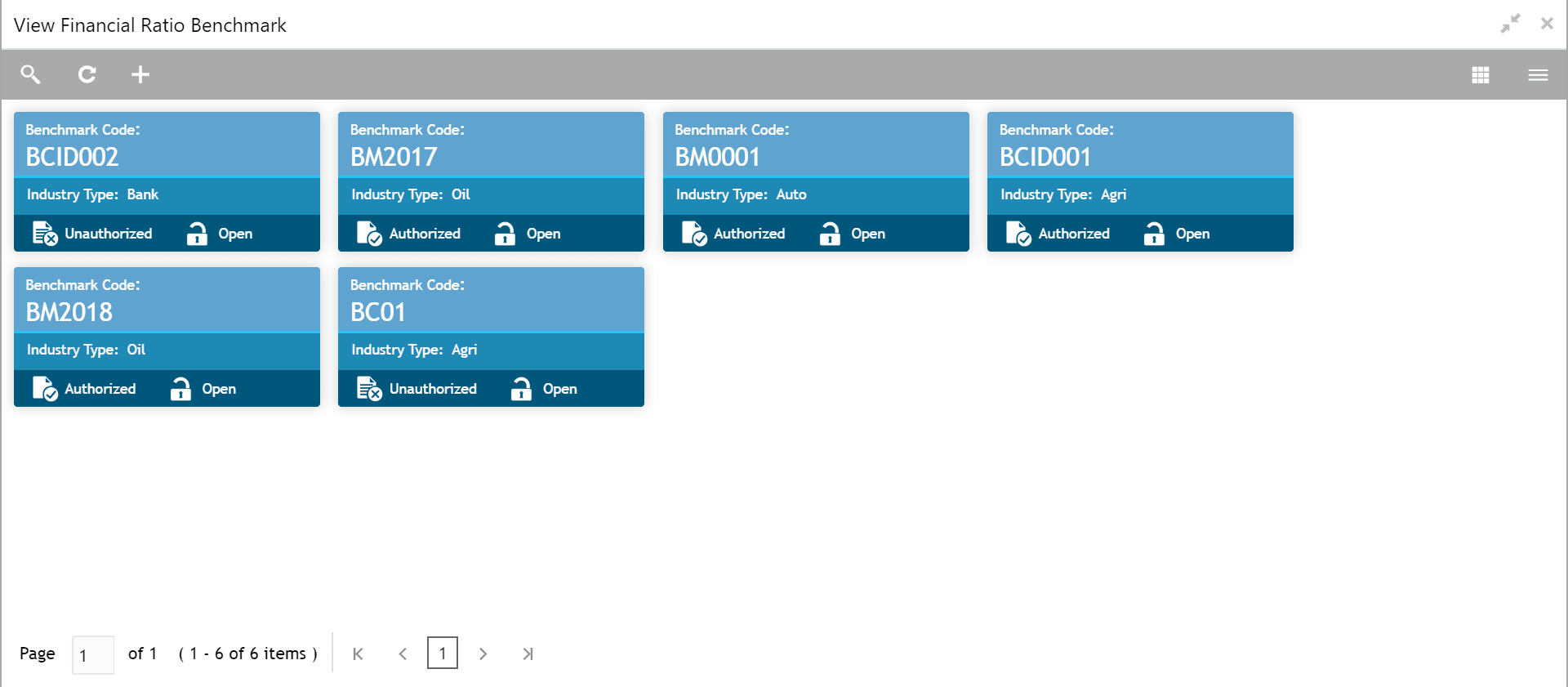
    The View Financial Ratio Benchmark screen is displayed.

    Figure 6-3 View Financial Ratio Benchmark


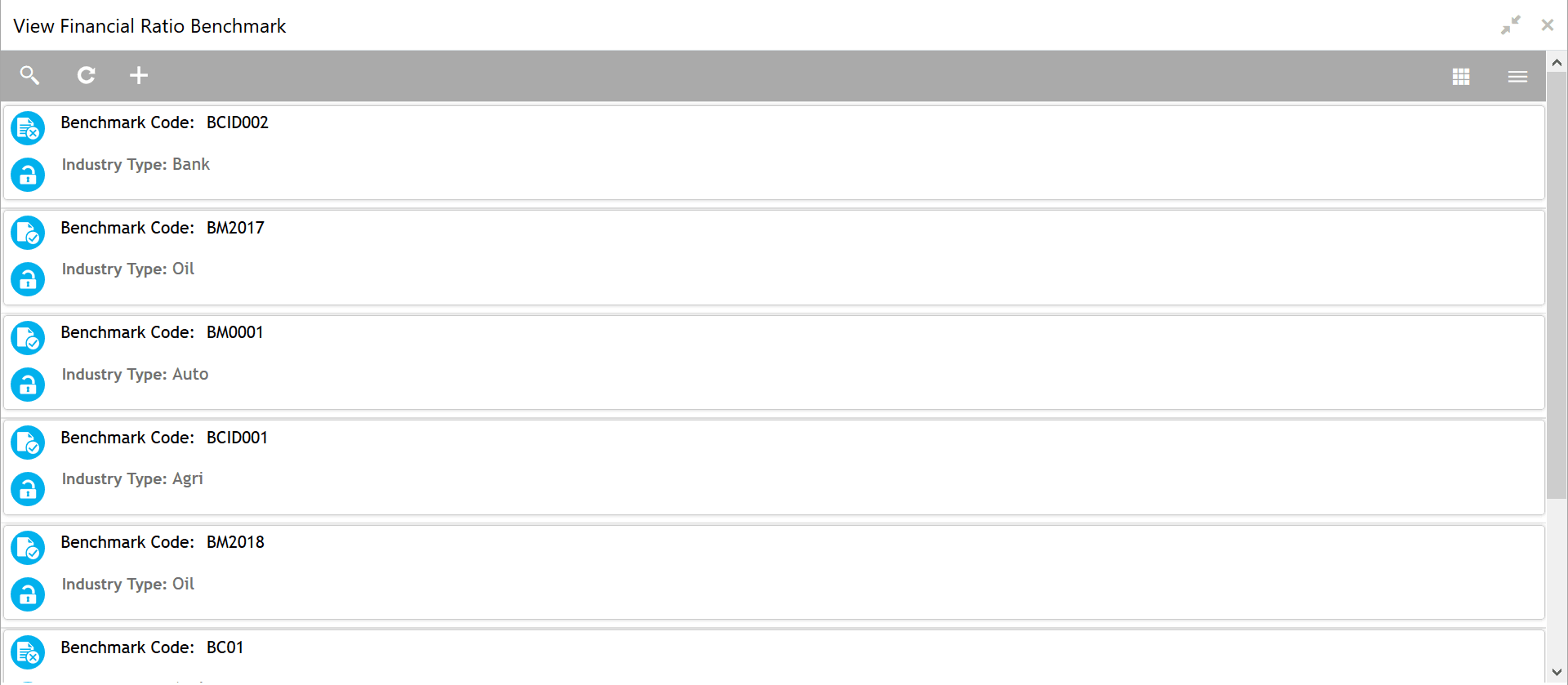
  3. Click the list view icon at the top right corner to change the table view to list view.
    The View Financial Ratio Benchmark screen is displayed as shown below.

    Figure 6-4 View Financial Ratio Benchmark - List


  4. Click the search icon to search the required benchmark record.
    The search bar is displayed as shown below.

    Figure 6-5 View Financial Ratio Benchmark - Search


  5. Select the status of financial ratio benchmark record based on description in the following table.

    Table 6-3 View Financial Ratio Benchmark - Search - Field Description
    Field Description
    Auth Status Select the authorization status of the financial ratio benchmark record. The available options are:
    • Authorized
    • Unauthorized
    Record Status Select the Record Status of the financial ratio benchmark. The available options are:
    • Open
    • Closed
  6. Click Search.
    The financial ratio benchmark records that match the search parameters are displayed.

  1. In the View Financial Ratio Benchmark screen, click the refresh icon to refresh the benchmark record list.
  2. Click the add icon to define new financial ratio benchmark.
  3. Click on the action icon in the required record and select Unlock.
    The Create Financial Ratio Benchmark screen is displayed in edit mode.
  4. Modify the required details.
  5. Click Save.
    The benchmark record will be modified upon authorization.
